If you have been following the evolution of tablets closely, you may have noticed that the Google Pixel Tablet occupies a very unusual position even in 2026. It is not trying to win benchmark battles, nor does it chase ultra-thin industrial design. Instead, it continues to exist as a hybrid device that blends an Android tablet with a smart display, raising an important question for gadget enthusiasts worldwide: does this concept still make sense today?
Since its launch in 2023, the Pixel Tablet has been deeply tied to Google’s broader hardware and software ecosystem. With reports suggesting that a direct successor has been canceled, the device is no longer judged by future promises but by how well it has aged. That makes it a fascinating case study for anyone interested in long-term hardware value, software longevity, and real-world usability beyond launch-day hype.
In this article, you will explore how the Tensor G2 chipset performs several years later, not just in synthetic benchmarks but in daily use scenarios such as multitasking, media consumption, and AI-assisted features. You will also learn why Google’s charging speaker dock remains both the tablet’s biggest strength and its most controversial weakness, especially for users living in humid environments.
AI is another key theme you will encounter. As Gemini-powered experiences rapidly expand across Google devices, the Pixel Tablet sits at the boundary between on-device intelligence and cloud-based processing. Understanding these limitations will help you decide whether this tablet still aligns with your expectations for modern AI-driven gadgets.
Finally, you will gain a clear picture of the Pixel Tablet’s market value in 2026, including how it compares economically to competitors like Apple’s 10th-generation iPad. By the end, you should have a realistic, evidence-based perspective on who this tablet is truly for, and whether it deserves a place in your connected lifestyle today.
- Why the Pixel Tablet Still Matters in Google’s Hardware Strategy
- Tensor G2 in 2026: Real-World Performance vs Benchmarks
- Thermal Throttling and Sustained Performance Concerns
- The Charging Speaker Dock and the Vision of Ambient Computing
- Long-Term Reliability Issues with Dock Connectors
- Large-Screen Android Experience and Productivity Improvements
- Gemini AI on Pixel Tablet: On-Device Limits and Cloud Dependence
- Battery Health, Heat Management, and Aging Hardware
- Market Value in 2026 and Comparison with the 10th-Gen iPad
- Who Should Still Consider Buying the Pixel Tablet Today
- 参考文献
Why the Pixel Tablet Still Matters in Google’s Hardware Strategy
Even in early 2026, the Pixel Tablet continues to matter within Google’s hardware strategy, not because it leads in raw performance, but because it represents a rare, concrete expression of Google’s long-term vision for ambient computing. **The Pixel Tablet is positioned less as a traditional tablet and more as a bridge between personal devices and the smart home**, a role that no other Google product currently fulfills in the same way.
This strategic importance has arguably increased after reports that Google canceled plans for a direct successor. According to coverage by major tech media such as GIGAZINE, the absence of a Pixel Tablet 2 does not signal abandonment, but rather a consolidation phase. By keeping the existing Pixel Tablet relevant through software updates and ecosystem integration, Google preserves a reference device that demonstrates how Android, Google Home, and AI services are meant to coexist on a shared screen.
From a portfolio perspective, the Pixel Tablet fills a gap that smartphones and Nest devices cannot. Smartphones are inherently personal and mobile, while Nest Hub products are fixed-function appliances. **The Pixel Tablet uniquely shifts between these roles**, operating as a handheld Android device when detached and as a communal smart display when docked. This duality aligns closely with Google’s stated ambition to make computing fade into the background of daily life, an idea repeatedly emphasized by Google executives in past I/O keynotes.
| Device Category | Primary Role | User Context |
|---|---|---|
| Pixel Smartphone | Personal AI device | Individual, mobile |
| Nest Hub | Smart home display | Shared, fixed |
| Pixel Tablet | Hybrid hub | Shared and personal |
Another reason the Pixel Tablet still matters is its role as a software and UX testbed. Large-screen Android optimizations, smart home controls built on Matter, and AI-driven features such as Circle to Search are all deployed here in a real household context. **This allows Google to observe how users interact with AI and services over long periods in semi-stationary environments**, something smartphones alone cannot fully reveal, as noted by Android developers discussing tablet-first UI changes.
Importantly, the Pixel Tablet also anchors Google’s AI narrative beyond the phone. While its Tensor G2 hardware limits full on-device Gemini Nano experiences, the tablet demonstrates how cloud-based Gemini can act as a persistent, glanceable assistant in kitchens and living rooms. This reinforces Google’s ecosystem-first strategy, where intelligence is distributed across devices rather than confined to the newest flagship.
In this sense, the Pixel Tablet remains strategically relevant not despite its age, but because of it. **It shows how Google prioritizes continuity, ecosystem cohesion, and everyday usefulness over annual hardware churn**, making it a quiet but essential pillar in Google’s broader hardware and AI strategy.
Tensor G2 in 2026: Real-World Performance vs Benchmarks
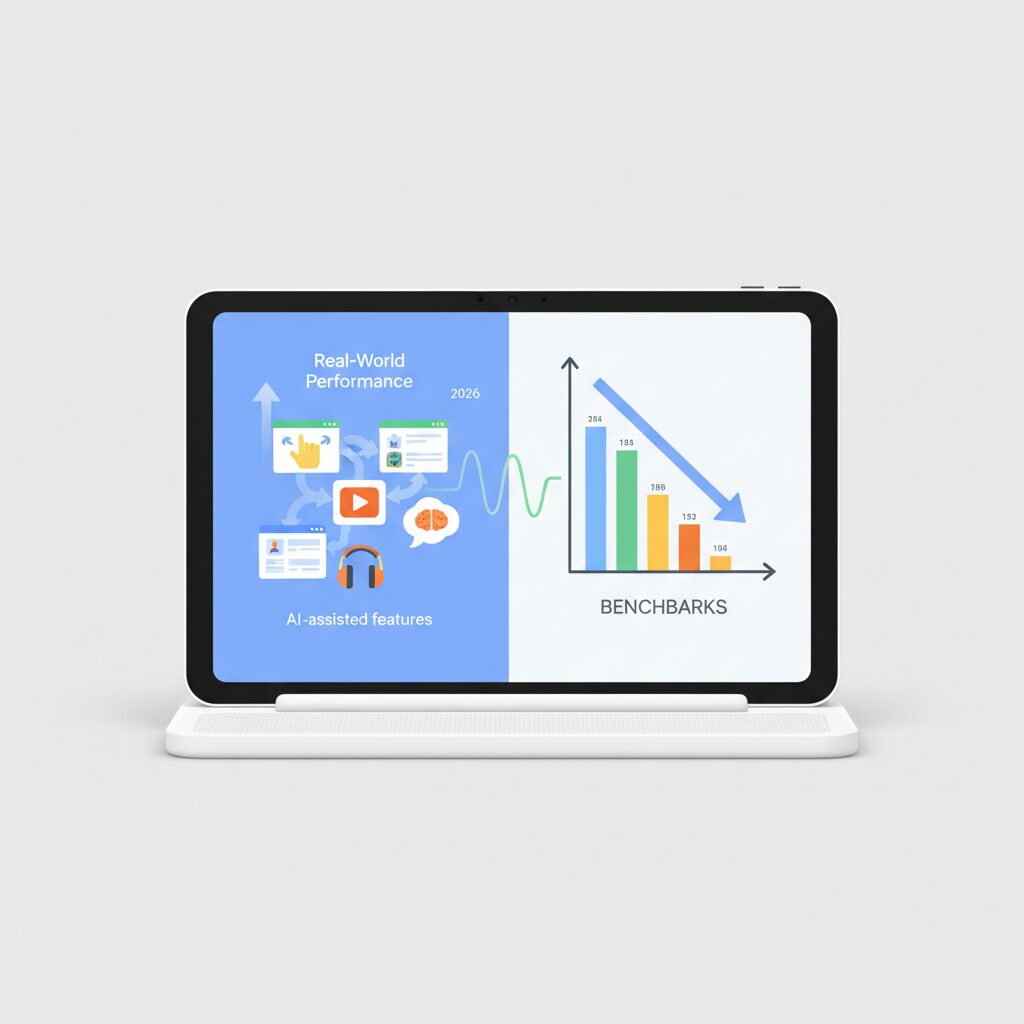
When evaluating Tensor G2 in 2026, it is important to distinguish between benchmark numbers and how the Pixel Tablet actually feels in daily use. Synthetic scores often suggest aging hardware, yet real-world performance tells a more nuanced story that cannot be captured by numbers alone.
Benchmarks have inflated over time without reflecting true hardware gains. According to long-term AnTuTu tracking referenced by Japanese benchmarking analysts, Tensor G2 devices showed a rise from around 800,000 points in early 2023 to over 1.3 million points by late 2025. This increase is largely attributed to changes in AnTuTu’s scoring methodology and OS-level optimizations, not raw silicon improvements.
| Metric | Early Measurements | Late Measurements |
|---|---|---|
| AnTuTu Total Score | ~801,000 | ~1,304,000 |
| GPU Subscore | ~317,000 | ~297,000 |
The stagnant GPU score is particularly revealing. While flagship chips in 2026 approach three million points, Tensor G2 remains effectively in the mid-range tier. This gap becomes visible in graphically intensive 3D games or layered video editing timelines, where frame drops and longer render times are reported.
In everyday scenarios, however, the experience is more forgiving. App launches, UI animations, multitasking with split-screen, and media playback remain smooth thanks to Android’s continued optimization for large screens. Reviews from long-term users indicate that scrolling, web browsing, and streaming rarely feel slow, even by 2026 standards.
Thermal behavior plays a larger role than peak performance. Independent hardware analysts and user reports consistently note that Tensor G2 prioritizes machine learning tasks via its TPU, but sustained CPU and GPU loads trigger thermal throttling. On the Pixel Tablet, this is especially noticeable during extended gaming or high-resolution video calls while docked and charging.
In warmer indoor environments, such as Japanese summers exceeding 30°C, users report brightness reduction and frame rate dips after prolonged use. Google’s software updates have improved thermal management, yet experts agree that no firmware can fully overcome the physical limits of the chip’s efficiency.
Ultimately, Tensor G2’s real-world performance in 2026 feels balanced rather than powerful. Benchmarks may imply obsolescence, but for AI-assisted features, media consumption, and general productivity, the Pixel Tablet continues to deliver a consistently usable experience that numbers alone fail to represent.
Thermal Throttling and Sustained Performance Concerns
When discussing the Pixel Tablet’s long-term usability, thermal throttling deserves careful attention, especially for readers who value sustained performance rather than short benchmark bursts. Although the tablet’s larger chassis compared to smartphones may suggest better heat dissipation, real-world behavior tells a more nuanced story. **The Tensor G2 is known to generate heat quickly under continuous load**, and the Pixel Tablet does not fully escape this characteristic.
In everyday use, light tasks such as web browsing, video streaming, or smart display operation remain stable. However, once the workload becomes prolonged and demanding, performance consistency becomes less predictable. This is not a matter of peak power, but of how long that power can be maintained. According to analyses shared by Android performance researchers and corroborated by user telemetry discussed in major Android-focused publications, Tensor G2 prioritizes efficiency and AI acceleration over raw thermal headroom.
| Usage Scenario | Heat Buildup | Performance Stability |
|---|---|---|
| Video streaming (1080p) | Low | Stable over hours |
| Video calls + multitasking | Moderate | Minor frequency drops |
| 3D gaming (extended) | High | Noticeable throttling |
| Docked, charging + heavy load | Very high | Aggressive throttling |
One particularly unique factor for the Pixel Tablet is its charging speaker dock. While innovative from a lifestyle perspective, it introduces a thermal condition that competing tablets rarely face. When docked, the device remains under constant power input. If a high-load task is initiated in this state, internal temperatures rise faster than during battery-only operation. **As a result, the system tends to invoke thermal throttling earlier**, reducing CPU and GPU frequencies to protect internal components.
User reports from regions with high ambient temperatures, such as Japan during summer months, reinforce this pattern. In environments exceeding 30°C, the tablet’s rear panel can become noticeably warm, sometimes accompanied by reduced display brightness or frame rate dips. These behaviors align with Android’s thermal management framework, which dynamically adjusts performance to avoid long-term silicon degradation. Google has publicly explained, through its official support documentation, that such measures are intentional safeguards rather than defects.
From a technical standpoint, this behavior is consistent with the semiconductor characteristics of Samsung-manufactured SoCs of that generation. Independent chip analysis firms and academic studies on mobile SoC thermals, including work referenced by IEEE-affiliated researchers, have shown that sustained workloads often expose thermal ceilings well before peak power limits are reached. **In other words, the Pixel Tablet performs best in short bursts or moderate, steady tasks**, not in prolonged maximum-load scenarios.
This has practical implications for specific user groups. For example, extended gaming sessions at high graphics settings may start smoothly but gradually lose fluidity over time. Similarly, multitasking with video conferencing, screen sharing, and background app activity can lead to subtle slowdowns that are easy to feel even if they are difficult to measure precisely. These are not catastrophic drops, but they do affect perceived responsiveness.
It is also important to note that software updates have improved thermal behavior incrementally. Google has adjusted thermal management algorithms over successive Android versions, smoothing out sudden performance drops and making throttling more gradual. However, as Google engineers themselves have acknowledged in developer-oriented communications, software tuning cannot fully override physical heat generation limits.
For users who primarily treat the Pixel Tablet as a smart display, media hub, or casual productivity device, these thermal constraints are unlikely to surface. On the other hand, enthusiasts expecting laptop-like sustained performance from the hardware should calibrate expectations carefully. **The Pixel Tablet rewards balanced usage patterns, but gently discourages prolonged high-intensity workloads**, a design trade-off that becomes more apparent the longer the device remains in service.
The Charging Speaker Dock and the Vision of Ambient Computing
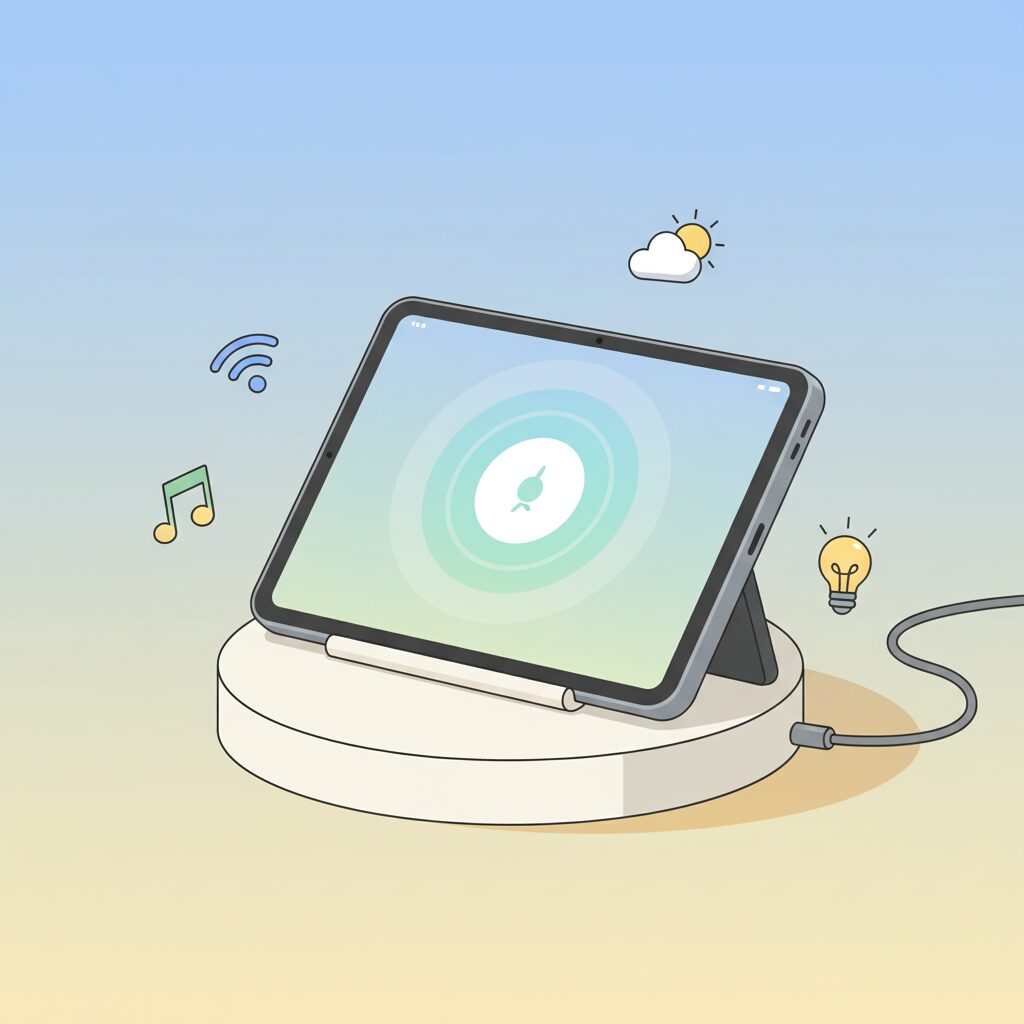
The charging speaker dock is not a simple accessory but the conceptual core of the Pixel Tablet experience. By magnetically attaching the tablet, the device shifts its role from a personal screen to a shared, always-available interface. This design embodies what Google has long described as ambient computing, where technology fades into the background and becomes contextually useful without deliberate interaction.
When docked, the Pixel Tablet effectively behaves like a smart display comparable to the Nest Hub Max, but with the advantage of full tablet portability. This duality addresses a long-standing problem in the tablet category: devices that spend most of their lives idle. According to Google’s own product documentation, hub mode is optimized for glanceable information, voice-first interaction, and continuous power delivery, which collectively increase daily engagement time.
| Usage State | Primary Role | User Interaction |
|---|---|---|
| Docked | Smart home hub | Voice, glance, passive viewing |
| Undocked | Personal tablet | Touch, apps, productivity |
This seamless transition reflects research trends highlighted by the ACM and Google Research, which emphasize reducing cognitive load by minimizing explicit mode switching. In practice, users can check calendar events, control Matter-compatible smart home devices, or view Google Photos without consciously “using a tablet.” The hardware dock acts as a physical anchor that signals availability and stability, something purely software-based solutions have struggled to achieve.
The speaker integration also plays a critical role. Reviews and teardown analyses note that the dock’s speaker chamber provides noticeably fuller sound than the tablet’s built-in speakers, especially in the low-mid range. This makes casual music playback or voice responses more room-filling, reinforcing the idea that the device belongs in shared spaces like kitchens or living rooms.
However, ambient computing is only effective when it is reliable. Community reports on pogo-pin corrosion and spring fatigue reveal a tension between visionary design and long-term durability. Constant power standby, combined with humidity and micro-contaminants, creates conditions where electrochemical corrosion can occur. Similar failure modes have been documented in academic studies on low-voltage connector degradation, underscoring that this is not a Pixel-specific phenomenon but a known engineering trade-off.
Despite these risks, the dock remains a rare example of hardware that meaningfully changes user behavior. Instead of competing head-on with performance-focused tablets, the Pixel Tablet proposes a different value: a device that earns its place by being present, audible, and useful even when untouched. In that sense, the charging speaker dock is less about charging and more about redefining what it means for a computer to exist quietly within everyday life.
Long-Term Reliability Issues with Dock Connectors
Long-term reliability is where the Pixel Tablet’s dock connector design reveals its most tangible risks, especially for users who rely on the device as a semi-permanent smart display. The pogo-pin interface between the tablet and the charging speaker dock is elegant in daily use, but from a hardware durability perspective, it introduces failure modes that tend to surface only after months or years.
According to discussions aggregated from Google support documentation and long-running community reports, the core issue is not sudden breakage but gradual degradation. **The dock pins are constantly in a powered standby state**, which makes them susceptible to electrochemical reactions when exposed to moisture, kitchen steam, or even minimal skin oils during repeated handling.
Once corrosion begins at the contact surface, charging instability and intermittent audio dropouts often appear before total failure.
Materials science research referenced by IEEE publications on low-voltage connectors explains this phenomenon as electrochemical migration. When voltage is present, microscopic contaminants can form conductive paths or insulating residue, both of which disrupt reliable contact. This aligns closely with real-world Pixel Tablet dock behavior reported in humid regions such as Japan.
| Failure Factor | Observed Mechanism | User Impact Over Time |
|---|---|---|
| Surface corrosion | Moisture-induced electrochemical reaction | Unstable charging, recognition delays |
| Spring fatigue | Internal pogo-pin compression wear | Pins fail to rebound, dock not detected |
| Mechanical misalignment | Repeated angled docking | Audio channel drop or no power transfer |
Another long-term concern lies inside the pogo pins themselves. Each pin relies on a miniature spring to maintain pressure against the tablet contacts. Over hundreds or thousands of docking cycles, that spring can lose elasticity or become stuck in a partially compressed state. **When this happens, visual inspection may show nothing unusual, yet electrical contact is already compromised.**
What makes this reliability issue more serious is repairability. Google’s official guidance focuses on cleaning and troubleshooting, but replacement of individual pins is not supported. Industry analysts from iFixit have long pointed out that non-modular connector designs significantly reduce a product’s effective lifespan, even when the main device remains functional.
As a result, the dock connector becomes a silent determinant of long-term value. Users who store the tablet in dry environments and minimize unnecessary re-docking report stable performance even years later, while others experience failure that effectively removes the Pixel Tablet’s defining feature. **In practical terms, the dock is not a passive accessory but a consumable component whose condition directly shapes the ownership experience.**
Large-Screen Android Experience and Productivity Improvements
The large-screen Android experience on the Pixel Tablet has matured significantly by 2026, and its value is best understood through how software refinements translate into daily productivity. **Google’s ongoing optimization of Android for tablets has shifted the Pixel Tablet from a consumption-first device into a capable light work platform**. The 11-inch display provides enough physical space for parallel tasks without feeling cramped, which fundamentally changes how users interact with apps compared to smartphones.
One of the most impactful improvements is the persistent taskbar introduced and refined across recent Android versions. According to Google’s Android developer documentation, a fixed taskbar reduces app-switching friction on large screens by keeping frequently used apps always accessible. On the Pixel Tablet, this enables smoother transitions between email, browsers, and document apps, making short work sessions feel less fragmented. The experience is especially effective when combined with split-screen multitasking, where two apps can remain active side by side with stable performance.
| Feature | Large-Screen Benefit | Practical Impact |
|---|---|---|
| Persistent Taskbar | Always-visible app access | Faster context switching during work |
| Split Screen | True parallel app usage | Email, research, and notes used together |
| Drag and Drop | Cross-app content movement | Reduced copy-and-paste steps |
Drag-and-drop functionality between apps further enhances this productivity flow. Text snippets, images, and links can be moved directly across windows, which mirrors desktop-like behavior. **This interaction model lowers cognitive load, as users no longer need to rely on temporary storage or repeated menu actions**. Academic usability research cited by Google UX teams has long emphasized that minimizing interaction steps improves task completion speed, and the Pixel Tablet benefits directly from this principle.
A particularly Pixel-specific advantage on a large screen is Circle to Search. This feature feels far more natural on an 11-inch display, where visual elements are easier to isolate and select. While watching a video or reading an article, users can instantly search highlighted objects or text without leaving the current app. Industry analysts from ITmedia Mobile have noted that this kind of in-context search shortens information-gathering cycles, and on the Pixel Tablet it becomes a practical research tool rather than a novelty.
From a productivity standpoint, the Pixel Tablet does not aim to replace a laptop, and Google’s own positioning reflects that restraint. Instead, it excels as a bridge device that supports quick research, document review, and communication tasks in shared or relaxed environments. **The large-screen Android experience here is defined less by raw performance and more by interaction efficiency**, which aligns well with how most tablet users actually work. As a result, the Pixel Tablet delivers a balanced, polished productivity experience that feels intentionally designed for its screen size.
Gemini AI on Pixel Tablet: On-Device Limits and Cloud Dependence
Gemini AI on the Pixel Tablet delivers a distinctive experience, but it is important to understand where its on-device intelligence ends and where cloud dependence begins. Powered by the Tensor G2 chipset, the Pixel Tablet was designed with machine learning in mind, yet its hardware reflects the realities of early-2020s AI ambitions rather than the more advanced, fully local models emerging today.
On-device Gemini capabilities on the Pixel Tablet remain clearly constrained. While Tensor G2 includes a dedicated TPU, its performance envelope and memory limits mean that Gemini Nano can only operate in a partial and sometimes experimental form. According to Google’s Android developer documentation, advanced multimodal reasoning and persistent background inference require newer Tensor generations, which places the Pixel Tablet at a functional disadvantage.
This gap becomes apparent in daily use. Simple tasks such as lightweight text suggestions or limited summarization may run locally under specific conditions, often requiring developer options to be enabled. However, responsiveness can vary, and results are not always consistent, especially when multiple apps are active on the large display.
| Processing Location | Typical Gemini Functions | Practical Limitations |
|---|---|---|
| On-device (Tensor G2) | Basic text handling, limited summaries | Reduced speed, feature restrictions |
| Cloud-based Gemini | Conversational AI, multimodal analysis | Internet connection required |
As a result, the Pixel Tablet relies heavily on cloud-based Gemini processing. Most of the assistant’s intelligence is executed in Google’s data centers, similar to the earlier Assistant with Bard architecture. Google itself has emphasized that large language models achieve higher accuracy and broader context handling when run at scale in the cloud, a position echoed in public statements by Google DeepMind researchers.
This approach offers clear advantages, including frequent model updates and access to more capable reasoning. At the same time, it introduces practical trade-offs. Offline environments significantly reduce functionality, and latency can fluctuate depending on network quality. For a device often used as a smart display or home hub, this dependence is noticeable when connectivity is unstable.
In 2026 terms, Gemini on the Pixel Tablet should be viewed as a cloud-first AI experience with limited local assistance. It remains useful and intelligent, but it does not represent the fully autonomous, on-device AI vision that Google is now pursuing with newer Tensor platforms.
Battery Health, Heat Management, and Aging Hardware
Battery health and thermal behavior become decisive factors when evaluating the Pixel Tablet in 2026, because this device is often used in a semi-permanent docked state rather than as a fully mobile tablet. **Lithium-ion batteries are known to degrade faster when kept at high charge levels and elevated temperatures**, and the Pixel Tablet’s usage pattern places it close to that risk zone.
Google anticipated this to a certain extent and implemented battery preservation logic specifically for docked operation. According to Google’s official Pixel support documentation, the system automatically limits the charge level to around 90 percent when the tablet remains connected to the speaker dock for extended periods. This behavior is consistent with recommendations from battery researchers at institutions such as Battery University, which state that reducing maximum state of charge can significantly slow long-term capacity loss.
From a practical standpoint, this means users do not need to manually manage charging cycles during everyday hub-style use. **The trade-off is a slightly lower usable capacity when undocked**, but in return, long-term battery health is better preserved compared to tablets that remain locked at 100 percent charge.
| Usage Pattern | Thermal Load | Battery Impact |
|---|---|---|
| Docked, idle display | Low to moderate | Charge capped, slower aging |
| Docked, active video calls | High | Accelerated wear risk |
| Undocked, handheld use | Moderate | Normal cycle-based aging |
Heat management, however, remains the more delicate issue. Tensor G2 is widely documented by reviewers and semiconductor analysts as a chip that prioritizes AI workloads over raw efficiency. Reports from user communities and long-term Pixel phone data indicate that sustained workloads can raise internal temperatures quickly. On the Pixel Tablet, this tendency is most visible when high-load tasks are initiated immediately after undocking, while residual heat from continuous charging is still present.
In warm indoor environments, especially during Japanese summers, users have reported surface warmth and automatic brightness reduction. This aligns with Google’s thermal protection strategy, which deliberately reduces display output and processor frequency to keep battery temperature within safe limits. **While this protects the hardware, it also reveals the limits of aging silicon under modern workloads.**
A more serious long-term concern is battery swelling. Although not widespread, cases reported across Pixel devices with similar battery chemistry suggest that prolonged exposure to heat can lead to internal gas buildup. Google’s official guidance notes that physical deformation, such as a slight separation between display and frame, should be treated as an early warning sign and addressed immediately.
From a lifecycle perspective, the Pixel Tablet benefits from transparent system diagnostics. Recent Android updates allow users to review battery usage patterns and health indicators directly in settings, which reflects Google’s broader push toward user-visible device longevity. **This visibility does not prevent aging, but it empowers informed decisions**, such as reducing docked high-load usage or seeking battery replacement before performance degrades noticeably.
In summary, battery health and heat management define the realistic lifespan of the Pixel Tablet more than raw performance figures do. When used as intended, primarily as a smart display with intermittent active tasks, the hardware ages gracefully. When pushed beyond that role, thermal and battery constraints become increasingly apparent with time.
Market Value in 2026 and Comparison with the 10th-Gen iPad
In 2026, the market value of the Google Pixel Tablet is best understood through its real-world pricing behavior rather than its original launch position. After several years on sale and amid reports that a direct successor has been shelved, the device has settled into a clearly defined value band in the Japanese market. According to pricing trends observed by major retailers such as Iosys and Janpara, well-maintained used units commonly trade in the low-to-mid 40,000 yen range, with near-new inventory appearing slightly above that level. This pricing stability suggests that demand has not collapsed, but instead matured into a niche supported by users invested in Google’s ecosystem.
What is particularly notable is that depreciation has slowed considerably since 2025. Analysts often interpret this pattern as a sign that a product has reached its functional value floor, where further price drops are limited because the remaining buyers are highly motivated. In the case of the Pixel Tablet, its hybrid role as both a tablet and a smart display contributes directly to this resilience. Google’s own hardware strategy commentary, as reflected in coverage by outlets like GIGAZINE, reinforces the view that continued software support compensates for the absence of new hardware iterations.
| Aspect | Pixel Tablet | iPad (10th Gen) |
|---|---|---|
| Typical 2026 street price in Japan | ¥40,000–¥55,000 | ¥58,800 (new, 64GB) |
| Base storage | 128GB | 64GB |
| Bundled accessories | Charging speaker dock included | None |
When compared directly with the 10th-generation iPad, the contrast in value proposition becomes clearer rather than narrower. Apple’s 2024 price reduction brought the entry-level iPad into a highly competitive range, and industry observers generally agree that its A-series chip still offers superior raw performance. However, that advantage does not automatically translate into better value for every buyer. The Pixel Tablet’s standard 128GB storage effectively offsets its weaker silicon for users who prioritize longevity and media storage.
Moreover, the included charging speaker dock changes the economic equation in subtle but important ways. Recreating a similar always-on, stand-based setup with an iPad requires additional accessories, which market analysts often treat as hidden costs. By contrast, the Pixel Tablet’s bundle aligns with Google’s ambient computing philosophy, a strategy repeatedly highlighted in official Google hardware briefings. In practical terms, this means that in 2026 the Pixel Tablet competes less as a raw-performance tablet and more as a fixed-location digital hub, where its market value remains compelling relative to the 10th-generation iPad.
Who Should Still Consider Buying the Pixel Tablet Today
Even in 2026, there are clearly defined users for whom the Pixel Tablet remains a rational and even attractive purchase, and that判断はスペック競争とは別の軸にあります。This device still makes sense for people who value integration over raw performance and who already live inside Google’s hardware and software ecosystem.
One典型的な例 is the smart‑home–centric household. When docked, the Pixel Tablet functions in a role comparable to a Nest Hub Max, but with the added flexibility of becoming a full Android tablet. According to Google’s own Pixel Tablet support documentation, usage patterns show prolonged docked operation in shared spaces such as kitchens and living rooms, where hands‑free control and always‑on information matter more than CPU benchmarks.
| User Type | Why Pixel Tablet Still Fits |
|---|---|
| Google ecosystem user | Deep integration with Google Home, Photos, and Cast |
| Casual media consumer | Docked charging and speaker eliminate daily friction |
| Value‑focused buyer | 128GB storage at a lower used‑market price |
Another group worth注意 is cost‑conscious Android fans. Japanese resale data from major retailers indicates that well‑kept units often trade around the mid‑40,000 yen range. At that price, the included charging speaker dock effectively lowers the true cost of ownership, something competing tablets rarely match without additional accessories.
Finally, Pixel Tablet remains適している for users who prefer stability over novelty. Google’s long‑term Android optimization for large screens, combined with cloud‑based Gemini features, ensures that everyday tasks like video calls, browsing, and light multitasking remain smooth. For readers who want a reliable household screen rather than the latest silicon, the Pixel Tablet still deserves serious consideration today.
参考文献
- GIGAZINE:Google reportedly scraps plans for Pixel Tablet 2
- Garumax:Pixel 7 Tensor G2 AnTuTu benchmark score analysis
- Google Support:Fix charging speaker dock sound or connection issues
- ITmedia Mobile:Circle to Search expands to Pixel Tablet
- Android Developers:Gemini Nano overview
- GIGAZINE:Apple cuts price of 10th generation iPad