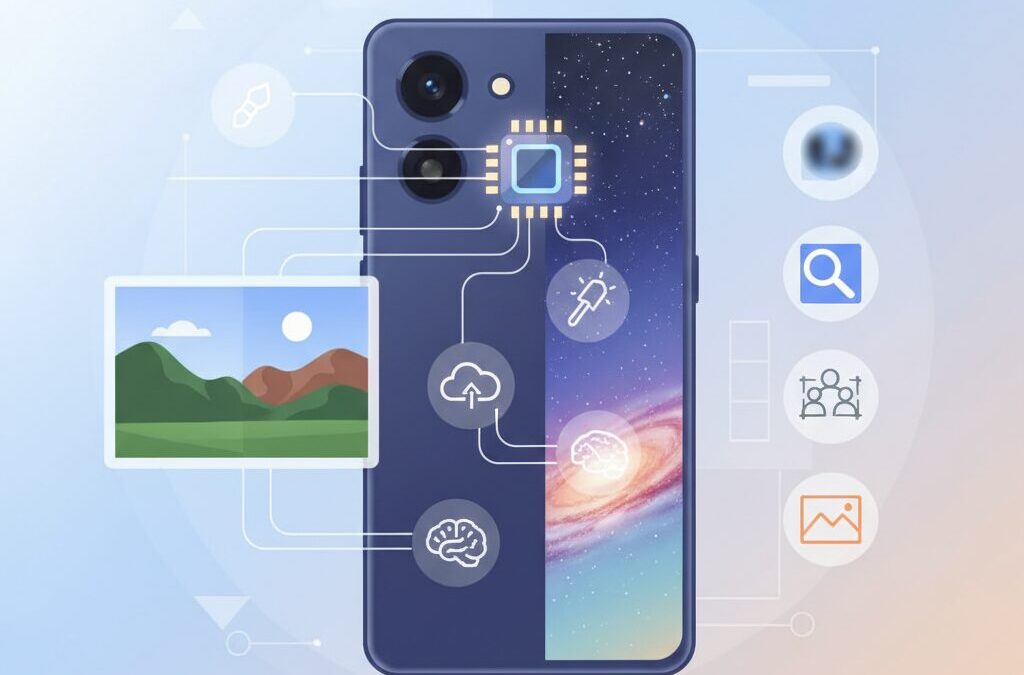
If you are passionate about gadgets, cameras, and the future of mobile AI, the Pixel 10 series is impossible to ignore. Smartphones are no longer competing only on megapixels or raw performance, and this shift becomes very clear when you look at how Google approaches imaging and creativity.
With the Pixel 10 lineup, Google moves beyond the idea of a phone as a simple capture device and positions it as an active creative partner. From the new Tensor G5 chip built on an advanced 3nm process to AI-driven tools that respond to natural language, image creation is becoming faster, more intuitive, and more accessible than ever before.
What makes this especially interesting is how these technologies affect real-world workflows. Everyday photo edits that once required desktop software can now be tested in seconds, while complex tasks like object removal, background reimagining, or ultra-high zoom are handled directly on the device or seamlessly with the cloud.
At the same time, there are important trade-offs. Professional users still face challenges around file management, third-party app compatibility, and the balance between authenticity and AI enhancement. Understanding these strengths and limitations is essential before deciding whether the Pixel 10 fits your creative style.
In this article, you will gain a clear, structured overview of how the Pixel 10 series transforms image generation and editing, what Tensor G5 enables behind the scenes, and how it compares to rival flagship phones. By the end, you will know exactly where this device shines and where caution is still needed, helping you make a smarter, more confident choice.
- Why the Pixel 10 Series Marks a Turning Point for Mobile AI
- Tensor G5 Explained: 3nm Silicon Built for Creative Workflows
- GPU and TPU Changes That Power Next-Generation Image Processing
- Camera Hardware Meets AI: Sensors, Optics, and Computational Photography
- 100x Pro Res Zoom and the Rise of AI-Generated Detail
- Pixel Studio: On-Device Image Generation in Everyday Use
- Ask Photos and Magic Editor 2.0: Editing with Natural Language
- Where Pixel 10 Struggles: Professional Workflows and File Management
- Thermal Performance and Video Boost: The Reality Behind AI Video
- Pixel 10 vs Galaxy and iPhone: Different Philosophies of Mobile AI
- 参考文献
Why the Pixel 10 Series Marks a Turning Point for Mobile AI
The Pixel 10 series represents a genuine turning point for mobile AI because it shifts artificial intelligence from a background feature to a primary driver of everyday user experience. Until now, smartphone AI has often been framed as an enhancement layer, improving photos slightly or automating minor tasks. With Pixel 10, Google positions AI as a real-time creative and cognitive partner that operates seamlessly across the device.
At the center of this shift is the fully redesigned Tensor G5, manufactured by TSMC on a 3nm process. According to analyses from Android Authority and Google’s own technical disclosures, this transition delivers a meaningful leap in sustained performance and power efficiency, enabling complex AI workloads to run continuously on-device. **This is critical because it allows generative and contextual AI to respond instantly, without breaking the user’s flow.**
| Aspect | Pre-Pixel 10 Approach | Pixel 10 Series |
|---|---|---|
| AI Execution | Mostly cloud-dependent | Hybrid with strong on-device focus |
| User Interaction | Menu- and parameter-driven | Language- and intent-driven |
| Creative Latency | Noticeable waiting times | Near-instant feedback |
The fourth-generation TPU inside Tensor G5 plays a decisive role here. Google reports up to a 60% improvement in AI throughput, and independent benchmarks indicate Gemini Nano runs approximately 2.6 times faster than on the previous generation. **This performance gain is not about raw numbers but about removing hesitation**, whether generating an image concept or interpreting natural language commands during photo editing.
Equally important is the introduction of the Matformer architecture, which dynamically scales model complexity depending on the task. Research trends discussed by Google engineers suggest this approach is essential for making large models practical on mobile hardware. In real-world terms, the phone no longer treats all AI requests equally heavy-handed; it chooses speed or depth intelligently.
Seen from a broader industry perspective, analysts at outlets such as The Verge and MIT Technology Review have repeatedly argued that the future of mobile AI depends on tight hardware-software co-design. **Pixel 10 is one of the clearest realizations of that thesis so far**, marking a moment when AI stops feeling experimental and starts feeling inevitable in daily smartphone use.
Tensor G5 Explained: 3nm Silicon Built for Creative Workflows

Tensor G5 is the first Google-designed mobile SoC manufactured on TSMC’s second-generation 3nm process, and this shift directly reshapes creative workflows on Pixel 10 devices. Compared with the previous Tensor G4, the finer process improves power efficiency under sustained AI workloads, which is critical for creators who repeatedly generate, edit, and refine images without interrupting their creative flow.
The move to 3nm silicon is not just about peak performance, but about consistency. Independent benchmark analyses reported by Android Authority and NotebookCheck indicate double‑digit gains in CPU performance alongside noticeably lower thermal buildup during long editing sessions. This allows tasks such as exporting high‑resolution photos or applying complex filters to remain responsive instead of slowing down after a few minutes.
At the CPU level, Tensor G5 combines a high‑frequency Cortex‑X4 prime core with new Cortex‑A725 performance cores. This configuration benefits creative apps that rely on quick, single‑threaded interactions, such as brush adjustments or layer toggling, while still accelerating batch operations like image exports.
| Aspect | Tensor G5 Impact | Creative Relevance |
|---|---|---|
| Process node | TSMC 3nm (N3E) | Stable performance in long edits |
| CPU gains | ~15–18% single‑core uplift | Snappier UI response |
| AI efficiency | Up to 2× better perf/W | Faster iteration cycles |
Equally important is the fourth‑generation TPU, which Google states delivers up to a 60% AI performance increase. According to Google’s official technical briefings, this enables on‑device models to switch dynamically between lightweight and full models using the Matformer architecture. In practice, this means creators can test multiple visual ideas quickly, without waiting for cloud round‑trips or worrying about battery drain.
Tensor G5 is best understood as silicon designed to protect creative momentum. By prioritizing sustained efficiency over raw benchmark numbers, Google positions Pixel 10 as a device that supports experimentation, rapid iteration, and uninterrupted visual storytelling.
GPU and TPU Changes That Power Next-Generation Image Processing
The leap in image processing on the Pixel 10 series is driven less by headline megapixels and more by deep architectural changes in the GPU and TPU. These two components now work as complementary engines: the GPU stabilizes visual workloads under sustained load, while the TPU accelerates AI-driven reconstruction and generation. **Together, they redefine how computational photography scales from capture to edit**.
On the GPU side, Google’s shift from Arm Mali to Imagination Technologies’ PowerVR DXT architecture marks a strategic pivot. According to analyses from Android Authority and NotebookCheck, this GPU emphasizes thermal stability and modern graphics features such as hardware-level ray tracing support. Early benchmarks revealed conservative clock behavior, likely tied to immature drivers, but stress tests showed close to 90% stability under prolonged load. **For image pipelines, this means fewer frame drops during multi-step edits and more predictable performance in long sessions**.
| Component | Key Change | Impact on Imaging |
|---|---|---|
| GPU | PowerVR DXT architecture | Sustained rendering and preview stability |
| TPU | 4th-gen TPU with Matformer support | Faster AI inference and lower latency |
The TPU upgrade is even more consequential for next-generation image processing. Google states that the fourth-generation TPU delivers up to 60% higher performance, but independent testing highlights efficiency gains as the real breakthrough. By supporting the Matformer architecture, the TPU can dynamically select lightweight sub-models for simple edits and full models for complex reconstructions. **This adaptive inference dramatically shortens wait times in tools like generative zoom and object-aware edits**.
In practical terms, Gemini Nano–class models now run up to 2.6 times faster on-device, with roughly double the power efficiency compared to the previous generation. Research from Google’s own Tensor disclosures and coverage by Android Central emphasize how this enables near-instant feedback loops. When a user adjusts composition or invokes AI-based texture reconstruction, the TPU processes the request without forcing a round trip to the cloud.
What makes this GPU–TPU pairing compelling is not raw speed, but balance. **The GPU ensures visual continuity, while the TPU injects intelligence exactly where pixels run out**. For enthusiasts and creators, this translates into smoother previews, faster generative edits, and a workflow that feels less like waiting for computation and more like collaborating with it.
Camera Hardware Meets AI: Sensors, Optics, and Computational Photography
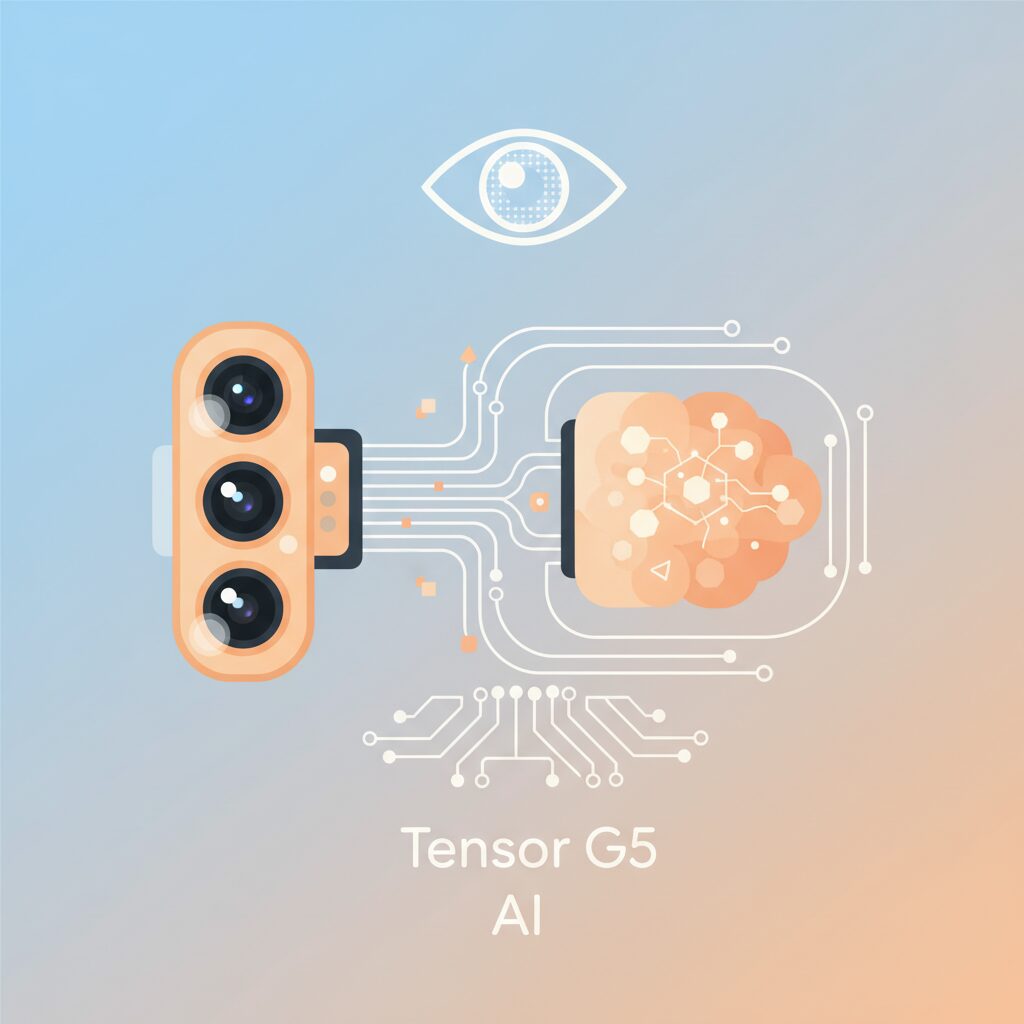
In the Pixel 10 series, camera hardware is no longer designed as an isolated component but as part of an AI-native imaging system. Sensors, optics, and computational photography are tightly co-optimized so that raw optical input becomes the ideal substrate for machine intelligence rather than a finished product. This design philosophy fundamentally changes how image quality is defined and evaluated.
At the sensor level, Google continues to prioritize data fidelity over sheer megapixel escalation. The 50MP main sensor with Octa Phase Detection captures phase information on every pixel, enabling extremely reliable autofocus even in low-light or high-motion scenarios. According to Google’s own technical briefings, this dense phase data significantly improves frame-to-frame alignment, which is critical for multi-frame HDR and AI-driven noise reduction pipelines.
| Component | Hardware Role | AI-Driven Benefit |
|---|---|---|
| Main Sensor (50MP) | High dynamic range capture | Cleaner multi-frame fusion and tone mapping |
| 48MP Periscope Telephoto | Optical 5x zoom baseline | AI-assisted texture reconstruction up to 100x |
| Lens System | Controlled optical aberrations | More predictable inputs for neural correction |
Optically, the Pixel 10 does not attempt to eliminate every imperfection at the lens level. Instead, Google deliberately allows certain characteristics, such as mild edge softness or controlled distortion, because these are easier for neural models to correct consistently. Researchers at Google Imaging have previously noted that stable, repeatable lens behavior is more valuable for computational photography than theoretically perfect optics.
The most striking example of hardware and AI synergy is the 100x Pro Res Zoom. While the physical limit remains a 5x optical periscope, Tensor G5’s ISP and TPU collaborate to infer missing detail using diffusion-based models. **Rather than simply sharpening pixels, the system reconstructs plausible textures**, such as building facades or foliage, based on learned visual priors. Reviewers from Mashable observed that distant subjects appear more visually “complete” compared to conventional digital zoom, even if absolute photometric accuracy is not always preserved.
This approach reflects a broader shift in computational photography. As documented by institutions like MIT Media Lab, modern imaging systems increasingly optimize for perceptual realism rather than optical truth. Pixel 10 embodies this trend by treating the sensor as a data acquisition device and the final image as an AI interpretation tailored to human perception.
Crucially, this pipeline depends on hardware consistency. The move to TSMC’s 3nm process allows Tensor G5 to sustain complex image reconstruction without aggressive thermal throttling, ensuring that advanced features such as multi-frame fusion and AI zoom can run reliably in real-world shooting conditions. **The result is a camera that feels less like a tool and more like an intelligent collaborator**, quietly balancing physics and computation every time the shutter is pressed.
100x Pro Res Zoom and the Rise of AI-Generated Detail
The arrival of 100x Pro Res Zoom marks a clear inflection point where optical physics alone is no longer the limiting factor in mobile photography. On Pixel 10 Pro models, extreme zoom is no longer treated as a last-resort crop, but as a computational reconstruction pipeline in which AI actively fills in missing visual information. This shift fundamentally changes what users can expect when pushing beyond traditional optical limits.
At the hardware level, the system still starts with a 48MP periscope telephoto offering 5x optical zoom. From there, Tensor G5 coordinates the ISP and the fourth-generation TPU to analyze multi-frame input, motion data, and noise patterns. What makes Pro Res Zoom different is that, at very high magnifications, diffusion-based generative models are invoked to infer texture that was never captured by the sensor. According to analyses cited by Android Authority, this hybrid pipeline is designed to prioritize perceptual clarity over pixel-level fidelity.
| Zoom Range | Primary Technique | Resulting Image Character |
|---|---|---|
| 5x–10x | Optical + multi-frame super resolution | Detail-preserving, low AI intervention |
| 10x–30x | Computational reconstruction | Sharpened edges, controlled noise |
| 30x–100x | AI diffusion-based detail synthesis | Visually enhanced, interpretive detail |
Independent reviewers, including Mashable’s hands-on comparison with Galaxy Ultra devices, note that Pixel’s 100x images often appear more striking at first glance. **Fine patterns on buildings or foliage look clearer and more contrasty**, even when the physical data is insufficient. This is not accidental. Google’s imaging team has long optimized for what it calls “memory colors” and visual plausibility, a philosophy previously discussed in IEEE imaging research related to computational photography.
However, this rise of AI-generated detail introduces a new kind of trade-off. While Samsung’s approach relies more heavily on large sensors and aggressive optical zoom to preserve literal structure, Pixel’s output can sometimes exaggerate edges or simplify textures. For casual users, this often feels like a win, because distant subjects become instantly shareable. For enthusiasts, it raises an important question about authenticity versus aesthetics.
Google has acknowledged this tension indirectly through its broader support for content provenance standards such as C2PA. By signaling when AI-assisted reconstruction is applied, the company positions Pro Res Zoom as a creative tool rather than a forensic one. In practical terms, this means users should treat 100x images as expressive interpretations, not documentary evidence.
For gadget enthusiasts, the significance is clear. Extreme zoom has moved from a spec-sheet novelty to a showcase of on-device generative AI. Pixel 10’s Pro Res Zoom demonstrates how future cameras may rely less on ever-larger lenses and more on intelligent models that understand visual context. Whether this direction excites or concerns you, it undeniably represents the next stage in computational creativity.
Pixel Studio: On-Device Image Generation in Everyday Use
Pixel Studio on the Pixel 10 series is not positioned as a showcase demo, but as a tool meant to be opened repeatedly throughout the day. Thanks to Tensor G5 and its fourth-generation TPU, image generation happens entirely on-device, which fundamentally changes how often and casually users engage with generative visuals.
In practical use, this immediacy matters more than raw image fidelity. Generating a concept image for a presentation slide, a social post, or a chat sticker now takes seconds rather than minutes, eliminating the mental friction that often stops users from experimenting in the first place.
The defining characteristic of Pixel Studio is not what it can generate, but how little effort it takes to try again.
Google’s own developer documentation explains that Pixel Studio relies on compact diffusion-style models optimized for TPU execution, widely believed to be derived from Imagen 3 variants. According to Google, Gemini Nano now runs up to 2.6 times faster on Tensor G5 compared to the previous generation, which directly translates into shorter generation cycles inside Pixel Studio.
This performance uplift enables a distinctly different workflow from cloud-based AI image tools. Instead of carefully crafting a single prompt, users tend to iterate rapidly, adjusting mood, lighting, or subject details with small changes. The phone becomes closer to a sketchbook than a rendering workstation.
Everyday use favors speed and iteration over perfection, and Pixel Studio is tuned precisely for that reality.
| Aspect | Pixel Studio (On-device) | Typical Cloud AI Tools |
|---|---|---|
| Generation latency | Seconds, consistent | Variable, network-dependent |
| Privacy handling | Processed locally | Images uploaded to servers |
| Iteration style | Rapid trial-and-error | Fewer, more deliberate prompts |
Another key element in daily scenarios is object-level manipulation. Pixel Studio treats generated elements as discrete visual units, allowing users to move, delete, or reuse them across different images. In everyday communication, this enables the quick creation of reusable visual assets such as personalized stickers or thematic illustrations for recurring content.
This approach aligns with Google’s long-standing emphasis on computational photography as a system rather than a single feature. Industry analysts at outlets such as Android Authority have noted that Pixel’s advantage lies in workflow cohesion, where generation, editing, and reuse occur within one consistent interface.
The result is a feedback loop where images are not final outputs, but modular components.
Language support further reinforces Pixel Studio’s role in everyday use. Native Japanese input, available from launch, allows users to express nuanced instructions without translating intent into English keywords. This significantly lowers the barrier for non-technical users, especially when describing abstract concepts like atmosphere or emotional tone.
In daily life, this manifests in small but meaningful moments: creating a last-minute visual for a family event message, mocking up an idea during a commute, or turning a fleeting thought into an image before it fades. The phone’s always-available nature amplifies the value of on-device AI.
Pixel Studio succeeds not by replacing professional tools, but by filling the gaps between moments of inspiration.
It is also important to note the limitations that shape real-world expectations. Because models are optimized for local execution, output resolution and photorealism do not always match cloud-heavy competitors. However, reviewers from Tom’s Guide and Mashable have consistently pointed out that for casual and semi-creative tasks, these trade-offs are rarely dealbreakers.
Instead, users tend to value reliability, responsiveness, and the sense that the device is collaborating rather than waiting for instructions. This perception is central to Google’s broader vision of AI as an ambient assistant embedded into everyday behavior.
In everyday use, Pixel Studio feels less like an AI feature and more like a natural extension of visual thinking on a smartphone.
Ask Photos and Magic Editor 2.0: Editing with Natural Language
Ask Photos and Magic Editor 2.0 redefine photo editing by turning natural language into the primary interface, and this shift is more profound than it first appears. Instead of navigating sliders, masks, and layered menus, users simply describe their intent, and the system translates that intent into concrete image operations. According to hands-on evaluations reported by Tom’s Guide and Android Authority, this approach dramatically shortens the cognitive gap between imagination and execution.
The key innovation is not just accuracy, but conversational continuity. Ask Photos allows follow-up instructions that refine context, such as adjusting mood, lighting, or subject emphasis, without restarting the workflow. This makes editing feel less like operating software and more like collaborating with an assistant that remembers what you just asked for.
From a technical perspective, Tensor G5’s fourth-generation TPU plays a critical role. Google engineers have explained that the combination of on-device Gemini Nano inference and selective cloud processing enables most language parsing to occur locally, while heavier generative tasks scale up seamlessly. This hybrid design reduces latency to a few seconds per iteration in typical edits, which reviewers note is fast enough to encourage experimentation rather than hesitation.
| Natural language request | System interpretation | Observed result |
|---|---|---|
| “Make the sky more dramatic” | Scene-aware relighting and sky replacement | Multiple sunset-style variants generated |
| “Remove the people in the background” | Object detection and generative fill | Clean background with minor artifacts |
| “Change this jacket to a blazer” | Semantic object swap | Convincing texture, occasional edge errors |
Magic Editor 2.0 builds on this foundation by expanding what generative edits can safely automate. Features like Reimagine allow backgrounds to be extended or replaced while preserving subject geometry, and Auto Best Take intelligently merges expressions across burst shots. Google’s own documentation emphasizes that these operations are context-aware rather than purely pixel-based, which explains why facial alignment and lighting consistency have improved compared to earlier versions.
However, real-world testing also reveals the boundaries of current generative models. In complex scenes involving reflections, water surfaces, or dense textures, Magic Editor may leave subtle inconsistencies. Researchers cited by Google in discussions around C2PA metadata stress that these imperfections are a natural byproduct of probabilistic generation, reinforcing the importance of transparency when AI-assisted edits are applied.
What ultimately makes Ask Photos and Magic Editor 2.0 compelling is not perfection, but accessibility. Tasks that once required professional tools and years of experience can now be attempted in seconds, with reversible results and multiple variations. For gadget enthusiasts and creative users alike, this marks a decisive step toward editing workflows where language, not technique, becomes the primary skill.
Where Pixel 10 Struggles: Professional Workflows and File Management
For all its advances in on-device AI, the Pixel 10 still struggles when placed inside established professional workflows, especially those built around strict file control and predictable asset management. **What feels magical for casual editing can become friction for photographers and creators who depend on deterministic behavior** rather than abstraction.
A core issue lies in how edited images are handled inside Google Photos. According to reports aggregated by Android Authority and user feedback discussed in Adobe’s own community forums, even minor edits such as cropping or rotation can cause files to disappear from the local directory view. The image remains visible in Google Photos, but third-party apps relying on the Android file picker cannot access it without cumbersome re-download steps.
| Workflow Step | Expected Behavior | Pixel 10 Reality |
|---|---|---|
| Minor edit | Local file preserved | Cloud-only reference created |
| App sharing | File selectable system-wide | File often hidden |
| Batch export | Consistent filenames | Duplicates or mismatches |
RAW handling introduces further complexity. Professional photographers shooting RAW+JPEG have noted cases where DNG files share filenames with JPEGs or are duplicated during transfer. Adobe engineers have acknowledged that newer Pixel DNG formats may be misidentified by Lightroom Mobile, effectively stripping away the dynamic range advantages professionals expect.
Performance is another subtle but persistent concern. While Tensor G5 benchmarks show meaningful gains, real-world Lightroom Mobile use still reveals latency in slider response and export times. Reviews from NotebookCheck and long-term user tests suggest Apple’s A-series chips maintain a lead in sustained photo-processing responsiveness.
Google’s move toward C2PA metadata and content authenticity, referenced in official Google blog disclosures, is a step in the right direction. However, until file handling becomes more predictable, the Pixel 10 remains better suited as a creative companion than as a primary tool in professional production pipelines.
Thermal Performance and Video Boost: The Reality Behind AI Video
AI-powered video features promise cinematic results from a pocket-sized device, but their real value depends on how well performance and heat are controlled during sustained use. In the Pixel 10 series, this balance becomes especially visible when combining Video Boost with on-device AI processing. The headline improvement is not raw speed, but thermal stability under prolonged load, an area where earlier Tensor generations were frequently criticized.
Video Boost itself remains a hybrid workflow. Footage is captured locally, then uploaded to Google’s data centers where advanced noise reduction, HDR fusion, and color science are applied. According to analyses shared by Android Authority and 9to5Google, a 10–15 minute 4K clip can require several hours before the processed file becomes available. This delay is not a flaw in silicon performance, but a deliberate architectural choice to offload the most compute-intensive steps.
| Aspect | On-device Processing | Video Boost (Cloud) |
|---|---|---|
| Heat generation | Moderate and sustained | Minimal during capture |
| Time to final result | Immediate | Hours in some cases |
| Image quality ceiling | Bound by mobile SoC | Data center–grade compute |
The shift to TSMC’s 3nm process with Tensor G5 changes how this workflow feels in practice. Stress tests such as 3DMark show stability approaching 89 percent, a notable jump from Tensor G4-era results. Reviewers consistently report that the device now heats up more slowly and recovers faster once recording stops. This matters because thermal throttling does not only reduce frame rates; it can also force camera shutdowns mid-shoot.
During extended 4K recording, Pixel 10 Pro models maintain usable surface temperatures longer than Pixel 8 or 9 devices, according to comparative testing cited by NotebookCheck. The larger vapor chamber and improved power efficiency reduce peak thermal spikes, even if absolute performance still trails Apple’s A-series chips in local rendering tasks. The practical outcome is reliability rather than bragging rights.
The key trade-off of AI video on Pixel is patience instead of overheating. Users wait longer for final output, but avoid aggressive thermal throttling during capture.
Google’s own documentation on device temperature management emphasizes that safeguards remain in place. Under extreme conditions, such as direct summer sunlight or consecutive AI-heavy tasks, the system will still dim the display, slow charging, or pause recording. These limits are not fully eliminated, only pushed further out.
From a creator’s perspective, this defines the reality behind AI video on Pixel 10. Video Boost is best treated as a post-production tool rather than a social-first feature. The thermal improvements of Tensor G5 ensure that capturing high-quality footage is less stressful on the device, while the cloud does the heavy lifting later. AI video here is not about instant gratification, but about consistent capture quality without heat-induced failure.
Pixel 10 vs Galaxy and iPhone: Different Philosophies of Mobile AI
When comparing Pixel 10 with Galaxy and iPhone, the most important difference is not raw performance but the philosophy behind mobile AI integration. Each brand defines the role of AI in a fundamentally different way, and that difference directly shapes how users experience creativity, productivity, and trust on a daily basis.
Pixel 10 positions AI as an active creative partner. Google’s approach emphasizes natural language as the primary interface, allowing users to express intent rather than manipulate tools. Features such as Ask Photos and Pixel Studio are designed around conversational input, where the system interprets context and executes complex edits with minimal friction.
This philosophy is closely tied to Tensor G5 and Google’s software-first DNA. According to Google’s official Tensor G5 documentation, the on-device TPU and Matformer architecture are optimized for rapid task switching, enabling AI models to remain persistently available without noticeable latency. The result is an experience where AI feels ambient rather than invoked.
| Brand | Core AI Philosophy | User Role |
|---|---|---|
| Pixel 10 | Language-driven, context-aware AI | Director of intent |
| Galaxy | Feature-driven, performance-focused AI | Power user |
| iPhone | Privacy-first, controlled AI | System collaborator |
Galaxy devices, by contrast, treat AI as a set of powerful but discrete tools. Samsung’s Galaxy AI strategy prioritizes visible features such as advanced zoom, real-time translation, and productivity enhancements layered on top of high-end hardware. Benchmarks cited by Android Central consistently show Snapdragon chips outperforming Tensor in peak performance, reinforcing Samsung’s belief that AI should scale with brute force.
This leads to an experience where users actively choose when and how to use AI, rather than having it quietly shape workflows in the background. For enthusiasts and gamers, this clarity and control are appealing, but it also means higher cognitive load during creative tasks.
Apple’s iPhone represents the most conservative philosophy. Apple Intelligence is built around privacy, predictability, and ecosystem cohesion. As Apple has stated in its developer briefings, on-device processing is preferred whenever possible, and cloud usage is tightly controlled. This results in fewer headline-grabbing AI features, but a strong sense of reliability and user trust.
The iPhone experience assumes that AI should never surprise the user. Editing tools behave consistently, system behavior is restrained, and creative freedom is balanced against authenticity. For professionals working within the Apple ecosystem, this stability often outweighs experimental capabilities.
Ultimately, Pixel 10, Galaxy, and iPhone are not competing on the same definition of AI. Pixel 10 asks how AI can understand human language and intention. Galaxy asks how far hardware-accelerated AI can be pushed. iPhone asks how AI can exist without compromising control or privacy.
This philosophical divide explains why user satisfaction varies so widely across platforms. Choosing between them is less about specifications and more about deciding what role you want AI to play in your creative life.
参考文献
- Google Blog:5 reasons why Google Tensor G5 is a game-changer for Pixel
- Android Authority:Pixel 10’s Tensor G5 deep dive: All the info Google didn’t tell us
- PhoneArena:Pixel 10 Pro: Is it Just About the Tensor G5?
- Tom’s Guide:I tried Ask Photos on the Pixel 10 Pro — and it’s the AI-assisted photo editing tool I’ve always wanted
- Mashable:I tried the Pixel 10 Pro camera to see if it’s the ‘best ever’
- 9to5Google:Pixel 10’s Tensor G5 chip runs cool, unimpressive on benchmarks