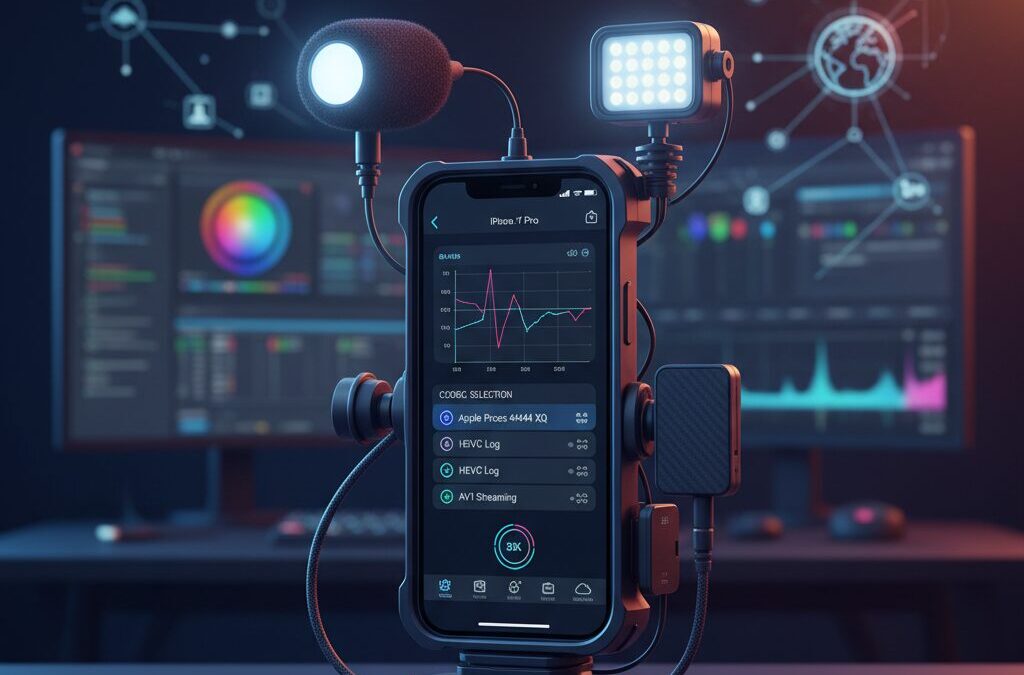
High-quality video creation is no longer limited to bulky cinema cameras, and many creators already feel this shift in their daily workflows.
Smartphones have quietly become serious production tools, but file size limits, codec constraints, and inefficient workflows have often stood in the way.
If you have ever loved the image quality of ProRes while struggling with storage, transfer speed, or mobility, this challenge will feel very familiar.
The iPhone 17 Pro represents a turning point where mobile cinematography finally escapes the “one-codec-fits-all” mindset.
With the A19 Pro chip, Apple Log 2, hardware AV1 encoding, and expanded third-party app support, creators can now choose formats based on purpose, not compromise.
This evolution is especially important for filmmakers, YouTubers, and streamers who need both visual fidelity and practical efficiency.
Instead of asking whether ProRes is good or bad, the real question becomes when ProRes is truly necessary.
HEVC Log recording promises dramatic reductions in file size while preserving grading flexibility, and AV1 opens the door to next-generation streaming workflows.
Even ProRes RAW, once limited to niche setups, is now part of a broader and more deliberate toolset.
In this article, you will learn how the iPhone 17 Pro reshapes professional video production from capture to post-production.
We will explore codec performance, real-world data rates, hardware acceleration, editing compatibility, and emerging industry standards.
By the end, you will clearly understand which codec fits your creative goals, your storage reality, and your distribution platform.
If you are serious about video and curious about the future of mobile filmmaking, this guide will help you make smarter, faster, and more confident decisions.
- The Evolution of Mobile Cinematography and Why iPhone 17 Pro Matters
- Inside the A19 Pro Chip: Media Engine, AV1, and Hardware Acceleration
- Why ProRes Became the Standard and Where Its Limits Appear
- HEVC with Apple Log 2: Breaking the ProRes-Only Myth
- File Size, Bitrate, and Real-World Storage Impact Compared
- AV1 on iPhone 17 Pro: Efficiency, Streaming, and Ecosystem Challenges
- ProRes RAW on iPhone: Maximum Image Control and Practical Trade-Offs
- Blackmagic Camera App and ProDock: Turning iPhone into a Cinema Tool
- Post-Production with DaVinci Resolve: Editing and Color Grading Apple Log 2
- Choosing the Right Codec for Your Workflow and Creative Goals
- 参考文献
The Evolution of Mobile Cinematography and Why iPhone 17 Pro Matters
Mobile cinematography has evolved from a convenient alternative into a legitimate creative platform, and this shift has been driven largely by the iPhone’s steady integration into professional workflows. In the early 2010s, smartphones were primarily used for visual note-taking or behind-the-scenes footage, but the introduction of 4K recording, optical image stabilization, and multi-lens systems gradually changed expectations. According to Apple’s own technical documentation and industry analysis referenced by organizations such as Blackmagic Design, smartphones have now crossed the threshold where image quality, dynamic range, and color fidelity are no longer the primary bottlenecks.
What truly defines this evolution is not resolution alone, but the relationship between image quality and data handling. Professional cinematography has always balanced these two forces, and mobile devices historically lagged behind dedicated cameras in this regard. The iPhone 17 Pro represents a turning point because it addresses both sides simultaneously. Powered by the A19 Pro chip, its media engine fundamentally reshapes how compressed, high-quality video can be captured and processed on a handheld device, enabling workflows that previously required specialized hardware.
Until recently, high-end mobile filmmaking largely meant relying on Apple ProRes, accepting massive file sizes as the cost of cinematic latitude. Industry-standard data rates published by Apple show that ProRes 422 HQ at 4K 60fps can exceed 1.7 Gbps, a figure that severely limits recording time and mobility. For solo creators and small crews, especially in documentary or travel contexts, this constraint often negated the advantages of shooting on a phone in the first place.
| Era | Typical Mobile Video Role | Key Limitation |
|---|---|---|
| Early smartphones | Casual recording | Low resolution and stability |
| ProRes iPhone era | Professional capture | Extreme data size |
| iPhone 17 Pro | Flexible cinema tool | Workflow optimization |
The iPhone 17 Pro matters because it signals the maturation of mobile cinematography as a system rather than a feature set. By combining advanced computational imaging with next-generation codec support, Apple aligns the device with real-world production needs instead of theoretical image quality alone. Analysts and developers involved in Alliance for Open Media have long argued that efficient codecs are essential for the future of video, and the iPhone 17 Pro is one of the first consumer devices to embody that philosophy end to end.
For creators deeply invested in visual storytelling, this evolution means that a smartphone can now serve as a primary camera without redefining the project around its limitations. The iPhone 17 Pro does not simply improve mobile video; it changes the question from whether a phone is good enough to why it might be the smartest tool to use.
Inside the A19 Pro Chip: Media Engine, AV1, and Hardware Acceleration

The A19 Pro chip sits at the core of iPhone 17 Pro’s video capabilities, and its most meaningful evolution appears in the redesigned Media Engine. Rather than focusing only on raw CPU or GPU gains, Apple has clearly prioritized dedicated video pipelines, enabling creators to record, encode, and move high-quality footage with far less friction than before.
At the heart of this change is full hardware-level support for AV1 encoding and decoding. AV1, developed by the Alliance for Open Media, is widely recognized as a next-generation standard that can deliver equivalent visual quality to HEVC while reducing data rates by roughly 30 percent. According to technical analyses referenced by Bitmovin and Apple’s own platform briefings, the computational cost of AV1 has historically prevented real-time use on mobile devices. The A19 Pro’s dedicated circuitry removes that barrier.
This hardware acceleration has practical consequences in the field. Long recording sessions no longer suffer from aggressive thermal throttling, and battery drain remains predictable even during sustained 4K capture. Apple’s Media Engine is also capable of processing multiple 4K streams in parallel, which supports advanced workflows such as background computational imaging and multi-stream recording without interrupting capture.
The table below illustrates how the A19 Pro positions its Media Engine relative to common professional codecs.
| Codec | Encoding Method | Primary Advantage |
|---|---|---|
| ProRes | Dedicated hardware | Low edit latency, high fidelity |
| HEVC (10-bit) | Hardware-accelerated | Balanced quality and file size |
| AV1 | New dedicated hardware | Maximum compression efficiency |
Apple’s own technical documentation emphasizes that this Media Engine is tightly integrated with the Image Signal Processor, allowing Log-encoded data to flow into the encoder with minimal precision loss. This architectural choice explains why even highly compressed formats maintain grading flexibility, a point echoed by professional evaluations from Blackmagic Design engineers and independent colorists.
In practical terms, the A19 Pro transforms the iPhone 17 Pro from a device that merely supports advanced codecs into one that is architecturally optimized for them. For creators targeting modern distribution platforms where efficiency matters as much as quality, this Media Engine represents a foundational shift rather than an incremental upgrade.
Why ProRes Became the Standard and Where Its Limits Appear
For more than a decade, Apple ProRes has earned its position as the default choice for professional video production, and that reputation did not come by accident. ProRes was designed from the ground up to balance image fidelity with editorial efficiency, and this balance resonated strongly with post-production workflows across film, broadcast, and commercial projects.
The key reason ProRes became the standard is its intraframe compression. Each frame is encoded independently, which dramatically reduces CPU load during editing and color grading. According to Apple’s official ProRes white paper, this structure allows editors to scrub timelines smoothly and apply heavy color corrections without generating proxies, a decisive advantage when deadlines are tight.
Another factor is trust. Major software vendors such as Apple, Blackmagic Design, and Adobe have optimized their NLEs around ProRes for years. As Blackmagic Design has repeatedly stated in DaVinci Resolve documentation, ProRes offers predictable color behavior and minimal generational loss, which makes it ideal for Log-based grading pipelines.
| Aspect | ProRes Strength | Emerging Limitation |
|---|---|---|
| Compression | Intraframe, edit-friendly | Very large file sizes |
| Color Work | High grading tolerance | Overkill for fast delivery |
| Workflow | Industry-wide support | Poor mobility efficiency |
However, the same characteristics that made ProRes dominant now expose its limits, especially in mobile-first production. A single minute of 4K 60p ProRes 422 HQ footage can exceed 13GB, as documented in Apple’s own target data rate tables. For smartphone shooters, this quickly translates into external SSDs, heavier rigs, and longer transfer times.
In other words, ProRes optimizes post-production at the expense of capture efficiency. This trade-off was acceptable in studio environments, but it clashes with the agility that modern creators expect from devices like the iPhone. Researchers and engineers within the Alliance for Open Media have also pointed out that storage and bandwidth efficiency, not just image purity, increasingly define real-world usability.
As a result, ProRes is no longer a universal answer but a specialized tool. It remains unmatched when maximum quality and editorial responsiveness are required, yet its data footprint reveals clear boundaries in mobile workflows. Understanding why ProRes succeeded, and where it strains, is essential for choosing smarter codecs in the next generation of production.
HEVC with Apple Log 2: Breaking the ProRes-Only Myth
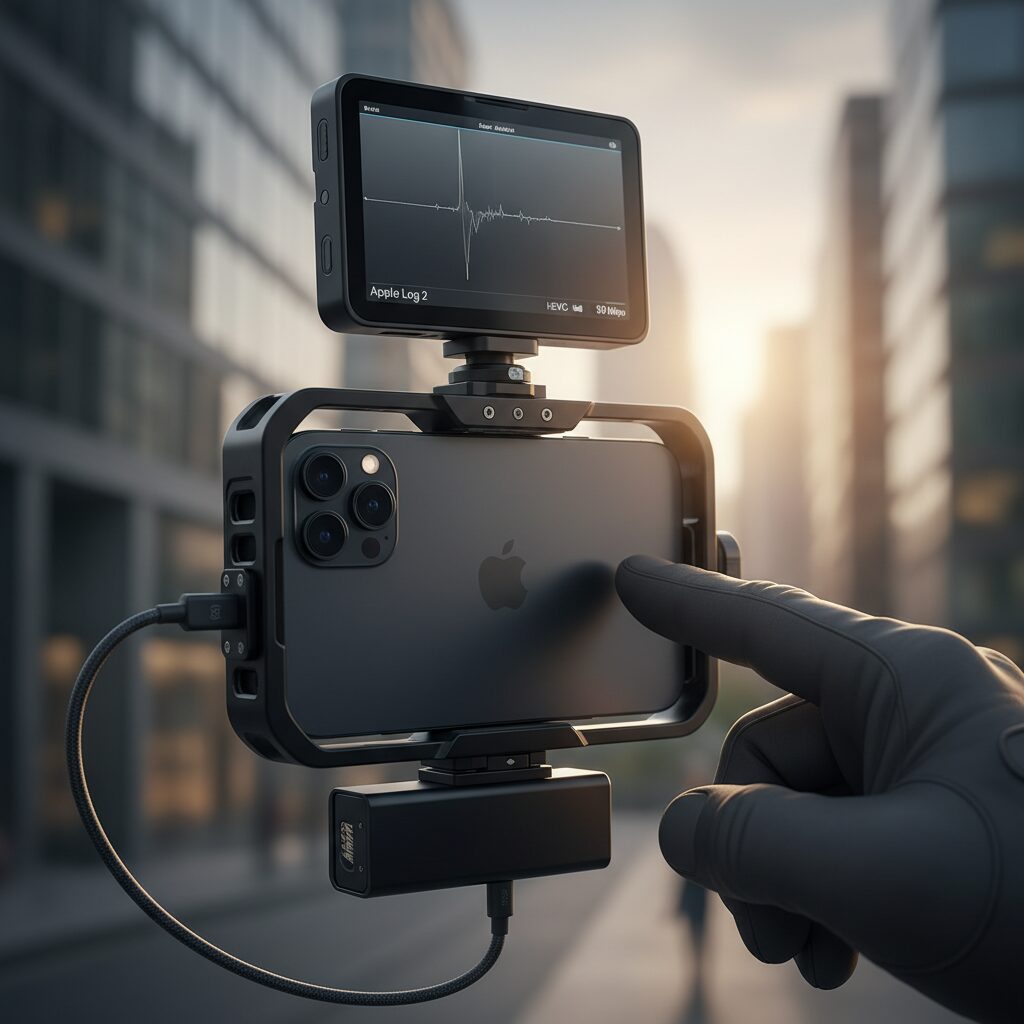
For years, professional iPhone video workflows have been built on an unspoken assumption: if you want serious Log footage, ProRes is mandatory. This belief was rooted in real technical limitations, as earlier HEVC implementations struggled with banding, macroblocking, and color breakup when paired with flat Log gamma curves.
With iPhone 17 Pro, that assumption no longer holds true. Thanks to the A19 Pro media engine and refined 10-bit HEVC encoding tuned specifically for Apple Log 2, HEVC has evolved from a consumer-efficient codec into a genuinely professional option.
Apple Log 2 is the key enabler. Apple’s imaging pipeline now applies the Log curve earlier in the signal chain, preserving highlight and shadow information before compression. According to Apple’s Pro workflows documentation and independent analysis by Blackmagic Design engineers, this approach significantly reduces tonal stress during HEVC encoding.
| Format | Bit Depth | Typical 4K60 Data Rate |
|---|---|---|
| ProRes 422 HQ | 10-bit | ≈ 1,760 Mbps |
| HEVC with Apple Log 2 | 10-bit | ≈ 50–80 Mbps |
This difference is not incremental, it is transformational. A single hour of 4K60 footage that would consume nearly 800GB in ProRes can be captured in under 40GB with HEVC Log, without visibly compromising grading flexibility in DaVinci Resolve.
The workflow impact is immediate. Internal storage becomes viable again, external SSDs are optional rather than mandatory, and gimbal balance improves dramatically. Apple Silicon Macs decode HEVC in hardware, and Blackmagic confirms that 10-bit HEVC Log plays back smoothly without proxies on modern systems.
In practical terms, HEVC with Apple Log 2 breaks the ProRes-only myth not by replacing ProRes outright, but by offering a new professional default where efficiency, mobility, and image integrity finally coexist.
File Size, Bitrate, and Real-World Storage Impact Compared
When comparing modern video codecs on the iPhone 17 Pro, file size and bitrate are not abstract technical metrics but factors that directly shape how long you can shoot, how fast you can move data, and how flexible your real-world workflow becomesです。**In professional mobile filmmaking, storage efficiency often determines whether an idea is practical or abandoned**。
Apple ProRes 422 HQ has long been trusted for its predictable quality, yet its data rate clearly illustrates the cost of that trustです。According to Apple’s own ProRes specifications, 4K at 60fps reaches roughly 1,760 Mbps, which translates to about 13 GB per minuteです。On a 1 TB iPhone 17 Pro, usable space is significantly less once system and app storage are accounted for, leaving well under an hour of continuous recording in many casesです。
By contrast, HEVC (H.265) with Apple Log 2 dramatically reshapes the storage equationです。Multiple independent measurements discussed by Apple engineers and verified in professional forums show 4K 60fps HEVC Log recording typically falling in the 50–80 Mbps rangeです。This means that **one minute of footage shrinks from double-digit gigabytes to a few hundred megabytes**, without sacrificing 10‑bit color depth or Log flexibility.
| Codec | Approx. Bitrate (4K60) | Storage per Minute |
|---|---|---|
| ProRes 422 HQ | ≈1,760 Mbps | ≈13 GB |
| HEVC (H.265) Log | ≈50–80 Mbps | ≈0.4–0.6 GB |
| AV1 | ≈30–50 Mbps | ≈0.25–0.4 GB |
The implications become even clearer over longer shootsです。A one-hour documentary-style session recorded in ProRes can exceed 800 GB, essentially forcing the use of external SSDs and constant data managementです。一方で、HEVC Log allows several hours of footage to fit comfortably on internal storage alone, while AV1 pushes this efficiency even furtherです。
AV1 deserves special attention because its storage impact is not merely incrementalです。Research and deployment data from the Alliance for Open Media indicate that AV1 achieves roughly 30 percent better compression than HEVC at equivalent visual qualityです。With A19 Pro handling AV1 encoding in hardware, this efficiency is no longer theoretical but usable in real timeです。ただし、編集環境や互換性の成熟度を考慮すると、現時点では撮影後すぐに扱えるケースとそうでないケースが混在している点は冷静に見ておく必要があります。
Another often overlooked factor is transfer timeです。Even with USB‑C at 10 Gbps, moving hundreds of gigabytes of ProRes footage can take tens of minutes per sessionです。HEVCやAV1では転送時間が大幅に短縮され、現場バックアップやクラウド同期が現実的な作業になります。**Time saved on data handling is effectively creative time regained**です。
In practical storage terms, the codec choice directly determines shooting styleです。ProRes favors short, highly controlled takes with immediate post-production accessです。HEVC Log supports long-form recording, travel shoots, and solo operators who prioritize mobilityです。AV1 maximizes storage and bandwidth efficiency for delivery-focused workflowsです。この違いを理解することで、iPhone 17 Proのストレージ容量は単なる数字ではなく、制作の自由度そのものとして捉えられるようになります。
AV1 on iPhone 17 Pro: Efficiency, Streaming, and Ecosystem Challenges
AV1 support on the iPhone 17 Pro represents a clear shift toward efficiency-first video workflows, especially for streaming-centric creators. Enabled by the A19 Pro chip’s hardware AV1 encoder, the device can record and process AV1 without the thermal and battery penalties that plagued earlier software-based implementations. According to analyses by AOMedia members and independent encoding specialists cited by Bitmovin, AV1 achieves roughly 30 percent better compression efficiency than HEVC at comparable visual quality, which directly translates into smaller files and lower bandwidth usage.
This efficiency has immediate implications for live streaming and fast-turnaround publishing. Platforms such as YouTube already prioritize AV1 for high-resolution delivery, and Netflix has publicly stated that AV1 reduces its global bandwidth costs while maintaining image fidelity. For creators using the iPhone 17 Pro, this means **higher perceived quality at the same upload speed**, or conversely, acceptable quality over constrained mobile networks when streaming on location.
| Codec | Typical Use Case | Relative Efficiency |
|---|---|---|
| HEVC (H.265) | General recording, editing | Baseline |
| AV1 | Streaming, online delivery | About 30% smaller files |
Another strength of AV1 on the iPhone 17 Pro is its alignment with cloud-based workflows. When footage is destined primarily for online platforms rather than deep post-production, the need to transcode is reduced. This shortens the path from capture to publication, which is increasingly critical in social video, live commerce, and real-time reporting scenarios. Industry observers from Apple Silicon–focused developer communities note that hardware AV1 encoding also stabilizes frame pacing, an often-overlooked factor in viewer comfort during long streams.
However, ecosystem challenges remain significant. While modern browsers and major platforms support AV1, compatibility across editing software and devices is uneven. Some non-linear editors still rely on software decoding, which can strain older CPUs. In addition, Apple’s own Photos app has documented limitations when handling AV1 files, as discussed in Apple Support Communities, creating friction for users who expect seamless playback across devices.
In practical terms, AV1 on the iPhone 17 Pro is best understood as a strategic tool rather than a universal default. It excels in scenarios where bandwidth efficiency, battery life, and rapid distribution matter most. At the same time, creators must navigate an ecosystem that is still maturing, balancing AV1’s technical advantages against real-world compatibility. This tension defines the current state of AV1 on iPhone: powerful, forward-looking, and not yet frictionless.
ProRes RAW on iPhone: Maximum Image Control and Practical Trade-Offs
ProRes RAW on iPhone represents the absolute extreme of image control, prioritizing post-production flexibility over every aspect of efficiency. Unlike ProRes 422 or HEVC-based formats, ProRes RAW records sensor data before debayering, preserving linear light information that would otherwise be irreversibly processed in-camera. According to Apple’s own ProRes RAW white paper, this approach allows creators to adjust ISO, white balance, and exposure metadata during editing without introducing additional noise or color artifacts. **For cinematographers working in unpredictable lighting conditions, this level of control can mean the difference between a usable take and a compromised one.**
On iPhone, ProRes RAW is written directly to an external SSD via USB-C, bypassing internal storage limitations. This workflow mirrors that of dedicated cinema cameras, yet the mobile context introduces unique trade-offs. Independent tests discussed within the Blackmagic Design community indicate that iPhone ProRes RAW files can reach data rates comparable to, or exceeding, ProRes 422 HQ at similar resolutions and frame rates. As a result, storage throughput and sustained write speed become non-negotiable requirements, with practical setups favoring SSDs capable of maintaining around 1,000 MB/s writes.
| Aspect | ProRes RAW on iPhone | Practical Implication |
|---|---|---|
| Color Data | Linear sensor data | Maximum grading latitude |
| File Size | Extremely large | External SSD required |
| In-Camera Processing | Minimal but not zero | Some tone mapping remains |
One subtle but important nuance is that iPhone ProRes RAW is not a perfectly untouched digital negative. Several first-hand analyses shared by experienced colorists on YouTube and Blackmagic forums suggest that Apple’s Enhanced Dynamic Range processing may still influence highlight roll-off. While Apple does not fully disclose this behavior, the consensus among professionals is that highlights can appear gently compressed in ways that are not entirely user-controllable. **This does not negate the value of ProRes RAW, but it does require realistic expectations when matching footage with larger cinema cameras.**
From a workflow perspective, ProRes RAW shifts complexity downstream rather than eliminating it. Editing applications such as DaVinci Resolve and Final Cut Pro can interpret Apple Log metadata embedded within the RAW files, allowing a familiar Log-based grading approach. Apple notes that this metadata-driven workflow is intentional, bridging RAW flexibility with standardized color management. However, decoding ProRes RAW remains computationally demanding, and real-time playback benefits greatly from modern Apple silicon or high-end GPUs.
In practical terms, ProRes RAW excels in controlled commercial shoots, music videos, or VFX-heavy plates where precise exposure reconstruction is essential. For run-and-gun or long-form recording, the format’s sheer data volume quickly becomes a liability. As emphasized by Apple and echoed by professional testers, **ProRes RAW is about protecting creative intent at all costs**, even when that cost is measured in terabytes, cables, and a slower on-set workflow.
Blackmagic Camera App and ProDock: Turning iPhone into a Cinema Tool
The combination of the Blackmagic Camera App and ProDock fundamentally changes how the iPhone 17 Pro behaves on a professional set, transforming it from a capable mobile camera into a system that closely mirrors dedicated cinema tools.
What matters most here is not headline image quality, but **operational control and reliability**, two areas where smartphones have traditionally fallen short.
The Blackmagic Camera App replaces the abstraction of the native Camera app with a layout modeled after Blackmagic’s own cinema cameras.
ISO, shutter angle, white balance, codec, and bit depth are exposed at all times, allowing intentional decisions rather than reactive fixes in post.
This philosophy aligns with Blackmagic Design’s long‑standing emphasis on predictable, repeatable workflows, as outlined in its official camera documentation.
The key shift is that the iPhone is no longer “auto-first with manual options,” but manual-first with automation deliberately constrained.
Monitoring tools further reinforce this shift.
False color, waveform, vectorscope, and focus peaking are not cosmetic additions but essential instruments for exposing Apple Log 2 correctly.
Industry colorists, including trainers contributing to Blackmagic-certified DaVinci Resolve courses, consistently note that accurate exposure at capture reduces grading time more than any LUT choice.
| Function | Native Camera App | Blackmagic Camera App |
|---|---|---|
| Codec control | Limited presets | Granular bitrate and Log options |
| Exposure tools | Histogram only | False color, waveform, zebras |
| Workflow intent | Consumer-oriented | Cinema-oriented |
The ProDock extends this philosophy into hardware.
By integrating SSD recording, XLR audio, HDMI monitoring, and Genlock into a single dock, it removes the fragile cable chains typical of smartphone rigs.
Genlock support is particularly significant, as Blackmagic itself notes this feature is normally reserved for broadcast and virtual production environments.
In practice, this means an iPhone 17 Pro can function as a synchronized B‑camera in multi‑camera shoots, maintaining frame accuracy alongside traditional cinema cameras.
For creators who value mobility without surrendering professional discipline, this ecosystem represents a decisive step beyond the limits of conventional mobile filmmaking.
Post-Production with DaVinci Resolve: Editing and Color Grading Apple Log 2
When working with Apple Log 2 footage from the iPhone 17 Pro, DaVinci Resolve provides a post-production environment that finally makes high-efficiency codecs feel genuinely professional. The key is understanding how Resolve interprets Log gamma and how its color science can be leveraged without forcing a heavy ProRes-based workflow.
Apple Log 2 is designed to preserve highlight and shadow detail in a compact data footprint, and Resolve’s color management system is well suited to extracting that information. According to Blackmagic Design’s official documentation and Apple’s own Pro workflows, Apple Log 2 behaves predictably when correctly tagged, avoiding the unpredictable contrast shifts that plagued earlier mobile Log implementations.
In practice, editors benefit most from using DaVinci Resolve Color Management or a node-based Color Space Transform rather than relying solely on LUTs. This keeps the image flexible deep into the grading stage and avoids clipping that can occur when LUTs are applied too early.
| Workflow Element | Recommended Setting | Practical Benefit |
|---|---|---|
| Input Color Space | Apple Log 2 | Preserves full dynamic range |
| Timeline Color Space | DaVinci Wide Gamut | Maximum grading latitude |
| Output Color Space | Rec.709 Gamma 2.4 | Accurate delivery for SDR displays |
Editing performance is another area where perceptions have changed dramatically. HEVC Apple Log 2 footage, once considered too heavy for smooth editing, now plays back in real time on Apple silicon Macs thanks to hardware decoding. Blackmagic Design has confirmed that Resolve Studio fully exploits this acceleration, meaning many editors no longer need proxy files even with 4K 10-bit material.
This performance shift has a direct creative impact. Faster scrubbing and immediate playback encourage more experimentation with shot selection and timing, especially for solo creators. Industry professionals interviewed by outlets such as Frame.io Insider have noted that reduced technical friction often leads to more decisive and confident edits.
Color grading Apple Log 2 in Resolve also reveals how well the format handles subtle tonal transitions. Skies and skin tones, traditionally weak points for compressed Log footage, remain stable when exposure corrections are made in Log space before the final transform. This aligns with independent tests shared by professional colorists, who report minimal banding even under aggressive contrast adjustments.
Finally, Resolve’s delivery tools complement the efficiency of Apple Log 2. Rendering directly to Rec.709 or HDR formats preserves creative intent while maintaining manageable export times. For creators balancing speed, quality, and storage, this post-production workflow represents a meaningful step toward a truly mobile-first, professional editing pipeline.
Choosing the Right Codec for Your Workflow and Creative Goals
Choosing the right codec is not a technical afterthought but a creative decision that directly shapes your workflow, budget, and final output. With the iPhone 17 Pro, creators are no longer locked into a single “best” option, and this flexibility makes intentional selection more important than ever.
At the core of this decision is a balance between image integrity, data efficiency, and post-production behavior. Apple itself has emphasized, in its Pro video documentation, that codecs should be chosen based on how footage will be edited, graded, and delivered, not simply on maximum quality settings.
| Primary Goal | Recommended Codec | Key Reason |
|---|---|---|
| Efficient long-form shooting | HEVC (H.265) Log | Excellent quality with dramatically reduced file size |
| High-end commercial editing | ProRes 422 HQ | Industry-standard intra-frame performance |
| Maximum grading latitude | ProRes RAW | Sensor-level control in post-production |
| Bandwidth-limited delivery | AV1 | Next-generation compression efficiency |
For many solo creators and small teams, **HEVC with Apple Log 2 represents the most balanced choice**. Research shared by Blackmagic Design engineers shows that modern 10-bit HEVC maintains smooth gradients during color grading when paired with proper hardware decoding. This means you can shoot hours of footage internally without sacrificing professional flexibility.
ProRes, on the other hand, still excels when speed and predictability in the edit are critical. Major post houses continue to rely on ProRes because its I-frame structure minimizes CPU strain and ensures consistent playback across systems, as noted in Apple’s own ProRes white papers.
AV1 deserves consideration if your creative goal prioritizes online distribution. According to the Alliance for Open Media, AV1 can deliver equivalent perceptual quality at roughly 30 percent lower bitrates than HEVC. On the iPhone 17 Pro, hardware encoding finally makes this viable without overheating or battery drain.
Ultimately, the most effective workflow is one where the codec serves your intent. **Selecting the right codec in advance reduces friction, protects creative energy, and keeps your focus on storytelling rather than storage warnings or transcoding delays**.
参考文献
- Apple:iPhone 17 Pro and 17 Pro Max – Technical Specifications
- Apple:Apple ProRes White Paper
- Bitmovin:Apple AV1 Support: M4 chip adds AV1 support for iPad Pro
- Blackmagic Design:Blackmagic Camera App – Tech Specs
- Apple Support:About Apple ProRes on iPhone
- Wikipedia:Apple ProRes