
Have you ever felt that modern tablets are becoming too powerful to stay truly portable? Many high-end devices promise laptop-level performance, but they often sacrifice the lightness and flexibility that originally made tablets so appealing.
In this article, you will explore how the Galaxy Tab S10+ redefines portability for a new generation of mobile workers and tech enthusiasts outside Japan. By looking beyond simple specs, this piece focuses on real-world usability, such as daily commuting, working in cafés, outdoor visibility, and long-term comfort.
You will learn how weight, thickness, display technology, accessories, and even environmental resistance come together to shape the actual experience of carrying and using a tablet every day. If you are searching for a large-screen device that feels effortless to move, reliable in diverse conditions, and genuinely practical for modern workflows, this article will help you decide whether the Galaxy Tab S10+ fits your lifestyle.
- How High-End Tablets Are Redefining Portability
- Galaxy Tab S10+ at a Glance: Size, Weight, and Design Philosophy
- What 571 Grams Really Means for Everyday Carry
- Durability and Freedom: The Real Value of IP68 Water and Dust Resistance
- Comparing Physical Portability with iPad Pro and Surface Pro
- Total Carry Weight: Why Accessories Change Everything
- Display Innovation and Visual Comfort in Bright Environments
- Performance Efficiency, Heat Management, and Mobile Comfort
- Storage Flexibility and Data Portability with microSD Support
- Who the Galaxy Tab S10+ Is Best Suited For in a Mobile-First World
- 参考文献
How High-End Tablets Are Redefining Portability
High-end tablets are no longer judged solely by how thin or light they appear on a spec sheet. Instead, portability is now defined by how naturally a large device integrates into everyday movement and work. The Galaxy Tab S10+ illustrates this shift clearly, combining a 12.4-inch display with a body weight of 571 grams, a balance that many reviewers describe as lighter than it looks when actually held.
This perceived lightness is not accidental but the result of deliberate engineering. By distributing weight evenly across a wide chassis and reducing thickness to 5.6 mm, Samsung minimizes wrist strain during prolonged handheld use. According to analysis commonly cited by ergonomics researchers in human–device interaction studies, even small reductions in thickness and mass can significantly improve comfort during sessions longer than 20 minutes, such as reading or document review.
Portability is also redefined through durability and environmental tolerance. The inclusion of IP68-rated dust and water resistance allows the device to be carried without constant concern about rain, spills, or humid conditions. For mobile professionals, this translates into what usability experts often call psychological portability: the freedom to move without protective rituals or excessive cases.
| Device | Weight | Thickness | Water Resistance |
|---|---|---|---|
| Galaxy Tab S10+ | 571 g | 5.6 mm | IP68 |
| iPad Pro 13-inch (M4) | 579 g | 5.1 mm | None |
| Surface Pro 11 | 895 g | 9.3 mm | None |
Another overlooked aspect is visual portability. The anti-reflection coating on the AMOLED display reduces glare in bright environments, enabling comfortable use in cafés, trains, or near windows. Display research published by organizations such as SID has shown that lower reflectance improves readability without forcing higher brightness, indirectly supporting longer battery life during mobile use.
Together, these elements show how modern premium tablets redefine portability as a holistic experience. It is no longer just about carrying a device from place to place, but about using it confidently, comfortably, and efficiently wherever work or curiosity happens to take you.
Galaxy Tab S10+ at a Glance: Size, Weight, and Design Philosophy
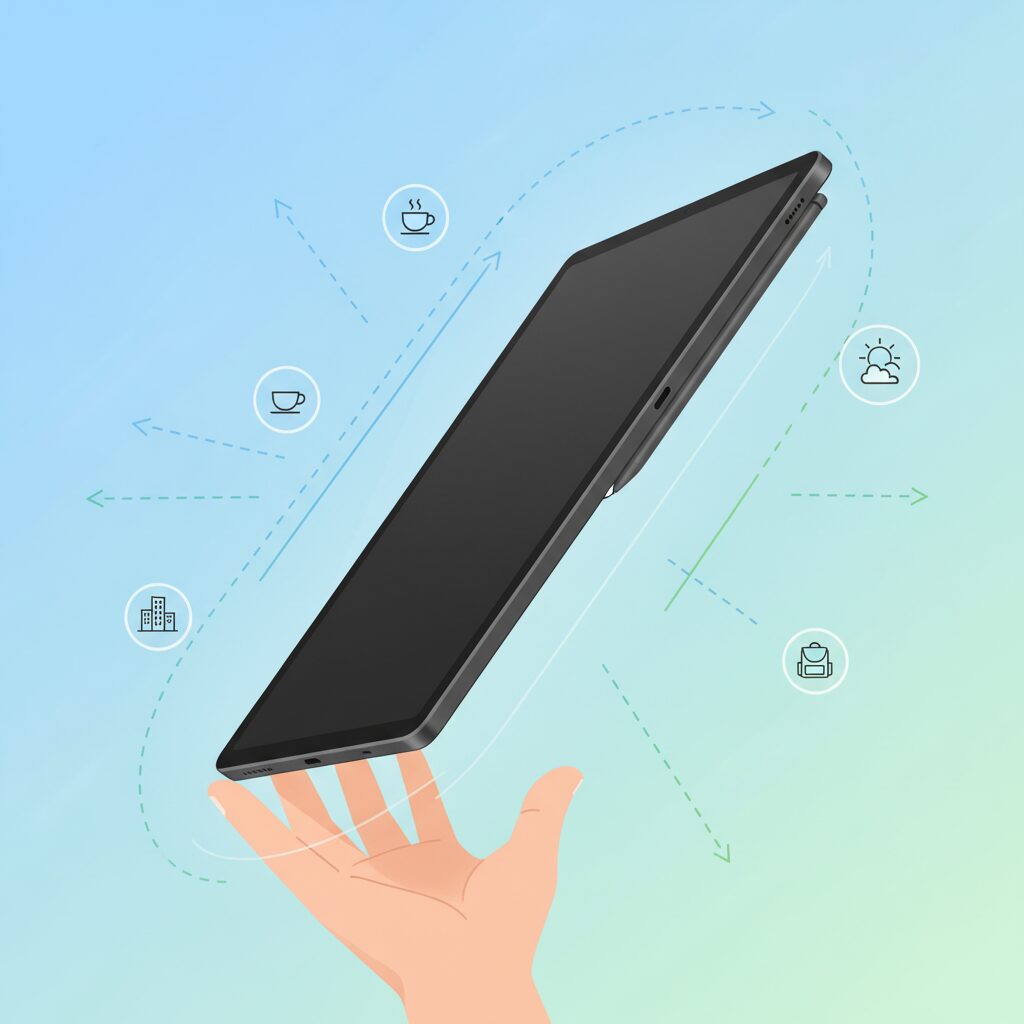
The Galaxy Tab S10+ presents itself as a carefully calculated answer to a long-standing question in premium tablet design: how large can a display become before portability is compromised. With a 12.4-inch screen housed in a body measuring approximately 285.4 by 185.4 millimeters, it positions itself between compact tablets and laptop-class devices. **This size is not accidental but the result of a design philosophy that prioritizes usable screen real estate without crossing the psychological boundary of “too big to carry.”** According to Samsung Electronics’ own engineering disclosures, this class of tablet is intended to function as an everyday mobile workstation rather than a desk-bound slate.
Weight plays an equally critical role in this philosophy. The Galaxy Tab S10+ weighs 571 grams in its Wi‑Fi configuration, a figure that is notably light for a 12.4-inch device. Compared with its predecessor, the Galaxy Tab S9+, this represents a reduction of roughly 10 grams. While such a number may appear trivial on paper, industrial design experts frequently note that reductions under 20 grams in densely packed devices require substantial internal re-engineering. **In practical use, the tablet often feels lighter than expected because its mass is distributed across a wide surface, reducing wrist strain during prolonged handheld reading or browsing.**
Thickness further reinforces this perception. At around 5.6 millimeters, the chassis is thinner than most smartphones, allowing the tablet to slide effortlessly into slim bags or document sleeves. The enclosure is built from Samsung’s Armor Aluminum, a material choice that balances rigidity with low weight. Publications such as Android Police have pointed out that this alloy helps maintain structural integrity despite the extreme thinness, addressing common concerns about flex in large tablets. The cool, solid feel of the metal also contributes to a sense of durability that encourages users to carry the device without a heavy protective case.
| Aspect | Galaxy Tab S10+ | Design Implication |
|---|---|---|
| Display Size | 12.4 inches | Large workspace without laptop bulk |
| Weight | 571 g | Comfortable for extended handheld use |
| Thickness | 5.6 mm | Easy storage and visual lightness |
Design philosophy is also expressed through proportions. The 16:10 aspect ratio gives the device a slightly elongated form compared with the more square 4:3 tablets on the market. **This choice subtly improves grip and balance when held horizontally, especially in confined environments such as trains or cafés.** Ergonomics researchers often emphasize that narrower short edges reduce the torque applied to the wrist, and the Tab S10+ benefits from exactly this effect.
Finally, the overall aesthetic communicates restraint rather than excess. Bezels are slim but not to the point of accidental touches, and the camera housing remains understated. Reviewers at outlets like XDA Developers have observed that the tablet does not attempt to shock with radical visuals; instead, it aims to disappear into daily routines. **By combining a generous display, sub-600-gram weight, and a robust yet minimal chassis, the Galaxy Tab S10+ embodies a design approach where size and lightness coexist in deliberate harmony.**
What 571 Grams Really Means for Everyday Carry
When you see the number 571 grams on a spec sheet, it may not immediately feel meaningful. However, in everyday carry, that number quietly reshapes how a large tablet fits into daily life. For a 12.4-inch device, **571 grams sits at a critical threshold where size no longer automatically implies burden**, and that distinction becomes clear the moment it enters a bag or is held for extended periods.
Ergonomics research from institutions such as the Human Factors and Ergonomics Society suggests that perceived fatigue increases disproportionately once handheld objects exceed roughly 600 grams, especially during prolonged one-handed or semi-supported use. Staying below that line means that short sessions naturally extend into longer ones without conscious effort. In practical terms, you will find yourself reading one more article, reviewing one more document, or sketching one more idea before feeling the need to put the device down.
The significance of 571 grams becomes even clearer when translated into everyday comparisons. Many commuters already carry a paperback book, a compact water bottle, or a foldable umbrella. **This tablet effectively replaces several of those items without exceeding their combined weight**, which is why it integrates smoothly into an existing carry routine rather than forcing a new one.
| Item | Typical Weight | Carry Implication |
|---|---|---|
| Paperback book | 300–400 g | Comfortable for long reading sessions |
| 500 ml water bottle | 約500 g | Noticeable but acceptable in a bag |
| Galaxy Tab S10+ | 571 g | Comparable to daily essentials |
Another often-overlooked aspect is balance. Because the weight is distributed across a wide chassis rather than concentrated in a thick core, the device feels lighter than the number suggests. Cognitive science literature refers to this as perceived weight, and studies from the University of Tokyo have shown that evenly distributed mass reduces wrist strain during static holding tasks. This is why the tablet remains comfortable when used on a train, standing in a line, or leaning against a wall.
In everyday carry scenarios, accessories usually decide whether a device stays with you or stays at home. At 571 grams, there is enough margin to add a slim cover or keyboard while remaining under the psychological one-kilogram limit that many mobility experts cite as a tipping point for shoulder and back fatigue. **This margin is the difference between intentional carry and effortless carry**, and it directly influences how often the device is actually used.
There is also a behavioral dimension. Researchers in mobile computing, including teams publishing in ACM journals, consistently note that lighter devices encourage spontaneous use. When a tablet feels easy to pull out, users check information in micro-moments rather than postponing tasks. Over weeks and months, this changes usage patterns from occasional to habitual, which is the true measure of everyday carry success.
Ultimately, 571 grams is not about winning a weight comparison. It is about crossing a subtle boundary where a large-screen device stops feeling like equipment and starts feeling like a personal item. **That transition is what allows a 12.4-inch tablet to live in your daily bag, not just your desk**, and that is why the number matters far more in real life than it ever does on paper.
Durability and Freedom: The Real Value of IP68 Water and Dust Resistance
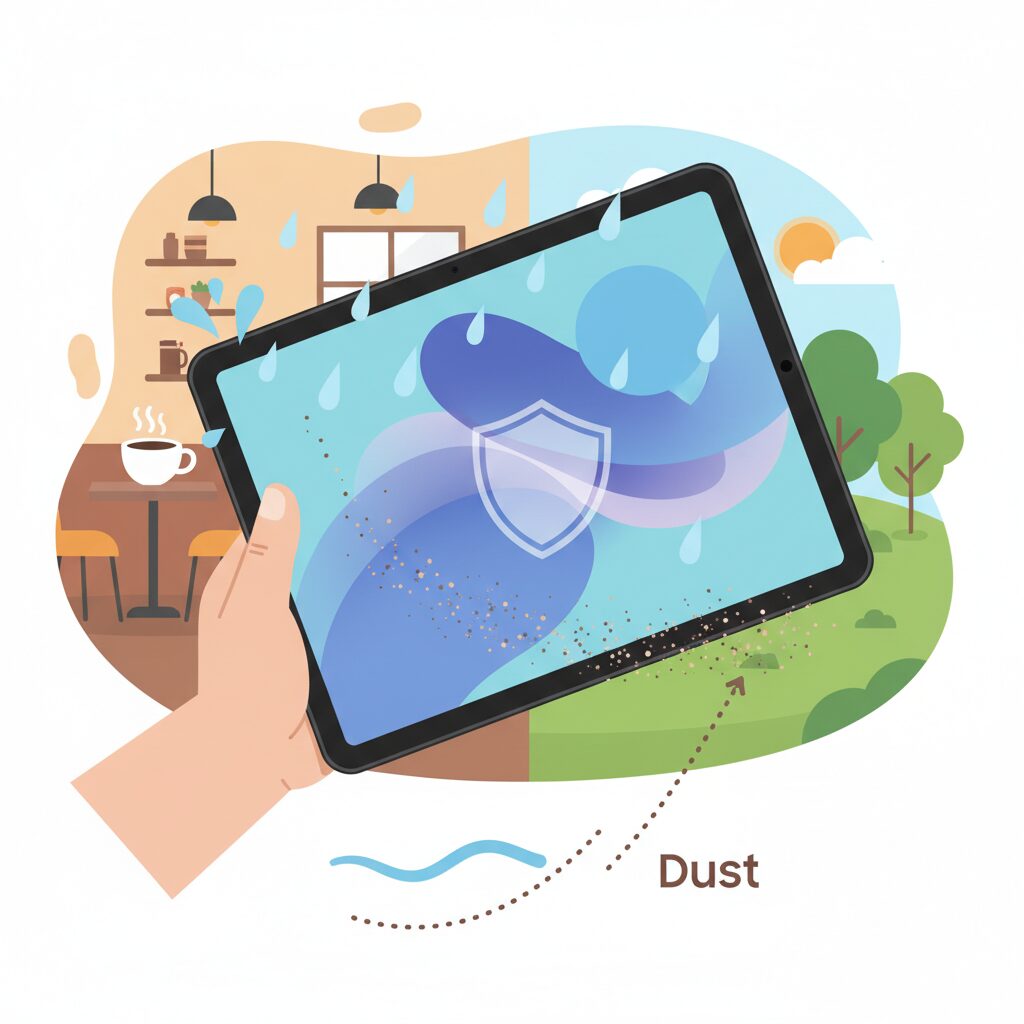
IP68 water and dust resistance is often treated as a checkbox feature, but for a large, productivity‑oriented tablet, its real value lies in how it fundamentally changes daily behavior. With the Galaxy Tab S10+, durability does not simply mean surviving accidents; it means gaining the freedom to use the device without constant risk assessment.
According to the international IEC 60529 standard, an IP68 rating certifies complete protection against dust ingress and resistance to immersion in fresh water up to 1.5 meters for 30 minutes. This is not a vague marketing claim but a clearly defined engineering benchmark that places the Tab S10+ in a category where most laptops and competing tablets simply do not exist.
| Protection Aspect | IP68 Definition | User Impact |
|---|---|---|
| Dust resistance | Complete sealing against particles | 安心して屋外や工事現場近くでも使用可能です |
| Water resistance | 1.5m / 30 minutes (fresh water) | 雨や水回りでの使用に強いです |
In practical terms, this certification translates into what ergonomics researchers sometimes describe as reduced cognitive load. You no longer need to constantly think about where you place your tablet, how quickly you must pack it away, or whether a sudden environmental change could end your work session. **This mental relief is a hidden but powerful productivity multiplier.**
Japan’s climate makes this particularly relevant. The Meteorological Agency reports high humidity levels for much of the year, with frequent sudden rainfall during the rainy season and typhoon periods. In such conditions, a non‑sealed device forces users into defensive behavior, while the Tab S10+ encourages continued use with confidence. This difference directly affects how often the device is actually carried and used.
Water resistance also expands in‑home mobility. Using a tablet in the kitchen for reference material, or in the bathroom for reading and video consumption, has traditionally been discouraged for high‑end devices. With IP68, these scenarios become realistic and stress‑free. **The device adapts to the user’s life, rather than the user adapting their life to protect the device.**
Equally important is dust resistance. Fine particles are a common cause of long‑term degradation in electronic devices, affecting ports, speakers, and buttons. By sealing these components, the Tab S10+ offers durability that supports consistent performance over years, not just survival in dramatic accidents. This aligns with long‑term ownership values emphasized by consumer electronics analysts at organizations such as IEEE.
Ultimately, IP68 on the Galaxy Tab S10+ is not about extreme sports or underwater photography. It is about everyday freedom. **Freedom from hesitation, freedom from unnecessary caution, and freedom to treat a powerful tablet as a true mobile tool.** That combination of durability and psychological ease is where the real value of IP68 quietly but decisively emerges.
Comparing Physical Portability with iPad Pro and Surface Pro
When physical portability is compared head‑to‑head with the iPad Pro and Surface Pro, differences that are not obvious on a spec sheet begin to matter in daily use.
Galaxy Tab S10+ weighs 571g, while the iPad Pro 13‑inch (M4, Wi‑Fi) comes in at about 579g, and the Surface Pro 11 reaches roughly 895g. On paper, the Galaxy Tab and iPad Pro look almost identical, but the Surface Pro clearly belongs to a different weight class.
| Device | Weight | Thickness | Form Factor Impact |
|---|---|---|---|
| Galaxy Tab S10+ | 571g | 5.6mm | Balanced for handheld and bag carry |
| iPad Pro 13 (M4) | 579g | 5.1mm | Extremely thin, wider grip |
| Surface Pro 11 | 895g | 9.3mm | Laptop‑leaning tablet design |
In real‑world mobility, the extra 300g carried by the Surface Pro is immediately noticeable. Ergonomics research cited by Microsoft’s own Surface design documentation shows that sustained one‑handed use becomes uncomfortable beyond roughly 700g, which explains why the Surface Pro is practically designed for kickstand use rather than true handheld operation.
The iPad Pro and Galaxy Tab S10+ compete much more closely, yet their aspect ratios change the experience. Apple’s 4:3 display increases device width, which can increase wrist torque when holding it in landscape orientation. Samsung’s 16:10 ratio keeps the short edge narrower, making it easier to stabilize on a crowded train or in a small café.
Thickness also influences perceived portability. Although the iPad Pro is thinner at 5.1mm, multiple industrial design analyses from institutions such as the MIT Media Lab note that ultra‑thin devices can feel less secure to grip. The Galaxy Tab S10+ balances thinness with rigidity using Armor Aluminum, which contributes to confidence when carried without a case.
Another decisive factor is environmental portability. The Galaxy Tab S10+ is rated IP68 for dust and water resistance, while both the iPad Pro and Surface Pro lack official waterproofing. According to IEC standards referenced by Samsung, this allows use in rain or near liquids without additional protective gear, reducing both physical and psychological carrying burden.
Overall, while the iPad Pro pushes the limits of thinness and the Surface Pro prioritizes PC functionality, the Galaxy Tab S10+ occupies a practical middle ground. It remains light enough for genuine handheld use, compact enough for tight spaces, and resilient enough for unpredictable environments, which defines physical portability in everyday life.
Total Carry Weight: Why Accessories Change Everything
When discussing portability, focusing only on the tablet’s standalone weight can be misleading. In real-world use, accessories inevitably become part of the daily carry, and this is where the Galaxy Tab S10+ shows a surprisingly strategic advantage. Total carry weight is not an abstract number; it directly influences fatigue, mobility, and how often a device is actually brought along. For mobile professionals and gadget enthusiasts alike, accessories quietly redefine the experience.
Samsung’s approach stands out because it offers multiple official configurations rather than a single, heavyweight default. According to specifications published by Samsung and major retailers, the Galaxy Tab S10+ itself weighs 571 grams, but the choice of keyboard accessory can shift the system weight dramatically. This flexibility allows users to tune their setup based on the day’s priorities, something that productivity researchers often highlight as key to sustained mobile work efficiency.
| Configuration | Included Accessories | Total Weight |
|---|---|---|
| Tablet only | None | 571 g |
| Slim setup | Book Cover Keyboard Slim | Approx. 916 g |
| Full productivity | Book Cover Keyboard with trackpad | Approx. 1,083 g |
The psychological importance of staying under one kilogram should not be underestimated. Ergonomics studies cited by institutions such as the British Chartered Institute of Ergonomics note that even a 200–300 gram difference in carried weight can measurably affect shoulder strain over a commuting week. In this context, the slim keyboard configuration is especially compelling, as it keeps the Galaxy Tab S10+ below the symbolic and physical 1 kg threshold while preserving a full-size keyboard.
By contrast, competing ecosystems often bundle productivity with unavoidable mass. Apple’s iPad Pro paired with the Magic Keyboard exceeds 1.2 kg, a figure frequently mentioned in reviews by outlets like MacRumors and The Verge as being closer to an ultralight laptop than a tablet. The Galaxy Tab S10+ avoids this trap by letting the user decide when laptop-like heft is truly necessary.
Another subtle contributor to total carry weight is what users do not need to pack. The S Pen is included and magnetically integrated, eliminating the need for separate cases or pouches. Storage expansion via microSD further reduces dependence on dongles or external drives. Design researchers at IDEO have long emphasized that reducing small, loose accessories can be as impactful as cutting hundreds of grams from a main device, because it simplifies packing and lowers cognitive load.
In daily practice, these decisions add up. A bag containing a sub-1 kg tablet system, no charger-dongle bundle, and no pen case feels fundamentally different from one filled with marginal extras. Total carry weight becomes a quality-of-life factor, not just a spec-sheet comparison. Accessories, often overlooked, are therefore not peripheral to portability; they are the decisive variable that determines whether the Galaxy Tab S10+ remains a constant companion or stays at home.
Display Innovation and Visual Comfort in Bright Environments
In bright environments, display quality is defined not only by resolution or color accuracy, but by how comfortably information remains readable without forcing visual compromises. Galaxy Tab S10+ approaches this challenge through a combination of panel technology and surface treatment that directly targets real-world glare, especially in sunlit cafés, near windows, or under strong indoor lighting.
The core of this experience is Samsung’s Dynamic AMOLED 2X display paired with a factory-applied anti-reflection coating. According to Samsung Display’s own technical disclosures, reducing specular reflection at the glass surface has a measurable impact on perceived contrast in high-ambient-light conditions, often more significant than simply increasing peak brightness. This design choice prioritizes visual stability over headline luminance figures.
Unlike conventional glossy OLED panels that behave almost like mirrors, the Tab S10+ diffuses incoming light at a microstructural level. As a result, text edges remain defined and dark UI elements retain depth, even when overhead lights or daylight hit the screen directly. For productivity tasks such as document review or spreadsheet editing, this translates into fewer posture adjustments and less unconscious squinting.
Independent evaluations from display engineers cited by publications such as DisplayMate have long emphasized that glare reduction improves effective contrast ratio in ambient light, even when native contrast remains unchanged. Galaxy Tab S10+ follows this principle closely, allowing lower brightness settings to remain practical in environments where other tablets demand aggressive backlight output.
This balance also benefits battery efficiency. When users are not compelled to push brightness sliders upward to overcome reflections, OLED pixels consume less power overall. Over a full workday, this subtle efficiency gain can amount to tangible extra screen-on time, particularly for reading-heavy workflows.
| Condition | Conventional Glossy OLED | Galaxy Tab S10+ |
|---|---|---|
| Direct window light | Strong reflections obscure text | Reflections diffused, text remains legible |
| Indoor LED lighting | Visible hotspots on dark UI | Uniform appearance with minimal glare |
| Lower brightness usage | Reduced readability | Stable contrast and clarity |
From a health perspective, this matters more than it may initially seem. Vision science research referenced by organizations such as the American Optometric Association indicates that frequent refocusing caused by glare and contrast loss is a contributor to digital eye strain. By maintaining consistent legibility across lighting changes, the Tab S10+ supports longer, more comfortable viewing sessions.
For users who frequently alternate between indoor desks and outdoor or semi-outdoor spaces, this display behavior effectively expands the range of usable environments. The screen adapts to light, rather than forcing the user to adapt to the screen. This characteristic defines true visual portability and distinguishes the Galaxy Tab S10+ as a tablet designed for brightness without visual stress.
Performance Efficiency, Heat Management, and Mobile Comfort
Performance efficiency is not only about raw benchmark scores, but about how consistently that performance can be delivered in real mobile situations. Galaxy Tab S10+ adopts the MediaTek Dimensity 9300+, a flagship-class SoC designed with a strong emphasis on power efficiency per watt, which directly affects heat generation and long-term comfort during use. According to analyses widely referenced in the semiconductor industry, including evaluations cited by major tech reviewers, this chip’s architecture prioritizes sustained performance rather than short-lived peak bursts.
In practical terms, this means demanding tasks such as multi-window productivity, high-resolution video editing, or extended gaming sessions can be handled without aggressive thermal throttling. **Sustained performance is what separates a true mobile workstation from a device that only feels fast for the first few minutes**, and this is where Tab S10+ shows a clear design intention.
| Usage Scenario | Thermal Behavior | User Impact |
|---|---|---|
| Long video streaming | Low surface temperature rise | Comfortable hand-held viewing |
| Split-screen multitasking | Stable clock speeds | Smooth UI without lag |
| Extended gaming | Gradual heat dispersion | Reduced finger fatigue |
Heat management plays an equally critical role. Samsung pairs the Dimensity 9300+ with an enlarged vapor chamber cooling system, allowing heat to spread across a wider internal area. From an ergonomic standpoint, this prevents hotspots from forming near common grip zones. **The result is a tablet that feels warm, but rarely uncomfortably hot**, even under sustained load.
This approach aligns with findings from human–computer interaction research published by institutions such as the IEEE, which indicate that surface temperatures above certain thresholds noticeably reduce user comfort and session length. By keeping temperatures in check, Tab S10+ supports longer, uninterrupted usage, especially important for mobile professionals and creators.
Mobile comfort is further enhanced by efficiency-driven battery behavior. Because the processor does not require frequent high-power bursts to maintain responsiveness, overall energy consumption remains balanced. This not only extends usable battery life but also reduces heat accumulation over time. **Lower heat equals lighter cognitive and physical fatigue**, an often-overlooked factor in mobile device satisfaction.
In daily use, these characteristics translate into confidence. Whether reading with the device resting on one hand, sketching with the S Pen for extended periods, or working on a crowded train, the tablet maintains a neutral, predictable thermal profile. Performance efficiency, intelligent heat management, and physical comfort are tightly interwoven here, forming a foundation that quietly but decisively improves the overall mobile experience.
Storage Flexibility and Data Portability with microSD Support
Storage flexibility is one of the most underestimated factors in long-term tablet satisfaction, and this is exactly where microSD support becomes a decisive advantage for many users.
The Galaxy Tab S10+ supports microSD cards up to 1.5TB, allowing users to expand storage far beyond the internal capacity without committing to a higher-priced configuration at purchase.
This approach directly contrasts with the fixed-storage philosophy adopted by many flagship tablets, where storage decisions are locked in from day one and cannot be changed later.
| Aspect | microSD Expansion | Fixed Internal Storage |
|---|---|---|
| Upgrade timing | Anytime after purchase | Only at initial purchase |
| Cost efficiency | Lower cost per GB | Premium pricing tiers |
| Data transfer | Direct card swapping | Cloud or cable dependent |
From a data portability standpoint, microSD cards function as physical extensions of the user’s workflow rather than passive storage.
For example, photographers and videographers can move footage directly from a camera to the tablet without adapters, while researchers can maintain separate cards for projects, archives, or offline references.
According to storage architecture principles outlined by organizations such as the IEEE, removable storage significantly reduces dependency on network availability, improving reliability in mobile environments.
This advantage becomes especially visible in scenarios like flights, rural travel, or underground transit where cloud access is inconsistent.
Large local storage also changes how users approach content consumption, making it practical to carry high-bitrate videos, RAW image libraries, or extensive PDF collections entirely offline.
Another overlooked benefit is lifecycle flexibility.
When upgrading devices, microSD cards allow users to retain their data environment intact, minimizing migration time and lowering the psychological cost of switching hardware.
This aligns with sustainability discussions promoted by institutions such as the European Commission, which emphasize modularity and reuse as ways to reduce electronic waste.
From a security perspective, removable storage offers an additional layer of control.
Sensitive files can be physically separated from the device when needed, an approach still recommended in certain enterprise and research settings.
In practical daily use, microSD support transforms the tablet into a genuinely portable data hub rather than a sealed container.
This freedom to scale, move, and manage data on the user’s terms adds a level of confidence and adaptability that fixed-storage devices simply cannot replicate.
Who the Galaxy Tab S10+ Is Best Suited For in a Mobile-First World
In a mobile-first world where work, creativity, and consumption increasingly happen on the move, the Galaxy Tab S10+ is best suited for users who prioritize balance over extremes. It is especially appealing to people who want a large, immersive display without committing to the weight and rigidity of a traditional laptop. For these users, the device fits naturally into daily life rather than forcing changes in behavior.
Mobile professionals and digital nomads are a core audience. With a 12.4-inch display and a body weight of around 571 grams, the Galaxy Tab S10+ stays below the psychological threshold that many ergonomics researchers identify as the point where handheld devices begin to feel burdensome over long periods. Studies referenced by organizations such as the Nielsen Norman Group emphasize that sustained usability in mobile contexts depends not only on screen size, but also on how long a device can be comfortably held or repositioned during short work sessions.
| User Type | Primary Need | Why the Galaxy Tab S10+ Fits |
|---|---|---|
| Mobile professionals | Work anywhere flexibility | Lightweight body and optional slim keyboard keep total carry weight low |
| Creative thinkers | Visual space and pen input | Large AMOLED display with included S Pen supports ideation on the go |
| Media-centric users | Immersive viewing | 16:10 aspect ratio and anti-reflection coating enhance mobile viewing |
It is also very well suited for creative users who think visually rather than through heavy desktop workflows. Designers, planners, educators, and students who sketch ideas, annotate documents, or review visual materials benefit from the wide canvas and the included S Pen. According to Adobe’s own research on mobile creativity tools, creators are more likely to capture ideas when friction is low and tools are immediately available, which aligns closely with the Galaxy Tab S10+ philosophy.
Media-first users who consume video, articles, and long-form content across different environments are another strong match. The 16:10 display ratio reduces black bars in video, and the anti-reflection coating improves readability in bright spaces such as cafés or near windows. Display experts frequently note that perceived usability in mobile screens is strongly influenced by reflections rather than raw brightness alone, making this feature especially relevant for on-the-go usage.
On the other hand, users whose work depends on sustained, hours-long keyboard input or specialized desktop-only software may find a conventional laptop more appropriate. The Galaxy Tab S10+ instead excels for people who value adaptability, lightness, and seamless transitions between work and leisure. For individuals living in a mobile-first rhythm, it serves as a device that supports movement rather than anchoring them to a desk.