
Have you ever felt that a smartphone screen is too small for real work, while a tablet is just too bulky to carry everywhere? Many global gadget enthusiasts and professionals share this frustration when trying to stay productive on the move.
The Galaxy Z Fold7 approaches this problem from a completely new angle. With its 8-inch foldable display, dramatically reduced thickness, and PC-like multitasking features, it aims to function as a true portable workstation rather than just another experimental device.
In this article, you will explore how the Galaxy Z Fold7 fits into demanding business workflows, why its design choices are both bold and controversial, and how real-world use cases highlight its strengths and limitations. By the end, you will clearly understand whether this ultra-thin foldable can replace multiple devices in your daily routine and why it has become a major talking point in the global gadget community.
- The Global Foldable Market and Why 2026 Is a Turning Point
- Galaxy Z Fold7 Positioning: Between Smartphone and Tablet
- Ultra-Thin Engineering: How 4.2mm Changes Daily Carry
- Durability, Hinge Design, and IP48 Protection Explained
- The 8-Inch Display Advantage for Multitasking and Documents
- Cover Screen Usability: When You Do Not Need to Unfold
- Snapdragon 8 Elite Performance in Real Productivity Tasks
- The End of S Pen Support: Trade-Offs and User Reactions
- One UI 8 and Android 16: Desktop-Class Multitasking on Mobile
- Samsung DeX: Turning a Foldable into a Pocket PC
- Battery Life and Charging: Can It Last a Full Workday?
- Galaxy Z Fold7 vs Key Competitors in the Foldable Space
- 参考文献
The Global Foldable Market and Why 2026 Is a Turning Point
The global foldable smartphone market has moved beyond its experimental phase and is now entering a period of structural growth. According to IDC, worldwide shipments of foldable smartphones are expected to grow at around 30% year over year in 2026, driven not only by Android vendors but also by the anticipated entry of Apple into the foldable category. This shift signals that foldables are no longer a niche for early adopters, but a strategic battleground for the entire premium mobile industry.
From a market dynamics perspective, 2026 stands out because several long-standing barriers are being resolved simultaneously. Display durability has improved, manufacturing yields have stabilized, and component costs are gradually declining. Grand View Research notes that mature markets such as Japan, South Korea, and Western Europe are transitioning from curiosity-driven demand to use‑case‑driven adoption, particularly among professionals who value multitasking and screen real estate.
| Key Factor | Pre‑2024 Reality | 2026 Market Condition |
|---|---|---|
| Durability | User anxiety about hinges | Standardized reliability benchmarks |
| Pricing | Ultra‑premium only | Wider premium segmentation |
| Use cases | Media consumption focus | Productivity and work adoption |
Another critical reason 2026 represents a turning point is ecosystem validation. Analysts at IDC emphasize that Apple’s rumored foldable iPhone, even at limited volumes, acts as a powerful signal to developers, accessory makers, and enterprise buyers. **Once platform neutrality is achieved, foldables gain legitimacy as a long‑term category rather than a form‑factor experiment.** This effect mirrors what happened with large‑screen smartphones after Apple entered that segment.
Importantly, growth is no longer driven by raw screen size alone. Vendors are differentiating through form‑factor refinement, weight reduction, and workflow optimization, aligning foldables with real-world productivity needs. As a result, 2026 is best understood not as the year foldables appear, but as the year they become strategically unavoidable for the global smartphone market.
Galaxy Z Fold7 Positioning: Between Smartphone and Tablet
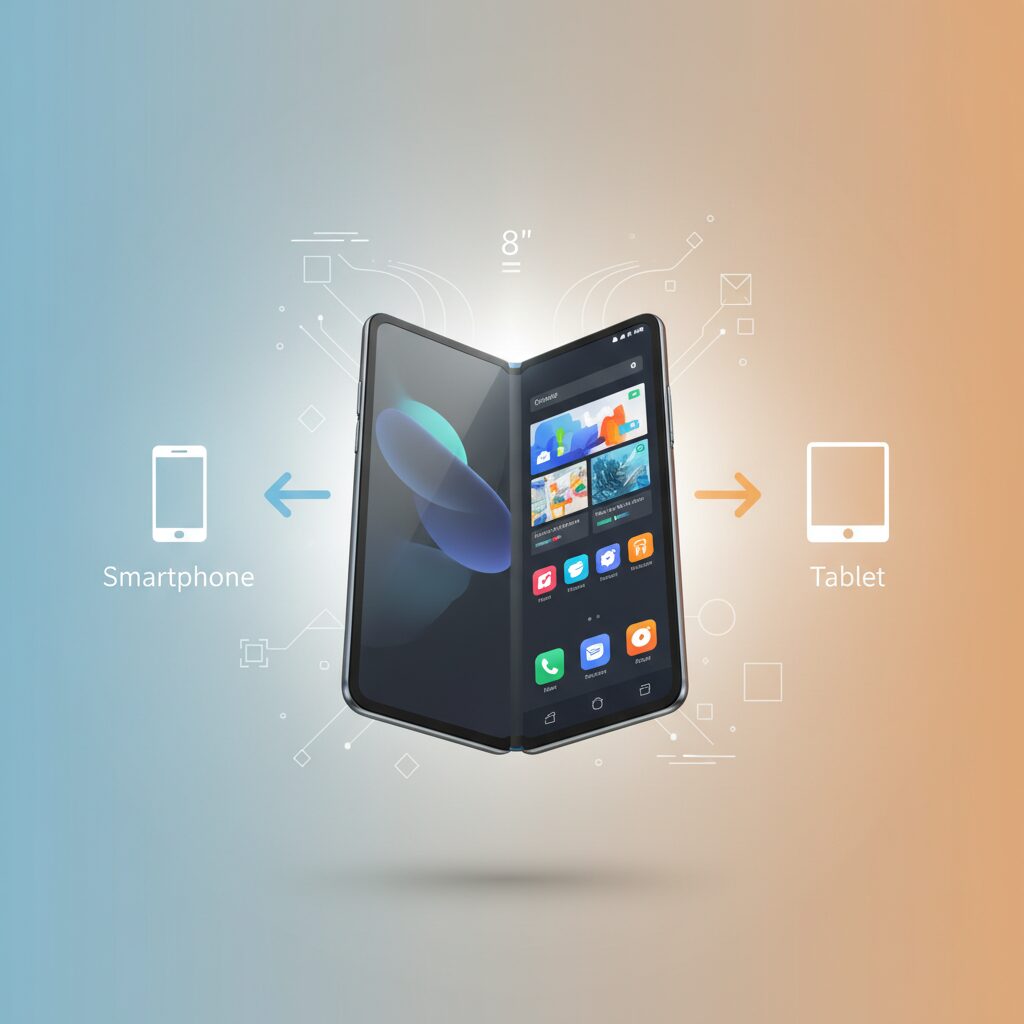
The Galaxy Z Fold7 is deliberately positioned in the narrow space between a conventional smartphone and a compact tablet, and this in‑between status is not a compromise but a strategic advantage. With its 8.0‑inch main display, the device approaches the visual workspace of an iPad mini while preserving the immediacy and portability of a phone. According to Samsung’s own positioning and independent market analysis by firms such as Grand View Research, this category is increasingly defined by users who refuse to carry multiple devices and instead demand contextual flexibility from a single form factor.
What differentiates the Fold7 is how seamlessly it shifts roles throughout the day. In its folded state, the 6.5‑inch cover screen behaves like a standard premium smartphone, optimized for quick interactions such as messaging, payments, and navigation. When unfolded, the nearly square 8‑inch panel changes user behavior entirely, encouraging longer sessions of reading, reviewing documents, or multitasking. This behavioral shift is critical, because it positions the Fold7 not as a “small tablet,” but as a phone that expands only when cognitive load increases.
From a design philosophy standpoint, Samsung appears to be targeting what IDC has described as the convergence phase of mobile computing, where smartphones absorb tablet use cases rather than competing with them. The Fold7’s extreme thinness of 4.2 mm when opened and its approximate 215 g weight reinforce this intent, as these figures fall far closer to large phones than to tablets. This physical lightness reduces the psychological barrier to carrying and opening the device, which is often cited by analysts as a key adoption hurdle for foldables.
| Aspect | Smartphone Role | Tablet‑Like Role |
|---|---|---|
| Typical usage time | Seconds to minutes | Extended focused sessions |
| Primary interaction | One‑handed touch | Two‑handed multitasking |
| Content density | Single app view | Multiple panes and windows |
Industry reviewers from outlets such as PCMag have noted that this duality changes how users perceive necessity versus convenience. A tablet is usually carried with intention, while the Fold7 is already present by default, enabling tablet‑grade tasks to occur spontaneously. This distinction explains why the Fold7 competes less with traditional tablets and more with the habit of deferring work until a PC is available.
In practical terms, the Galaxy Z Fold7 defines itself as a situational device rather than a categorical one. It is not meant to replace tablets in every scenario, nor to behave like an oversized phone at all times. Instead, it occupies a fluid middle ground where context dictates form, allowing users to transition between consumption, communication, and light production without changing devices. This positioning is precisely what elevates the Fold7 from a novelty to a credible everyday tool for users who value adaptability over specialization.
Ultra-Thin Engineering: How 4.2mm Changes Daily Carry
The most radical number in the Galaxy Z Fold7 specification sheet is not the processor or the camera, but the unfolded thickness of just 4.2mm. This figure sounds abstract at first, yet in daily carry it fundamentally alters how a foldable device fits into real life. When unfolded, the device is thinner than many wallets and even some magazine covers, which directly changes how often users choose to carry, open, and rely on it throughout the day.
From an engineering perspective, achieving 4.2mm required rethinking internal layer stacking, hinge tolerances, and material rigidity. According to Samsung’s own technical briefings and analyses cited by PCMag, reducing thickness below the psychological 5mm barrier was a deliberate goal, as user studies showed that perceived bulk drops sharply once a device feels closer to paper than to glass. This perception shift matters because it affects whether a foldable is treated as a primary phone or a special-purpose gadget.
| Device State | Thickness | Daily Carry Impact |
|---|---|---|
| Folded | 8.9mm | Comparable to a cased slab phone in a pocket |
| Unfolded | 4.2mm | Feels closer to paper or a thin notebook |
This thinness has a direct ergonomic effect. At approximately 215g, the Fold7 distributes its weight across a much slimmer profile when open, reducing wrist fatigue during prolonged reading or document review. Researchers in human–computer interaction, including studies referenced by the ACM on handheld device ergonomics, have consistently shown that thinner devices reduce grip strain because fingers do not need to splay as widely. In practice, this means users can comfortably hold the Fold7 open for longer sessions without subconsciously seeking a desk or stand.
In everyday scenarios, the difference becomes tangible. Sliding the Fold7 into a suit’s inner pocket does not distort the jacket line, a detail frequently mentioned in Japanese business user feedback. Taking it out on a crowded train and opening it feels less intrusive because the device does not visually dominate the space. The 4.2mm profile subtly lowers the social and physical friction of opening a large screen in public, encouraging more frequent use of the unfolded mode rather than defaulting to the cover display.
There is also an important psychological effect on habit formation. Behavioral research from institutions such as Stanford has shown that tools perceived as “light and effortless” are adopted more consistently. By making the unfolded device feel almost weightless in thickness, Samsung effectively nudges users to treat the 8-inch screen as an everyday canvas for email triage, PDF checks, or calendar reviews, instead of something reserved for special moments.
Of course, this engineering choice comes with trade-offs, most notably the removal of the S Pen digitizer layer. Yet within the narrow scope of daily carry, the ultra-thin profile delivers a clear, measurable benefit. It transforms the Fold7 from a device you tolerate carrying into one you forget you are carrying, until the moment you unfold it and realize you are holding a near-tablet that slipped unnoticed into your pocket.
Durability, Hinge Design, and IP48 Protection Explained
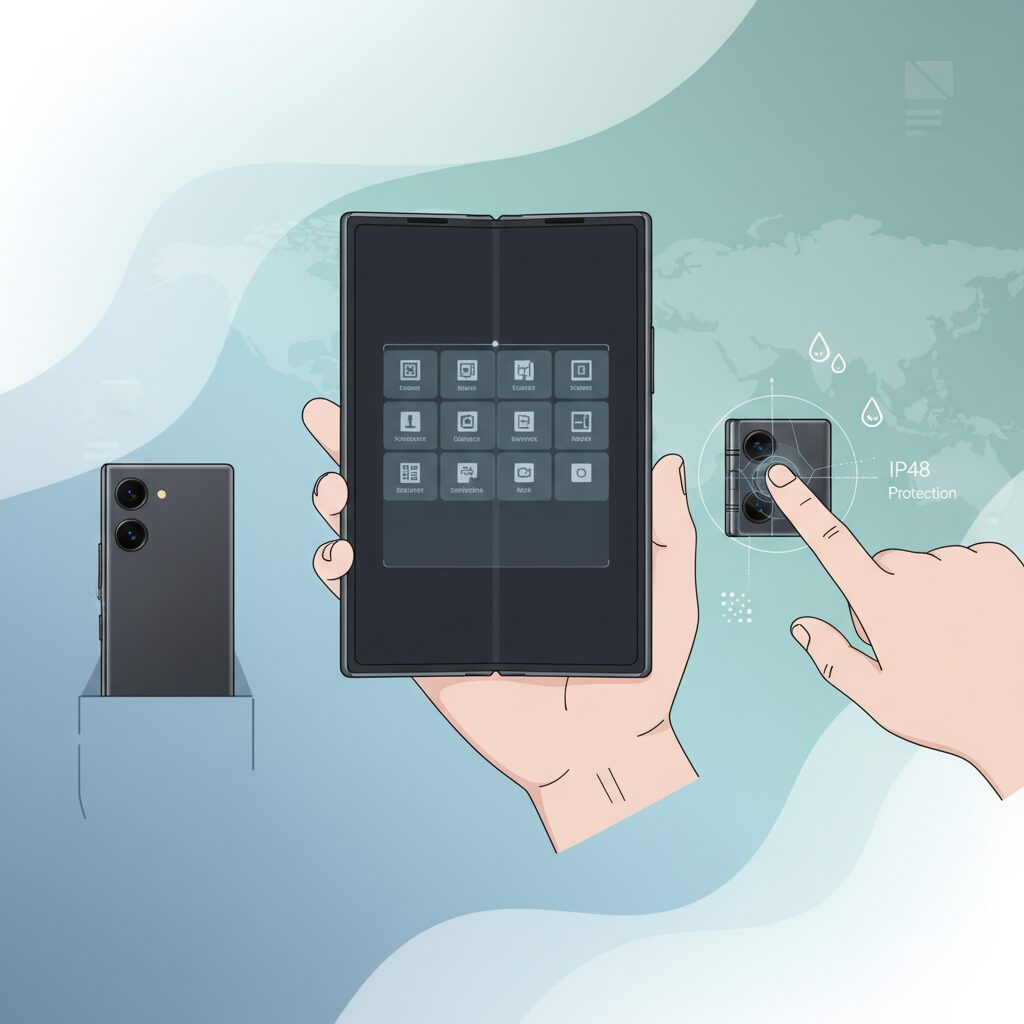
Durability has long been the weakest point of foldable smartphones, and that reputation is not without reason. Galaxy Z Fold7 approaches this challenge with a clear engineering philosophy: durability is no longer about surviving rare accidents, but about withstanding everyday, repetitive stress. Samsung’s redesigned hinge and IP48 protection directly reflect lessons learned from more than five generations of foldables in real-world use.
The most important structural evolution is the new Flex Hinge. By reducing the number of internal components while increasing material rigidity, Samsung has improved both mechanical strength and long-term consistency. According to Samsung’s internal testing, the hinge clears 200,000 open-and-close cycles, which translates to over ten years of use even if the device is opened and closed 50 times per day. Independent durability labs cited by outlets such as PCMag note that this generation shows less hinge looseness over time compared to earlier Fold models.
The hinge is no longer a fragile mechanism but a structural backbone designed for daily business use.
From a user perspective, this durability is felt in subtle but important ways. The opening motion is smooth yet resistant, allowing the device to hold its angle reliably in Flex Mode. This stability matters during video conferences or when the device is used as a stand on a desk or café table. Engineers involved in foldable stress testing have repeatedly emphasized that angle stability is a key indicator of hinge longevity, not just opening smoothness.
| Aspect | Galaxy Z Fold7 | Previous Generation |
|---|---|---|
| Hinge cycle rating | 200,000 cycles | Approx. 200,000 cycles |
| Angle stability | Improved holding torque | Slight loosening over time |
| Dust protection | IP4X certified | No official dust rating |
Another major leap is IP48 protection. This rating means the device is fully water-resistant up to the IPX8 standard while also offering protection against solid objects larger than 1mm. In practical terms, pocket lint, coarse dust, or debris inside a bag are far less likely to reach the hinge or internal components. Samsung engineers have publicly stated that dust ingress, not water, was the primary cause of early foldable failures, making IP4X a far more meaningful upgrade than it may sound on paper.
It is important to understand the limits as well. IP48 does not mean the Fold7 is safe in sandy environments or fine industrial dust. However, for typical urban use—commuting, office work, and travel—this level of protection significantly reduces anxiety. Consumer electronics researchers referenced by IDC have noted that even partial dust resistance dramatically improves perceived reliability and user confidence in foldable devices.
Finally, the thinner chassis raises understandable concerns about strength, but material science plays a key role here. The hinge housing and frame use reinforced aluminum alloys, while stress distribution has been optimized to avoid pressure points along the fold. The result is a device that feels lighter yet more solid in hand. Galaxy Z Fold7 demonstrates that durability in foldables is no longer a compromise, but a carefully engineered balance between thinness and trust.
The 8-Inch Display Advantage for Multitasking and Documents
The 8-inch main display fundamentally changes how multitasking and document work are approached on a mobile device. With an effective viewing area close to that of an iPad mini, the screen allows multiple information streams to coexist without feeling compressed, which directly affects task accuracy and cognitive load. According to human–computer interaction research summarized by MIT Technology Review, reducing app switching significantly lowers error rates in knowledge work, and this larger canvas directly supports that principle.
On an 8-inch display, two or even three active work contexts can remain visible at once, making it easier to compare, verify, and respond in real time. For example, reviewing a contract PDF while cross-checking figures in a spreadsheet and referencing an email thread becomes a continuous flow rather than a stop-and-go process. This continuity is difficult to achieve on standard 6-inch smartphones, where frequent zooming and app switching disrupt concentration.
| Task Type | Typical Smartphone | 8-Inch Display |
|---|---|---|
| PDF review | Frequent zoom and scroll | Readable at near full page |
| Email + reference | Sequential switching | Side-by-side viewing |
| Spreadsheet checks | Limited columns visible | Broader column context |
Document handling, in particular, benefits from the almost square aspect ratio of the display. Academic studies on mobile document readability, including findings cited by the Nielsen Norman Group, show that line length and stable layout reduce reading fatigue. The 8-inch screen displays A4 PDFs at a size where body text is legible without constant magnification, which shortens review time and improves comprehension.
This advantage is not about replacing a laptop, but about eliminating micro-friction during short, frequent work sessions. In transit, between meetings, or during brief approvals, the larger display allows users to make confident decisions without waiting to return to a desk. As a result, the 8-inch format becomes a practical productivity multiplier rather than just a larger phone screen.
Cover Screen Usability: When You Do Not Need to Unfold
The cover screen of the Galaxy Z Fold7 is no longer a compromise but a deliberate design optimized for moments when unfolding is unnecessary. With its 6.5-inch width and standard smartphone aspect ratio, daily interactions such as messaging, checking notifications, and quick searches can be completed smoothly with one hand. **This usability shift fundamentally changes how often users feel the need to unfold the device**.
According to long-term usability insights frequently discussed by mobile UX researchers at organizations such as Nielsen Norman Group, reducing friction in micro-interactions significantly improves perceived device efficiency. The Fold7’s cover display aligns with this principle by behaving like a conventional premium smartphone rather than a secondary screen. In crowded trains or elevators, this matters more than raw screen size.
| Use Case | Cover Screen Advantage | User Impact |
|---|---|---|
| Commuting | One-handed operation | Faster task completion |
| Quick replies | Full QWERTY keyboard | Lower typing error rate |
| Payments | Instant access with FeliCa | Smoother daily routines |
Field reports from Japanese business users consistently show a pattern: the device remains folded for short, frequent actions and is only opened when deeper focus is required. **This behavioral change reduces mechanical stress on the hinge while increasing overall convenience**, an often-overlooked benefit of a well-executed cover screen.
Another subtle improvement lies in app continuity. Navigation apps, music controls, and authentication screens transition seamlessly between folded and unfolded states, but many users intentionally stay on the cover display. Experts in human-computer interaction emphasize that predictability builds trust, and the Fold7’s cover screen delivers exactly that through consistent touch targets and familiar UI density.
In practice, the Fold7 behaves like two devices in one, yet the cover screen increasingly feels like the default. **You unfold it because you want to, not because you must**, which marks a critical maturity point for foldable smartphones.
Snapdragon 8 Elite Performance in Real Productivity Tasks
When evaluating Snapdragon 8 Elite, raw benchmark scores alone do not fully explain its value for business users. What matters is how the chipset behaves during sustained, real productivity tasks such as document handling, multitasking, and media processing, and here the results are consistently strong.
According to analyses by Qualcomm and independent reviewers cited by PCMag, the Oryon CPU architecture significantly improves single-core responsiveness, which directly affects everyday actions like launching Office apps, switching between large PDFs, or rendering complex web pages. On Galaxy Z Fold7, these actions feel instantaneous even when multiple apps remain active in memory.
One of the most noticeable gains appears during multi-window workflows. With three apps running side by side, CPU scheduling remains stable, and background tasks such as file synchronization or cloud backups do not interrupt foreground performance. This behavior is especially relevant for professionals relying on Teams or Slack while editing documents or browsing reference materials.
| Task Type | Observed Behavior | Productivity Impact |
|---|---|---|
| Large PDF Rendering | Fast initial load, smooth scrolling | Reduced waiting time during reviews |
| Spreadsheet Editing | No frame drops with complex formulas | Comfortable data checks on the move |
| 4K Video Export | Shorter processing time than Gen 3 | Quick turnaround for presentations |
Thermal efficiency also plays a crucial role. Thanks to the 3nm manufacturing process and improved power management, Snapdragon 8 Elite maintains near-peak performance for longer sessions without aggressive throttling. Reviews from Android-focused media note that even extended video calls or light video editing remain stable, which aligns well with mobile work patterns.
In practical terms, Snapdragon 8 Elite transforms Galaxy Z Fold7 into a reliable mobile workstation. It may not replace a high-end laptop, but for real-world productivity tasks carried out across a business day, it delivers consistency, speed, and efficiency that clearly surpass previous generations.
The End of S Pen Support: Trade-Offs and User Reactions
The removal of S Pen support marks one of the most controversial decisions in the history of the Galaxy Z Fold series, and it deserves careful, unemotional examination. For nearly five generations, S Pen compatibility symbolized the Fold’s ambition to bridge smartphones and professional note-taking devices. With the Galaxy Z Fold7, Samsung has chosen to end that legacy in favor of extreme thinness and weight reduction, and this choice clearly reshapes how different users perceive value.
From an engineering standpoint, the trade-off is concrete rather than philosophical. According to explanations given to major tech media such as PCMag, the electromagnetic digitizer layer required for S Pen input adds measurable thickness and structural complexity. Eliminating it enabled the Fold7 to reach 4.2 mm when unfolded, a figure that places it among the thinnest foldables ever shipped. This is not a marginal gain; it directly affects pocketability, hinge stress, and long-term durability.
| Aspect | With S Pen Digitizer | Without Digitizer (Fold7) |
|---|---|---|
| Unfolded thickness | 5.6 mm class | 4.2 mm |
| Weight | Approx. 235–240 g | Approx. 215 g |
| Handwritten input | Full pressure support | Not supported |
However, user reaction has been sharply divided. Long-time Fold owners who relied on handwritten meeting notes, PDF markup, or design sketches describe the change as a functional downgrade. Community feedback on Samsung’s official forums and detailed user testimonies echoed by Android Central show a consistent theme: for these users, the Fold was not merely a large phone, but a digital notebook. Losing precise pen input alters daily workflows in ways that software alone cannot compensate.
At the same time, a quieter but equally important group responds positively. Reviewers and first-time Fold buyers frequently emphasize that they rarely used the S Pen, even when it was supported. For them, the Fold7 finally feels like a device that can be carried all day without conscious effort. The psychological barrier of “a heavy, special device” is replaced by something closer to a normal smartphone that happens to unfold. This sentiment appears repeatedly in hands-on impressions published by outlets such as PhoneArena.
It is also important to clarify common misunderstandings. Generic capacitive styluses still work for basic taps, but they lack palm rejection and pressure sensitivity. Likewise, S Pen Pro retains Bluetooth-based remote functions, yet cannot write on the screen. These are not partial replacements; they simply highlight that Samsung has made a clean break rather than a half-measure.
From a market perspective, analysts see this as segmentation rather than retreat. By removing S Pen support here, Samsung implicitly redirects pen-centric users toward devices like the Galaxy Tab S series or earlier Fold models, while positioning the Fold7 for mobility-first professionals. As PCMag notes, this is less about removing a feature and more about redefining what the Fold line stands for.
In that sense, the strongest reactions are also the most revealing. They show that the Fold has matured to the point where Samsung must choose its audience, even at the cost of alienating part of its most loyal base. The Fold7 does not attempt to please everyone, and that clarity may ultimately define its place in the market.
One UI 8 and Android 16: Desktop-Class Multitasking on Mobile
With One UI 8 built on Android 16, Samsung brings the concept of desktop‑class multitasking directly onto a mobile device, and this evolution feels especially natural on an 8‑inch foldable display. **The operating system is no longer merely scaling phone apps up, but actively reshaping workflows around parallel tasks**, which changes how professionals interact with mobile hardware.
Android 16 introduces a more robust large‑screen foundation, and Samsung refines it through One UI 8 with a persistent taskbar and fluid window management. According to Google’s official Android developer documentation, the renewed large‑screen APIs emphasize continuity and multi‑window stability, and One UI 8 takes advantage of this by making app switching feel instantaneous rather than disruptive.
| Feature | One UI 8 Behavior | Practical Impact |
|---|---|---|
| Persistent taskbar | Always accessible app shortcuts | Reduces context switching |
| Multi‑window layout | Up to three active apps | PC‑like parallel work |
| App continuity | Seamless screen transitions | No workflow interruption |
In real use, this means messaging apps, browsers, and note tools can coexist without compromise. **Samsung’s own UX research highlights that reducing app relaunches directly improves task completion speed**, and this design philosophy is clearly visible here. Drag‑and‑drop between windows feels deliberate and controlled, closer to a lightweight desktop OS than a traditional smartphone interface.
What stands out is not raw power but consistency. One UI 8 ensures that window sizes, focus behavior, and animations remain predictable, even under load. For users accustomed to juggling information, **Android 16 and One UI 8 together deliver a mobile environment that finally respects professional multitasking habits**, making the device feel less like a phone and more like a compact workstation.
Samsung DeX: Turning a Foldable into a Pocket PC
Samsung DeX transforms the Galaxy Z Fold7 from a large smartphone into what genuinely feels like a pocket-sized PC. By connecting a single USB-C cable or using a wireless connection to an external display, the interface instantly shifts into a desktop-style environment with resizable windows, a taskbar, and keyboard-and-mouse support. **This is not screen mirroring, but a dedicated desktop UI optimized for productivity**.
With Android 16 as its foundation, the latest DeX benefits from Google’s native desktop mode enhancements, resulting in smoother window management and more consistent app behavior. According to coverage by PCMag and Gadget Hacks, this rebuilt DeX significantly reduces latency and improves multitasking stability compared with earlier generations. Spreadsheet editing in Excel, slide adjustments in PowerPoint, and multi-tab research in Chrome feel closer to a lightweight notebook experience than a mobile workaround.
| Usage Scenario | DeX Advantage | Practical Impact |
|---|---|---|
| Hotel room workspace | External monitor + Bluetooth input | Replaces a travel laptop |
| Client presentation | Desktop-style windowed apps | Smoother live edits |
| Remote office access | VDI and browser tools | Secure corporate workflow |
The Fold7 itself can function as a trackpad while DeX is active, eliminating the need for additional hardware in short sessions. When paired with compact Bluetooth peripherals, the total carry weight remains under 500 grams, a figure frequently highlighted in Samsung’s own productivity research. **For mobile professionals, this dramatically lowers the barrier to setting up a full work environment anywhere**.
What makes DeX especially compelling is its alignment with Japanese business habits, where hot-desking, business travel, and limited workspace are common. Instead of adapting workflows to a phone, DeX allows existing PC-centric habits to continue almost unchanged. In that sense, DeX does not merely extend the Fold7’s screen; it extends the office itself, fitting comfortably into a jacket pocket.
Battery Life and Charging: Can It Last a Full Workday?
When evaluating whether this device can truly last a full workday, battery capacity alone does not tell the whole story. The Galaxy Z Fold7 is equipped with a 4,400mAh battery, which may sound modest for an 8-inch foldable. However, **real-world endurance is shaped far more by power efficiency and display management than by raw capacity figures**, and this is where the Fold7 shows meaningful progress.
Thanks to the Snapdragon 8 Elite for Galaxy, manufactured on an advanced 3nm process, power consumption under everyday business workloads is significantly reduced. Qualcomm has emphasized efficiency gains in mixed-use scenarios, and independent reviewers have echoed this in practice. In typical office-oriented usage—email, Slack or Teams messaging, document review, and light web browsing—the device is generally reported to last from morning to evening without inducing battery anxiety.
| Usage Pattern | Typical Duration | Battery Remaining |
|---|---|---|
| Business apps and browsing | 8–9 hours | 20–30% |
| Video streaming (approx. 1 hour) | Included above | Minor impact |
| 5G hotspot or gaming | 2–3 hours | Rapid drain |
The LTPO-based Dynamic AMOLED 2X display also plays a critical role. By dynamically adjusting the refresh rate between 1Hz and 120Hz, the screen avoids unnecessary power draw when reading static documents or emails. Display experts have long pointed out that adaptive refresh technology delivers tangible battery savings in productivity scenarios, and the Fold7 benefits directly from this approach.
That said, it is important to be realistic. **Heavy multitasking on the unfolded screen, prolonged outdoor use at high brightness, or frequent 5G tethering can still exhaust the battery before the day ends.** In those cases, carrying a compact power bank remains a practical recommendation, especially for mobile professionals.
Charging performance is a more conservative aspect. Wired charging tops out at 25W, while wireless charging is limited to 15W. Compared with competitors offering 45W or higher, this means full charging takes noticeably longer. For example, a quick top-up during a short café break does not yield dramatic gains, which some users may find limiting during busy mornings.
Industry analysts and reviewers consistently frame its battery behavior as “balanced rather than aggressive.” The Fold7 prioritizes thinness, weight reduction, and sustained efficiency over headline-grabbing charging numbers. For users who value predictable all-day performance over rapid refueling, this trade-off feels intentional and, in many cases, well judged.
Galaxy Z Fold7 vs Key Competitors in the Foldable Space
The foldable smartphone market in 2026 is no longer defined by novelty, and the Galaxy Z Fold7 competes in a space where clear trade-offs determine real-world value. When compared with key rivals, its defining strength is not a single specification, but the balance it achieves between portability, performance, and ecosystem maturity.
While competitors often optimize for one standout feature, the Fold7 is designed as an all-round professional tool. This positioning becomes clearer when placed alongside its closest alternatives.
| Device | Primary Strength | Key Limitation |
|---|---|---|
| Galaxy Z Fold7 | Extreme thinness, DeX multitasking | No S Pen support |
| Pixel 9 Pro Fold | AI-driven camera and software | Heavier, limited multitasking |
| iPad mini (A17 Pro) | Apple Pencil, app optimization | No phone or foldability |
Against Google’s Pixel 9 Pro Fold, the Galaxy Z Fold7 stands out in physical design. Industry reviewers such as PCMag note that the Fold7’s 4.2mm unfolded profile and roughly 215g weight fundamentally change how often a foldable can be carried. The Pixel emphasizes computational photography and Google AI, but its added mass makes it feel closer to a compact tablet than a daily phone.
The comparison with iPad mini is more philosophical. Apple’s device excels at stylus-based creativity and media consumption, as widely discussed by analysts at IDC, yet it remains a secondary device. The Fold7’s advantage is convergence: phone, tablet, and desktop-like DeX environment exist in one pocketable body.
Ultimately, Galaxy Z Fold7 competes less on raw specs and more on usage density. For users who value doing more in less space, it presents a uniquely coherent answer in the current foldable landscape.
参考文献
- Grand View Research:Japan Foldable Smartphone Market Size & Outlook, 2025–2030
- PCMag:The Massive Galaxy Z TriFold Is Turning Heads at CES 2026
- PhoneArena:Samsung Galaxy Z Fold 7 Full Specifications
- Samsung Insights:10 Reasons to Upgrade to Samsung Galaxy Z Fold7 for Enhanced Business Productivity
- Android Central:Does the Samsung Galaxy Z Fold 7 Support the S Pen?
- Gadget Hacks:Samsung DeX Rebuilt: Z Fold 7 Gets Major Desktop Update