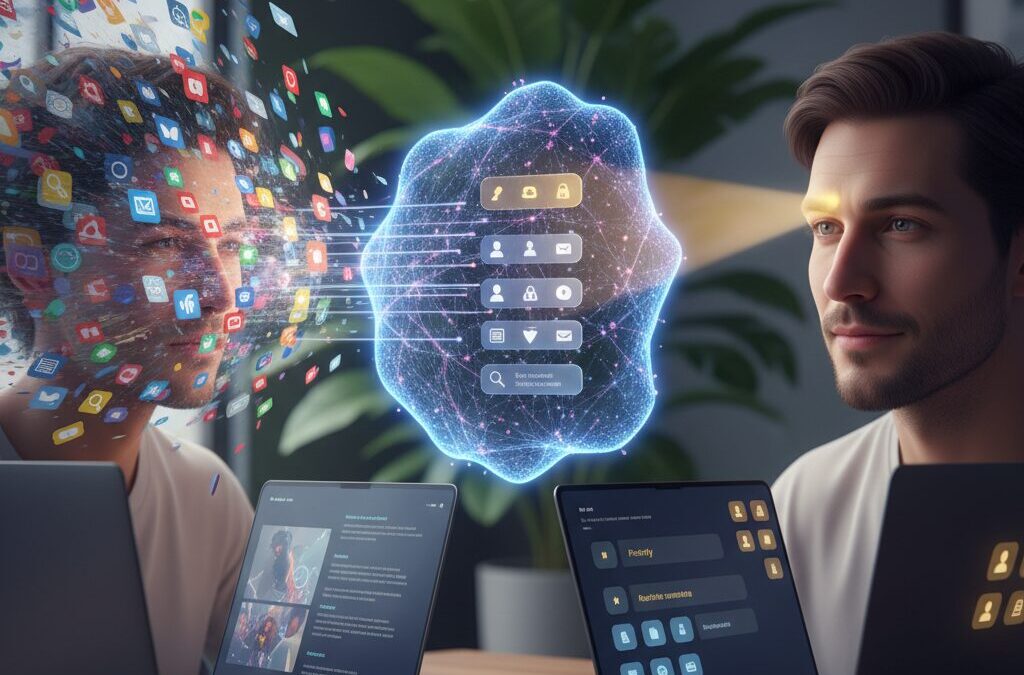
Are you constantly bombarded by notifications, yet afraid to turn them off in case you miss something important? Many gadget enthusiasts and knowledge workers feel trapped between FOMO and digital exhaustion. Your smartphone, smartwatch, and laptop were meant to boost productivity, but endless alerts often fracture your focus instead.
In 2026, a major shift is underway. With Android 16’s AI-powered Notification Organizer and summaries, and Apple Intelligence redefining Priority Notifications and Reduce Interruptions mode, operating systems are no longer passive pipelines for alerts. They are becoming active gatekeepers of your attention.
At the same time, research in psychology shows that frequent micro-interruptions create “attention residue,” making it harder to regain deep focus. Studies on smartphone use and sleep also suggest strong links between heavy notification exposure, anxiety, and reduced sleep quality. The question is no longer how to receive more information, but how to extract meaning from less.
This article explores the technologies, scientific evidence, hardware trends, and workplace policies shaping the new era of attention management. You will discover how to design a three-tier notification strategy, leverage AI without blindly trusting it, and build a digital environment where alerts serve you—not the other way around.
- From FOMO to JOMO: Why the Attention Economy Is Collapsing
- Android 16 and the Rise of the AI Notification Organizer
- Gemini-Powered Notification Summaries: Can AI Replace App Checking?
- Apple Intelligence in iOS 19: Priority Notifications and Reduce Interruptions
- Desktop Focus Reimagined: macOS Sequoia, iPhone Mirroring, and Windows Do Not Disturb
- Taming Super Apps: Advanced Notification Control in LINE, Slack, and Instagram
- Hardware as a Filter: Galaxy Ring, Oura Ring 4, and the Light Phone III
- The Neuroscience of Interruptions: Cortisol, Anxiety, and Attention Residue
- Right to Disconnect: How Workplace Policies Are Reshaping Notification Culture
- Power User Protocol 2026: A Three-Tier Framework for Ultimate Notification Optimization
- AI Literacy in the Age of Smart Summaries: Avoiding Overtrust and Hallucinations
- 参考文献
From FOMO to JOMO: Why the Attention Economy Is Collapsing
For more than a decade, the digital world has been ruled by FOMO, the fear of missing out. Every vibration, badge, and push alert has been engineered to convince us that something urgent is happening right now. We have treated notification centers as lifelines, believing that faster awareness equals greater relevance.
But that logic is beginning to crack. As devices multiply and AI systems accelerate content production, the volume of information has outpaced our cognitive capacity to process it. The scarcity is no longer information. The scarcity is attention.
According to the American Psychological Association’s interviews with cognitive scientist Gloria Mark, frequent digital interruptions significantly reduce sustained focus and increase mental fatigue. Sophie Leroy’s research on “attention residue” further shows that when we switch tasks, part of our mind remains stuck on the previous one, lowering performance on the next task.
| FOMO Era | JOMO Shift |
|---|---|
| Maximize exposure to updates | Minimize interruptions |
| Real-time reaction culture | Intentional, batched engagement |
| Notifications as default | Silence as default |
At the same time, emerging research on smartphone use and sleep published in PubMed Central suggests that while raw screen time does not always directly correlate with biological stress markers like cortisol, subjective anxiety and reduced sleep quality show strong associations. The real damage comes from anticipatory stress, the constant expectation that something might happen.
This is where JOMO, the joy of missing out, becomes more than a lifestyle slogan. It becomes a strategic response to structural overload. When everything is urgent, nothing is meaningful.
The attention economy, built on maximizing engagement metrics, depends on perpetual interruption. Social platforms reward instant replies. News apps compete for breaking alerts. E-commerce systems push limited-time offers. Yet as operating systems like Android 16 and iOS 19 begin embedding AI to filter, summarize, and prioritize notifications, the platforms themselves implicitly acknowledge the collapse of the old model.
Instead of competing for raw attention, technology is shifting toward curating relevance. AI-driven notification summaries and priority sorting mechanisms are not productivity gimmicks. They are defensive architecture against cognitive overload.
The collapse of the attention economy does not mean less content. It means stricter filtration.
For gadget enthusiasts and power users, this shift is profound. Owning the latest device no longer means being more connected. It increasingly means being more selective. The prestige metric is changing from responsiveness to intentionality.
JOMO is not disengagement. It is controlled engagement. It is choosing when to open Slack instead of reacting to every ping. It is allowing AI to summarize a 30-message thread rather than compulsively reading each line. It is turning off promotional notifications entirely and discovering that nothing truly breaks.
The attention economy is collapsing under its own excess. In its place, a filtration economy is emerging, where meaning is extracted, not chased. Those who master this transition will not miss out. They will finally regain control over the most finite resource they possess: their focus.
Android 16 and the Rise of the AI Notification Organizer
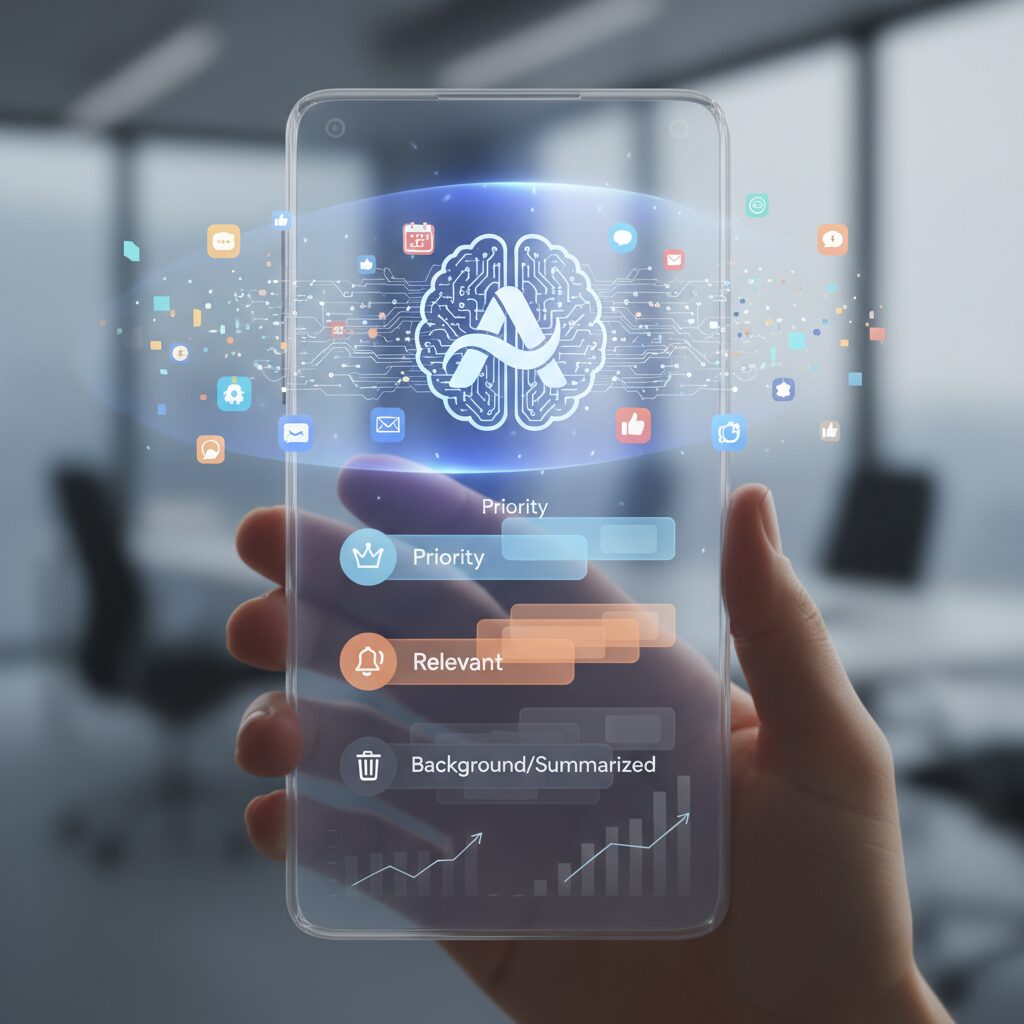
Android 16 marks a decisive shift from manual notification control to AI-driven orchestration. With the introduction of Notification Organizer, Google redefines the notification shade as an intelligent filtering layer rather than a passive inbox.
According to Google’s official Android updates, the system now uses on-device machine learning to analyze incoming alerts and automatically classify them by semantic intent. This represents a move away from the traditional binary of “important” versus “silent” toward contextual prioritization.
| Category | Typical Content | Default Behavior |
|---|---|---|
| Promotions | Sales, coupons, marketing alerts | Grouped and muted |
| News | Breaking stories, media updates | Bundled unless urgent |
| Social | Likes, follows, reactions | Collapsed separately from direct messages |
| Suggested | System or app tips | Low-visibility placement |
These categories are automatically grouped and placed toward the lower section of the notification shade. As Android-focused publications such as Android Central note, users can fine-tune or whitelist specific apps under Settings > Notifications > Notification Organizer, ensuring critical tools bypass automation.
The philosophical shift is clear: the system assumes most notifications are noise unless proven otherwise. Human-to-human communication and urgent alerts remain visually dominant, while algorithmically identified low-priority signals are compressed.
Equally transformative is the integration of Gemini-powered Notification Summaries. Instead of displaying dozens of sequential messages, Android 16 can synthesize multi-message threads into concise, contextual summaries. For example, a 30-message group chat about dinner plans may appear as a short paragraph capturing proposals, consensus, and final time.
This reduces what cognitive scientists call “context switching.” Research on attention residue, frequently cited in academic discussions of task interruption, suggests that even brief diversions degrade focus. By enabling users to grasp conclusions without opening an app, Android 16 effectively minimizes these micro-interruptions.
Importantly, the summaries operate with semantic awareness rather than simple keyword detection. Urgent metadata—such as emergency alerts—are less likely to be grouped or muted. This contextual sensitivity reflects a broader industry recognition that notification overload is not solved by volume reduction alone, but by intelligent triage.
In the emerging “selection era” of the post-attention economy, Android 16 positions AI as a gatekeeper. The objective is no longer to ensure you never miss anything. It is to ensure you see only what matters, at the moment it truly matters.
Gemini-Powered Notification Summaries: Can AI Replace App Checking?
Android 16’s Gemini-powered Notification Summaries introduce a radical question: do we still need to open apps to stay informed? By generating contextual summaries directly in the notification shade, Google reframes the notification itself as the primary interface. Instead of acting as a mere alert, it becomes an intelligent digest.
According to Google’s official announcement on Android 16, Gemini analyzes clustered notifications—such as group chats or email threads—and produces concise overviews that reflect the core outcome of the exchange. In practical terms, thirty back-and-forth messages can be distilled into a few meaningful lines, reducing the need for constant app switching.
This shift directly addresses what cognitive scientists describe as “attention residue.” Research discussed by the American Psychological Association highlights how even brief task switching leaves part of our cognitive resources stuck on the previous activity. By delivering synthesized meaning upfront, AI summaries aim to prevent that costly context switch.
| Scenario | Before AI Summary | With Gemini Summary |
|---|---|---|
| Group Chat (30 msgs) | “30 new messages” → open app | Key decision summarized in notification |
| Email Thread | Multiple subject-line alerts | Condensed status update |
| Event Planning | Manual scroll to confirm time | Final time highlighted instantly |
The strategic implication is profound. AI shifts notifications from volume-based alerts to meaning-based signals. In the attention economy’s transition toward curation, this represents a structural redesign of how information reaches us.
However, replacement is not absolute. Large language models can misinterpret tone, sarcasm, or nuanced disagreement. Google positions these summaries as assistive rather than authoritative, and responsible usage requires occasional verification inside the original app—especially for high-stakes communication.
There is also a behavioral dimension. When notifications become sufficiently informative, users may develop a “notification-first” workflow, engaging with apps only when deeper action is required. This mirrors the broader movement from FOMO to selective engagement: checking apps by intention, not reflex.
In that sense, Gemini-powered summaries do not eliminate app checking entirely. Instead, they redefine it. The app becomes a workspace for action, while the notification becomes a dashboard for awareness. For gadget enthusiasts and productivity-focused users, this marks a subtle but decisive evolution in how AI mediates our daily digital interactions.
The ultimate question is not whether AI can replace app checking, but whether it can reduce unnecessary checking without eroding accuracy. Android 16 suggests the answer is increasingly yes—provided users treat AI as a filter, not a final authority.
Apple Intelligence in iOS 19: Priority Notifications and Reduce Interruptions
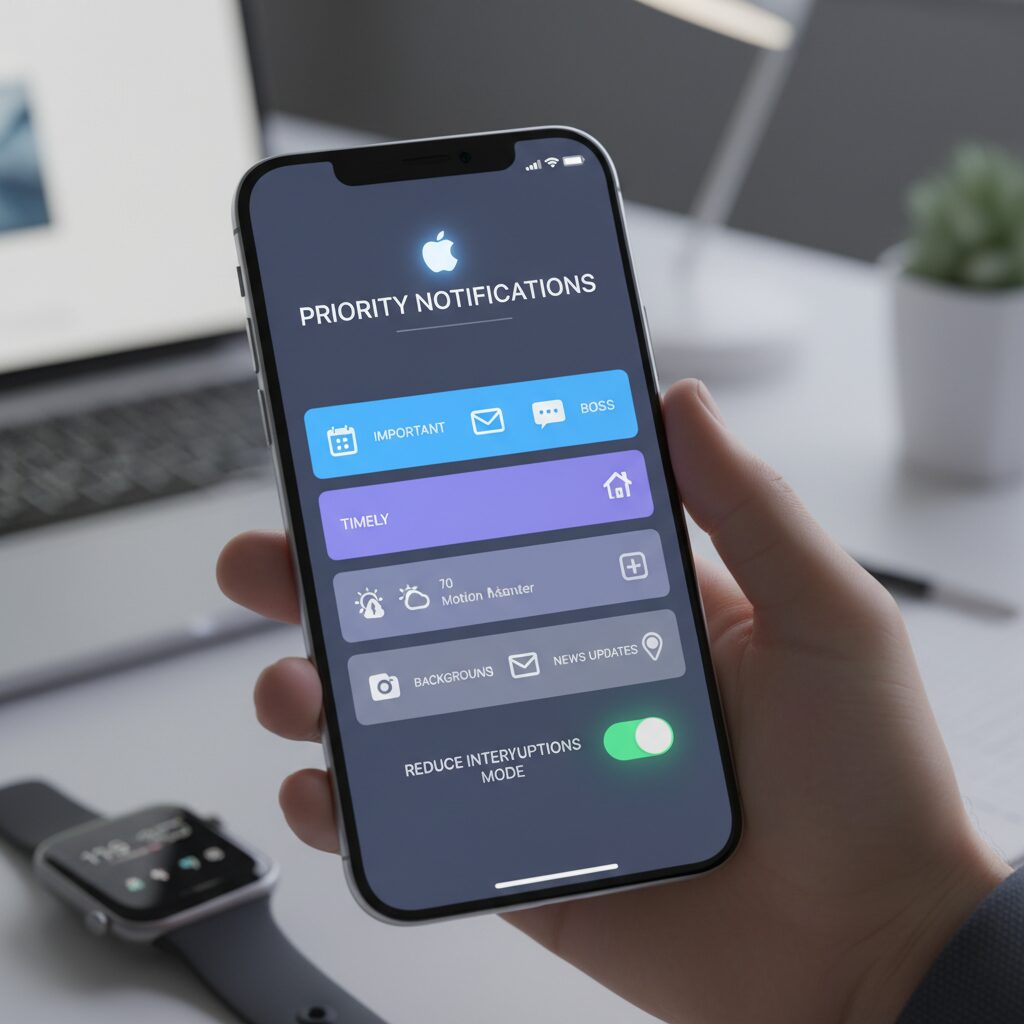
With iOS 19, Apple Intelligence fundamentally redefines how notifications compete for your attention.
Instead of forcing you to micromanage dozens of app-level settings, the system now evaluates importance on your behalf. The focus shifts from “receive everything” to receive what truly matters, when it matters.
This is where Priority Notifications and Reduce Interruptions become the core pillars of Apple’s new attention strategy.
How Priority Notifications Reorders Your Digital World
Priority Notifications uses on-device Apple Intelligence to analyze semantic meaning, sender relevance, time sensitivity, and contextual signals such as location and routine behavior.
According to Apple’s overview of Apple Intelligence, this processing happens primarily on device, preserving privacy while enabling contextual understanding. It is not a static VIP list but a dynamic ranking engine.
For example, an airline email containing a boarding pass for tomorrow can be elevated above routine newsletters. The system interprets intent and urgency, not just sender identity.
| Factor | What iOS 19 Evaluates | Impact on Ranking |
|---|---|---|
| Semantic Content | Time-sensitive phrases, confirmations, alerts | Higher placement in stack |
| Relationship Strength | Frequency of communication | Context-based elevation |
| Situational Context | Location, calendar proximity | Temporary priority boost |
The result is a notification stack that feels curated rather than chronological. You open your device and immediately see what Apple Intelligence predicts you cannot afford to miss.
This directly addresses what behavioral scientists call anticipatory anxiety—the stress of not knowing whether something critical is buried beneath noise.
By surfacing likely high-stakes information first, the system reduces cognitive scanning time.
Reduce Interruptions: Smarter Than Do Not Disturb
Traditional Do Not Disturb modes rely on rigid allow-lists. Reduce Interruptions introduces adaptive filtering instead.
Only notifications judged to require immediate awareness are allowed to break through. Everything else is delivered silently to Notification Center.
The distinction is subtle but powerful: it is not about blocking categories, but about interpreting urgency in real time.
Reduce Interruptions functions as an AI gatekeeper, not a blanket silencer.
Research published on PubMed Central has shown that while raw notification counts do not always correlate directly with cortisol spikes, subjective anxiety and sleep degradation strongly correlate with unpredictability.
By minimizing unnecessary real-time alerts, iOS 19 targets the unpredictability factor rather than the volume alone.
This aligns with cognitive theories such as attention residue, which suggest that even micro-interruptions degrade task re-engagement efficiency.
Importantly, the system improves through feedback. If you repeatedly expand a silenced notification immediately, Apple Intelligence adapts. Over time, your device develops a model of what truly deserves interruption.
For power users, this represents a paradigm shift: configuration moves from static rules to behavioral training.
Your interaction patterns become the tuning mechanism.
In the broader context of the attention economy’s decline, iOS 19 does not simply reduce noise. It reframes interruption as a scarce privilege.
Priority Notifications decide what rises. Reduce Interruptions decides what breaks through.
Together, they transform your lock screen from a battlefield of competing apps into a selectively filtered command center.
Desktop Focus Reimagined: macOS Sequoia, iPhone Mirroring, and Windows Do Not Disturb
On the desktop, attention management becomes more complex and more critical. Unlike smartphones, which we expect to interrupt us, desktops are where deep work happens. In 2026, macOS Sequoia and Windows 11/12 approach this challenge differently, yet both aim to answer the same question: how can we stay immersed without becoming isolated?
macOS Sequoia pushes integration to the forefront with iPhone Mirroring. According to Apple Support documentation, users can now view and interact with their iPhone directly from the Mac desktop, including responding to notifications without physically touching the phone. This seemingly small shift eliminates one of the most powerful attention traps: picking up the iPhone “just for a second” and falling into a cascade of apps.
| Feature | macOS Sequoia | Windows 11/12 |
|---|---|---|
| Mobile Integration | iPhone Mirroring with full app interaction | Phone Link with notification sync |
| Focus Control | Focus modes synced across devices | Do Not Disturb + Focus Sessions |
| Visual Interruption | Refined banner behavior | Taskbar flash suppression during focus |
With iPhone Mirroring, notifications are no longer split across two attention surfaces. You do not need to break posture, unlock a device, or shift physical context. From a cognitive perspective, this reduces what researchers describe as “attention residue.” As discussed in psychological literature on task switching, even small context shifts degrade performance. Minimizing physical device switching directly supports sustained concentration.
macOS Focus modes further reinforce this boundary. When Focus is enabled on the Mac, it synchronizes with the iPhone, ensuring consistent filtering rules. This unified layer means you are not negotiating two separate notification hierarchies. Instead, you operate within a single, intentional attention policy.
On the Microsoft side, the transition from Focus Assist to Do Not Disturb in Windows 11 represents more than a naming change. As detailed by Windows experts such as Thurrott, Do Not Disturb now integrates tightly with Focus Sessions in the Clock app. When you initiate a timed session, notifications are silenced automatically and taskbar icon flashing is suppressed. Visual noise, not just sound, is treated as interruption.
This matters because interruption is multimodal. A silent but blinking icon still fractures attention. Windows’ approach acknowledges that deep work requires environmental control, not just muted audio cues.
However, there is a structural nuance in enterprise environments. In corporate deployments, system administrators may enforce or restrict Do Not Disturb settings via group policy. This creates a tension between organizational governance and individual productivity preferences. Power users often resort to advanced configuration tools to align system behavior with their workflow.
The philosophical difference is subtle but important. Apple reduces friction by collapsing device boundaries, while Microsoft emphasizes time-boxed immersion within the desktop itself. One approach removes the temptation to switch devices; the other formalizes focus as a scheduled activity.
For gadget enthusiasts and knowledge workers, the optimal setup depends on workflow. If your productivity suffers from constant smartphone checking, macOS Sequoia’s mirroring may eliminate the trigger. If your challenge is unstructured multitasking, Windows Focus Sessions provide a ritualized entry into concentration.
In both ecosystems, the desktop is no longer a passive receiver of alerts. It is becoming an intelligent gatekeeper. And in the age of notification overload, that gatekeeper role may be the most important upgrade of all.
Taming Super Apps: Advanced Notification Control in LINE, Slack, and Instagram
Super apps like LINE, Slack, and Instagram are designed to collapse communication, media, and commerce into a single stream. That convenience is powerful, but it also makes notification control exponentially harder. When one app handles friends, colleagues, brands, and algorithms at once, a single red badge can represent radically different levels of urgency.
The key is not to mute everything, but to separate human intent from platform-driven noise. Advanced notification control starts inside each app, not just at the OS level.
LINE: Segmenting Social Infrastructure
In Japan especially, LINE functions as social infrastructure. Friends, family, work groups, and official accounts coexist in one inbox. Enabling the “Talk Folder” feature reorganizes chats into tabs such as Friends, Groups, and Official Accounts. This visual segmentation reduces false urgency by preventing promotional unread badges from contaminating personal conversations.
Rakuten Mobile’s 2025 guide to hidden LINE features highlights how folder separation and per-chat notification settings dramatically reduce unnecessary app launches. When official accounts are silenced while direct messages remain active, cognitive load drops without sacrificing responsiveness.
| LINE Element | Recommended Setting | Purpose |
|---|---|---|
| Official Accounts | Muted + Badge isolated | Eliminate marketing-triggered checking |
| Group Chats | Keyword-based awareness | Respond only when relevant |
| Direct Friends | Sound optional, vibration selective | Preserve human priority |
Another underused lever is “Mute Message,” sent by long-pressing the send button. As reported in multiple 2025 LINE feature roundups, this allows senders to avoid triggering push alerts on the recipient’s device. It introduces social etiquette into notification design, shifting responsibility from receiver-only control to shared discipline.
Slack: Precision Over Volume
Slack’s default configuration is intentionally permissive. Without intervention, every channel becomes a potential interruption surface. Slack’s official documentation recommends customizing notifications with keyword alerts. By registering project names, client codes, or the word “urgent,” users can mute entire channels while still capturing mission-critical signals.
Fivewalls’ 2025 Slack best practices analysis emphasizes Workflow Builder automation to aggregate repetitive alerts into structured summaries. Instead of ten fragmented notifications, a single workflow-generated digest can preserve context while reducing switching cost.
Slack should function as a pull-based dashboard, not a push-based siren. Advanced users disable “All new messages” and rely on mentions, keywords, and scheduled review blocks. This transforms Slack from reactive chat into asynchronous infrastructure.
Instagram: Social Signaling Through Quiet Mode
Instagram introduces a different psychological layer: validation loops. Likes, follows, and story reactions are engineered to trigger micro-checking behavior. The “Quiet Mode” feature allows users to pause notifications during chosen hours and automatically inform senders that notifications are silenced.
According to reporting on the feature’s rollout, this auto-reply mechanism acts as a social boundary signal. It reframes delayed responses as intentional rather than neglectful. That subtle shift reduces the anticipatory anxiety often associated with social media responsiveness.
Advanced control means disabling notifications for likes and follows entirely, preserving alerts only for direct messages from priority contacts. Everything else becomes in-app discovery rather than real-time interruption.
Super apps will continue expanding their surface area. Your advantage lies in shrinking the portion allowed to reach your nervous system in real time. When configured deliberately, these platforms remain powerful tools without dominating your cognitive bandwidth.
Hardware as a Filter: Galaxy Ring, Oura Ring 4, and the Light Phone III
In 2026, hardware itself has become a filter.
Instead of asking how to better manage notifications, a growing segment of gadget enthusiasts is asking a more radical question: what if the device simply does not interrupt you at all?
The Galaxy Ring, Oura Ring 4, and The Light Phone III embody this shift from “smart” to “selective.”
| Device | Notification Capability | Design Philosophy |
|---|---|---|
| Galaxy Ring | No vibration alerts for calls or apps | Health-first, non-intrusive wearable |
| Oura Ring 4 | No haptic notification system | Ambient biometric tracking |
| Light Phone III | Calls and essential tools only | Intentional minimalism |
Samsung’s Galaxy Ring is deeply integrated with the Galaxy ecosystem, yet notably lacks a vibration motor for real-time notification alerts. As discussed in user reports within the Galaxy community, the ring does not buzz for incoming messages or calls. It focuses exclusively on sleep, activity, and recovery tracking.
This is not a technical limitation. It is a product decision. By refusing to act as a secondary notification surface, the ring avoids becoming another attention endpoint.
You wear it all day, but it does not demand anything from you.
Oura Ring 4 takes an even clearer stance. According to Oura’s official support documentation, the ring itself does not deliver haptic notifications. Reminders such as bedtime prompts are sent to the smartphone app, not your finger.
This preserves what can be described as “ambient computing.” The ring observes, measures, and analyzes—but it does not interrupt.
In an era defined by anticipatory anxiety around constant alerts, that absence becomes a feature rather than a flaw.
The Light Phone III represents the most radical expression of hardware as a filter. With its monochrome display and deliberate exclusion of social media and web browsing, it narrows communication down to essentials: calls, messages, navigation, and music.
After obtaining Japanese technical certification in 2025, it has become a viable domestic option for users seeking structured disconnection.
This device does not optimize notifications. It reduces the universe in which notifications can exist.
What unites these products is not minimalism for aesthetic reasons. It is architectural restraint. They redefine value not by adding features, but by removing channels of interruption.
For users who understand the cognitive cost of micro-interruptions and attention switching, this hardware-level filtering functions as a hard boundary—stronger than any software toggle.
In a landscape dominated by AI-curated alerts and intelligent prioritization, these devices quietly propose something simpler: the most powerful filter is the one that never lets the noise through in the first place.
The Neuroscience of Interruptions: Cortisol, Anxiety, and Attention Residue
Why do notifications feel exhausting even when they seem trivial? Neuroscience suggests that the damage is less about volume and more about unpredictability. According to research published on PubMed Central examining smartphone use, objective stress biomarkers such as cortisol do not always spike in direct proportion to screen time. However, subjective anxiety and poorer sleep quality consistently correlate with frequent, unpredictable interruptions.
The key mechanism is anticipatory anxiety. When your brain knows a notification might arrive at any moment, it maintains a low-level state of hyperarousal. Cortisol, the hormone associated with stress regulation, follows a natural diurnal rhythm. Repeated alert-driven vigilance can disrupt this rhythm, especially in the evening, making it harder to transition into restorative sleep.
It is not the ping itself that harms focus, but the constant readiness for the next ping.
From a cognitive standpoint, interruptions create what researcher Sophie Leroy calls attention residue. When you switch from Task A to check a notification (Task B), part of your cognitive processing remains attached to Task A. Even after returning, your brain is not fully re-engaged. This residue lowers processing efficiency and slows re-immersion into deep work.
| Interruption Type | Immediate Effect | Lingering Effect |
|---|---|---|
| Audible notification | Orienting response, spike in alertness | Heightened vigilance, fragmented focus |
| Silent banner | Visual distraction | Partial cognitive switching |
| Self-initiated check | Dopamine-driven reward loop | Reduced sustained attention capacity |
The American Psychological Association has highlighted in interviews with attention researcher Gloria Mark, PhD, that average screen-based task focus durations have shortened over the past decade. Frequent micro-interruptions accumulate. Even brief glances at notifications increase cognitive load, because your brain must recontextualize the primary task repeatedly.
For gadget enthusiasts optimizing performance, this matters. A smartwatch vibration during code compilation or video editing is not neutral. It triggers an orienting reflex—your brain’s automatic response to novel stimuli. That reflex evolved for survival. In digital environments, it is hijacked dozens of times per hour.
The real productivity cost is not seconds lost, but depth forfeited. Deep cognitive states require sustained neural engagement. Interruptions fragment that engagement into shallow cycles. Over time, this trains the brain toward scanning rather than reasoning.
Understanding cortisol dynamics, anticipatory anxiety, and attention residue reframes notification management from a preference issue into a neurobiological necessity. When you silence non-essential alerts, you are not merely decluttering your device. You are stabilizing arousal systems, protecting working memory bandwidth, and defending the neural conditions required for high-level thinking.
Right to Disconnect: How Workplace Policies Are Reshaping Notification Culture
As notification overload has become a structural problem, workplace policy is now directly reshaping how and when our devices are allowed to interrupt us. The concept of the Right to Disconnect is no longer an abstract European debate. It is increasingly influencing corporate governance and daily notification culture in Japan as well.
According to Japan Labor Issues (2025), the spread of the work-interval system has accelerated, requiring companies to secure a minimum rest period—often 9 to 11 hours—between shifts. In practice, this means that after-hours messages are no longer just a matter of etiquette. They are becoming a compliance issue.
| Company | Policy Focus | Notification Handling |
|---|---|---|
| KDDI | 11-hour interval | System and chat access restricted during rest |
| Unicharm | Interval linked to HR evaluation | Enforced protection of off-hours |
| Mitsubishi group example | No late-night contact rule | Monitoring and AI-driven workflow reform |
These examples demonstrate a critical shift: notifications are being governed at the organizational level, not left to individual self-control. In some cases, access to internal systems is technically blocked during rest hours, making it impossible to respond even if a push notification arrives.
This structural approach directly addresses what psychologists describe as anticipatory anxiety. Research published in PubMed Central suggests that while raw notification counts may not always correlate with measurable cortisol spikes, perceived anxiety and sleep disruption strongly correlate with smartphone interruption patterns. By legally defining “protected time,” companies reduce the uncertainty of “something might arrive.”
Internationally, discussions around a Right to Disconnect Bill, highlighted by Legal 500 in 2025, emphasize that hyper-connectivity has blurred contractual working hours. The key innovation is not banning communication outright, but formalizing the worker’s right to ignore it without penalty.
For gadget enthusiasts and knowledge workers, this means notification strategy is no longer purely technical. Even the most advanced AI filtering in Android or iOS cannot compensate for a workplace culture that expects instant replies at midnight.
The emerging model combines three layers: legal rest guarantees, corporate enforcement mechanisms, and intelligent OS-level filtering. When these align, notification culture transforms from reactive urgency to scheduled intentionality.
Ultimately, the Right to Disconnect reframes notifications from symbols of productivity to potential liabilities. In a hyper-connected era, the most radical productivity upgrade may not be a smarter alert—but a legally protected silence.
Power User Protocol 2026: A Three-Tier Framework for Ultimate Notification Optimization
Power users in 2026 no longer chase zero notifications. Instead, they design a deliberate filtration architecture that aligns with how modern OS-level AI actually behaves. The goal is not silence, but controlled interruption based on contextual value.
This three-tier framework synthesizes recent advances such as Android 16’s Notification Organizer and AI summaries, and Apple Intelligence’s Priority Notifications. Both platforms shift judgment from manual toggles to semantic inference, so your protocol must account for that intelligence layer.
Three-Tier Attention Architecture
| Tier | Purpose | Device Behavior | User Action Model |
|---|---|---|---|
| Tier 1 | Immediate risk or critical coordination | Sound + haptics allowed | Interrupt and respond |
| Tier 2 | Time-sensitive but non-urgent | Silent, summarized, grouped | Scheduled batch review |
| Tier 3 | Low-value or behavioral hooks | Permission revoked | Manual pull only |
Tier 1 must remain rare by design. Family emergency calls, verified security alerts, or disaster warnings belong here. On iOS, this aligns with Priority Notifications and selective Focus overrides. On Android, conversation priority and emergency exceptions achieve the same outcome.
The discipline is quantitative: if more than a handful of apps qualify, the definition is too loose. Scarcity preserves signal integrity.
Tier 2 leverages AI instead of fighting it. Android’s Gemini-powered notification summaries condense high-volume threads into semantic digests. Apple’s scheduled summaries and Reduce Interruptions mode similarly defer non-urgent streams. You review these at fixed intervals, preventing what cognitive research calls attention residue, described in Sophie Leroy’s work.
The rule is temporal containment. Notifications do not decide when you think about them. You decide.
Tier 3 requires assertive permission control. Social likes, promotional pushes, and algorithmic nudges are fully disabled at the OS level. This converts engagement from reactive to intentional. Research published in PubMed Central indicates that subjective anxiety correlates more strongly with unpredictability than raw screen time. Removing unpredictability reduces anticipatory stress.
Finally, treat AI summaries as accelerators, not authorities. Generative models can misinterpret tone or omit nuance. For Tier 1 and high-stakes Tier 2 items, always expand the original content before acting.
This framework transforms notification settings from scattered toggles into a strategic attention portfolio, engineered rather than improvised.
AI Literacy in the Age of Smart Summaries: Avoiding Overtrust and Hallucinations
Smart summaries promise liberation from notification overload, but they also introduce a new risk: overtrust. When Android 16’s Gemini-powered notification summaries or Apple Intelligence’s Priority Notifications compress dozens of messages into a few lines, they do more than save time. They reshape how we interpret reality.
As Google explains in its overview of Android 16 updates, summaries are generated by on-device AI models that analyze context and intent. That efficiency is powerful. Yet efficiency is not the same as accuracy, and literacy in this era means understanding that distinction.
Where Overtrust Begins
Overtrust occurs when users treat AI summaries as authoritative rather than assistive. A family group chat condensed into “Dinner confirmed at 7 PM” may omit hesitation, sarcasm, or unresolved disagreement. Apple’s approach to semantic prioritization similarly elevates what it predicts to be important, but prediction is probabilistic, not definitive.
Research on attention and cognition helps explain why this matters. Studies indexed in PubMed Central on smartphone use and mental health suggest that subjective stress is strongly shaped by perception rather than raw usage time. If a summary creates a false sense of closure or urgency, your emotional response follows that framing.
| AI Function | Primary Benefit | Literacy Risk |
|---|---|---|
| Notification Summaries | Reduces cognitive load | Loss of nuance or qualifiers |
| Priority Ranking | Surfaces urgent items | False urgency or missed context |
Understanding Hallucinations in Micro-Contexts
In large language models, hallucination refers to generating plausible but incorrect information. In notification systems, hallucinations are subtler. They may appear as inferred conclusions, compressed attributions, or misinterpreted tone. Because summaries are short, even a small distortion has outsized impact.
The American Psychological Association’s interviews with attention researchers such as Gloria Mark highlight how rapidly switching contexts degrades cognitive accuracy. When users rely solely on summaries, they reduce context exposure even further, increasing dependency on the AI’s framing.
Practical Verification Protocol
AI literacy in 2026 requires a lightweight verification habit. For Tier 1 or emotionally charged messages, open the original thread. Scan for negations, unresolved questions, and quoted text. Pay attention to who said what, not just what was summarized.
It is also wise to provide feedback when systems allow it. Both Android and Apple ecosystems increasingly incorporate user correction signals to refine prioritization. Active correction reduces future distortion and keeps the model aligned with your real-world priorities.
Ultimately, smart summaries are tools for attention management, not replacements for judgment. The more seamless the AI feels, the more deliberate your skepticism must become. In the age of intelligent filtering, literacy means knowing when to trust the abstraction—and when to read the source.
参考文献
- Google Blog:Stay organized and express yourself with Android 16’s new updates
- Apple:Apple Intelligence
- Apple Support:What’s new in the updates for macOS Sequoia
- Slack:Customize your notifications in Slack
- PubMed Central:Effects of Smartphone Use on Sleep and Mental Health in Young Adults: Going Beyond Self-Report
- American Psychological Association:Speaking of Psychology: Why our attention spans are shrinking, with Gloria Mark, PhD
- Legal 500:Right to Disconnect Bill 2025: A Step Toward Restoring Work Life Balance in a Hyper-Connected World