
If you closely follow smartphones and mobile computing, you may have noticed that software updates no longer feel incremental.
With the Galaxy S25 series and One UI 8 based on Android 16, Samsung is clearly signaling a deeper shift in how hardware and software work together.
This update is not just about new visuals or features, but about fundamental changes that affect speed, memory behavior, security, and long-term usability.
Many users initially focus on benchmarks or battery life, yet the real story lies beneath the surface.
Changes to Android Runtime, smarter job scheduling, and tighter integration with the Snapdragon 8 Elite processor quietly transform everyday performance.
Even reports of higher RAM usage or temporary battery drain make more sense when viewed through the lens of modern OS design.
In this article, you will gain a structured understanding of what One UI 8 truly brings to the Galaxy S25.
From measurable benchmark improvements to real-world user feedback, security architecture, and advanced optimization options, the goal is clarity rather than hype.
By the end, you will be better equipped to decide how this update affects your daily use and whether it represents the future direction of Android smartphones.
- One UI 8 Release Strategy and Global Rollout Timeline
- Supported Devices and Samsung’s Long-Term Update Policy
- Android 16 Under the Hood: ART, JobScheduler, and System Changes
- Why RAM Usage Looks Higher After One UI 8 and What It Means
- Security Evolution with Knox Matrix and Encrypted App Storage
- Snapdragon 8 Elite Performance: Benchmark Results Explained
- Real-World Smoothness vs Benchmarks: User Experience Insights
- Regional Differences and the Shift Toward Global Standards
- One UI 8.5 Beta: Early Signals from Bug Fixes and Security Patches
- Advanced Optimization Options for Power Users and Enthusiasts
- 参考文献
One UI 8 Release Strategy and Global Rollout Timeline
The release strategy for One UI 8 has been positioned as a clear statement of Samsung’s renewed commitment to speed, predictability, and global consistency. In mid-September 2025, Samsung began rolling out the stable One UI 8 update for the Galaxy S25 series in South Korea, followed just three days later by a broader international release. This compressed timeline marked one of the fastest major Android-based updates in Samsung’s history, signaling that the long‑criticized lag behind Google’s Pixel updates has been substantially reduced.
According to Samsung’s official newsroom communications, this acceleration has been made possible by tighter synchronization with Google’s Android 16 development cycle. By aligning internal One UI builds earlier with Android’s platform milestones, Samsung has been able to finalize regional firmware variants with fewer last‑minute changes. Industry analysts from outlets such as Android Authority have noted that this approach reduces fragmentation risk while allowing Samsung to test scalability under real-world server load conditions.
| Phase | Target Devices | Timeframe |
|---|---|---|
| Initial Release | Galaxy S25 Series | Mid‑September 2025 |
| Early Expansion | Galaxy S24, Z Fold6, Z Flip6 | Late September 2025 |
| Broader Rollout | S23, S22, Selected A Series | October 2025 |
This staged rollout is not merely conservative but highly strategic. By prioritizing the newest hardware first, Samsung can closely monitor crash reports, battery metrics, and network behavior before expanding to older chipsets. Server-side throttling and regional phasing also help isolate critical bugs without halting the entire global deployment, a practice increasingly recommended by large-scale software engineering research.
Another notable aspect is Samsung’s decision to include select mid‑range Galaxy A models in early beta and near‑stable phases. This move reflects a broader market strategy aimed at strengthening brand loyalty in high‑volume regions, rather than treating major OS updates as a flagship‑only privilege. As a result, One UI 8’s rollout strategy functions not just as a technical schedule, but as a coordinated global product message centered on trust, longevity, and platform maturity.
Supported Devices and Samsung’s Long-Term Update Policy
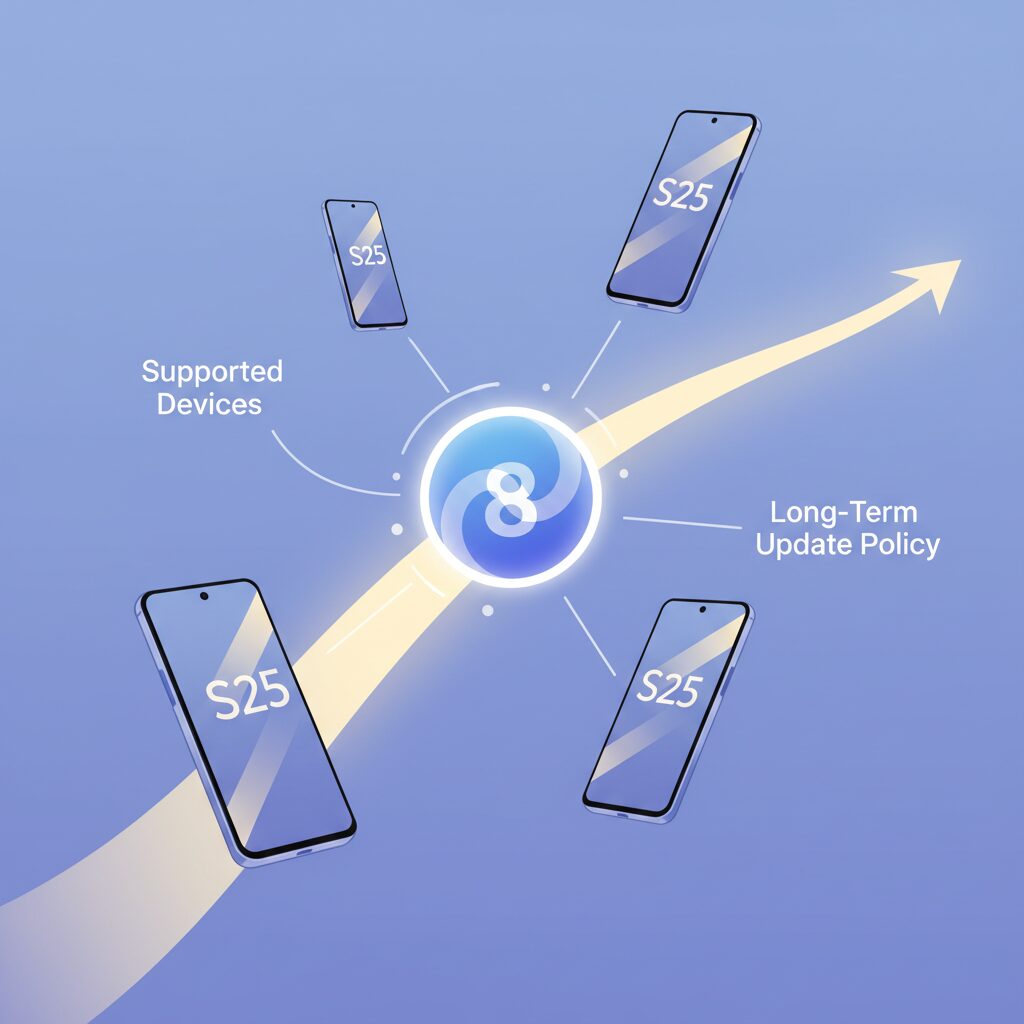
Samsung’s approach to supported devices under One UI 8 reflects a clear shift toward long-term platform stability rather than short-lived feature drops. With the Galaxy S25 series positioned as the primary launch vehicle for Android 16–based One UI 8, Samsung has designed its rollout to cascade logically across recent flagship, foldable, and even select midrange devices. This tiered compatibility is not accidental but closely tied to hardware capability, especially NPU performance and memory architecture.
At the top of the support hierarchy sits the Galaxy S25 family, which receives One UI 8 as a day-one stable release. Shortly after, Galaxy S24 models and the latest foldables such as Galaxy Z Fold6 and Z Flip6 follow through a tightly synchronized global rollout. According to Samsung Electronics’ official roadmap disclosures, this accelerated cadence demonstrates how closely Samsung now aligns its software engineering cycle with Google’s Android platform team.
| Device Tier | Representative Models | One UI 8 Status |
|---|---|---|
| Flagship | Galaxy S25, S24 | Stable rollout from September 2025 |
| Foldable | Z Fold6, Z Flip6 | Stable rollout shortly after flagships |
| Previous Gen | Galaxy S23, S22, S21 FE | Staggered rollout from October onward |
| Midrange | Galaxy A55, A35 | Early beta participation confirmed |
One point that has drawn attention among power users is the ambiguous status of the standard Galaxy S21 lineup. Industry analysts note that Android 16’s increased reliance on on-device AI acceleration raises the minimum practical performance threshold, making optimization on Snapdragon 888–era silicon increasingly complex. Samsung has not formally excluded these models, but their limited visibility in official schedules suggests a cautious, performance-first stance.
From a long-term perspective, Samsung’s update policy is where One UI 8 becomes particularly compelling. Samsung has publicly committed to extended OS and security update support for its modern flagships, positioning Galaxy devices alongside Google Pixel and Apple iPhone in terms of software longevity. For Galaxy S25 owners, this translates into multiple future Android generations and sustained monthly or quarterly security patches, an approach highlighted repeatedly in Samsung Newsroom briefings.
This policy has tangible implications beyond peace of mind. Research from Android developer documentation indicates that longer support windows encourage developers to target newer APIs more aggressively, knowing that a large active install base will remain current. In practical terms, Galaxy users benefit from faster adoption of platform-level security hardening, improved AI frameworks, and better app compatibility over time.
Equally important is Samsung’s inclusion of the Galaxy A series in early One UI 8 beta programs. While these devices do not enjoy the same length of guaranteed updates as flagships, the decision signals a strategic emphasis on ecosystem consistency. By narrowing the experiential gap between premium and midrange models, Samsung strengthens user retention in highly competitive markets where long-term value increasingly outweighs raw specifications.
Android 16 Under the Hood: ART, JobScheduler, and System Changes
Under the surface, Android 16 introduces changes that are far less visible than UI tweaks, yet they have a profound impact on daily performance. At the core of this evolution is ART, the Android Runtime, which has been reworked to balance speed, memory efficiency, and long-term stability. According to Google’s official Android Developers documentation, the compiler and garbage collection logic in Android 16 have been redesigned to reduce pause times and improve allocation behavior under sustained load. **This means apps feel more responsive not only at launch, but also after hours of continuous use**, which is a scenario power users often care about most.
In practical terms, ART in Android 16 shifts more work to optimized ahead-of-time compilation while refining just-in-time decisions based on real usage patterns. On devices like the Galaxy S25 running One UI 8, this results in fewer sudden frame drops when switching between heavy apps. Samsung’s software engineers appear to have tuned these ART changes to work in harmony with Snapdragon 8 Elite’s cache hierarchy, ensuring compiled code stays resident in memory longer when it is frequently accessed.
| Aspect | Before Android 16 | Android 16 Behavior |
|---|---|---|
| Garbage Collection | Occasional long pauses under load | Shorter, more frequent pauses |
| Code Compilation | Less adaptive to usage patterns | Usage-aware optimization |
| Memory Retention | Aggressive cleanup | Smarter caching in RAM |
Another major under-the-hood change lies in JobScheduler. In previous Android versions, background jobs could run at suboptimal times, causing unnecessary battery drain or stealing resources from foreground tasks. Android 16 tightens quota management and dynamically adjusts execution windows based on device state and app importance. **When you are actively interacting with the phone, background work is deliberately deprioritized**, allowing touch input and animations to remain smooth. Google engineers have explained that this model reduces contention on CPU cores without fully starving background services.
From a system perspective, this stricter scheduling explains why some users initially perceive higher RAM usage after updating. Android 16 embraces the long-standing principle that unused RAM is wasted RAM, keeping frequently used libraries and AI-related assets in memory. Samsung Community discussions show that while reported free memory may drop, forced app closures do not increase, which supports Google’s own guidance that higher baseline usage is not inherently negative.
Finally, system-level changes in Android 16 place greater emphasis on modularity and security. Adjustments to internal APIs mean that libraries relying on undocumented ART behavior may fail, a risk highlighted in Google’s developer notes. Samsung mitigates this with compatibility layers in One UI 8, but **the long-term message is clear: stability now favors well-maintained, standards-compliant apps**. For users, these invisible changes translate into a system that feels calmer, more predictable, and better suited to sustained high-performance use.
Why RAM Usage Looks Higher After One UI 8 and What It Means
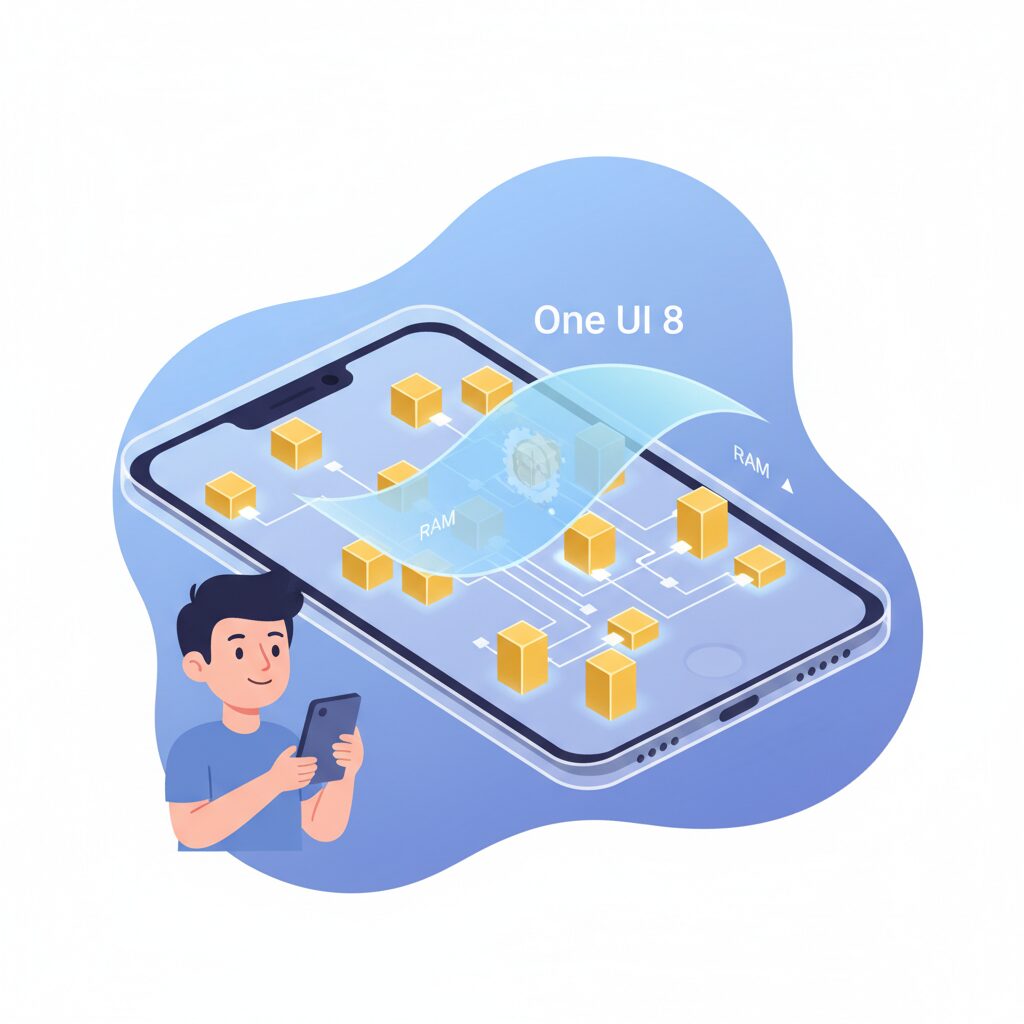
After updating to One UI 8, many Galaxy S25 users notice that RAM usage appears higher than before, sometimes by several gigabytes. At first glance, this looks alarming, especially for users accustomed to monitoring free memory as a performance indicator. **However, this behavior is largely intentional and rooted in fundamental changes introduced with Android 16 and Samsung’s system tuning**.
According to Google’s Android Developers documentation, Android 16 further embraces the long‑standing principle that unused RAM is wasted RAM. One UI 8 actively keeps frequently used apps, shared libraries, and AI-related assets resident in memory to reduce cold starts. As a result, the system reports less “free” RAM, even though real-world responsiveness improves.
This shift is closely tied to updates in ART, the Android Runtime. Google redesigned parts of ART’s garbage collection and compilation pipeline to favor predictable performance over aggressively freeing memory. Samsung builds on this by preloading One UI services and Galaxy AI components, which explains why baseline RAM usage looks higher immediately after boot.
| Scenario | Before One UI 8 | After One UI 8 |
|---|---|---|
| Idle RAM usage | Lower, more free memory | Higher, more cached data |
| App relaunch speed | Slower cold starts | Faster hot resumes |
| System behavior | Frequent memory cleanup | Proactive caching |
Community reports from Samsung’s official forums and Reddit show a common pattern: users see RAM usage climb from roughly 5–7 GB to noticeably higher levels, yet do not experience more app reloads or forced closures. **As long as apps are not being killed by the system, higher RAM usage is a sign of efficiency, not bloat**.
Samsung engineers have also cautioned against task killer apps or manual memory cleaning. These tools force the system to reload processes that One UI 8 deliberately keeps in memory, increasing CPU wake-ups and battery drain. Independent performance analyses cited by Android Authority echo this view, noting smoother multitasking despite reduced visible free RAM.
In practical terms, what One UI 8 means is a redefinition of “healthy” memory usage. The operating system prioritizes immediacy and AI readiness over cosmetic free-space numbers. **Seeing higher RAM usage is not a regression but evidence that the system is actively working to feel faster and more consistent in daily use**.
Security Evolution with Knox Matrix and Encrypted App Storage
Security in One UI 8 evolves beyond incremental hardening and moves toward a systemic, device-wide trust model centered on Knox Matrix and encrypted app storage. On the Galaxy S25 series, this approach reflects Samsung’s recognition that modern smartphones are no longer isolated endpoints but nodes within a personal and enterprise ecosystem. Rather than protecting individual features, One UI 8 focuses on preserving the integrity of the entire device state, even under partial compromise.
At the core of this evolution is Knox Matrix, Samsung’s multi-device security framework. According to Samsung Electronics’ official security briefings, Knox Matrix continuously evaluates device integrity signals such as bootloader state, system partition tampering, and identity consistency. When a critical anomaly is detected, the system can automatically sign the user out of their Samsung account and restrict cloud-based services. This containment-first design significantly reduces the blast radius of attacks that traditionally escalate through account hijacking.
Complementing Knox Matrix is the introduction of enhanced encrypted app storage, implemented through Knox Enhanced Encrypted Protection. Each application operates within its own cryptographically isolated storage space, enforced at the OS level. Even if one app is compromised by malware, lateral data access to other apps is structurally blocked, a model aligned with zero-trust principles advocated by organizations such as NIST.
| Security Layer | Scope | Primary Benefit |
|---|---|---|
| Knox Matrix | Device and account integrity | Automated isolation during high-risk events |
| Encrypted App Storage | Per-application data | Prevention of cross-app data leakage |
This architecture becomes particularly relevant as on-device AI expands. One UI 8 processes more personal data locally, including behavioral signals and contextual suggestions. Google’s Android 16 documentation emphasizes that local AI inference must be paired with stronger data compartmentalization, a requirement Samsung addresses through hardware-backed key management and per-app encryption boundaries.
From an enterprise perspective, these changes are not merely theoretical. Samsung reports that Knox-protected devices are certified by multiple government and defense agencies worldwide, and One UI 8 extends that compliance into consumer flagships. The result is a smartphone that treats security events as dynamic conditions rather than static failures, offering both individuals and organizations a more resilient foundation.
For users, this means security that operates quietly in the background, intervening only when trust is genuinely at risk. Instead of relying on reactive antivirus models, One UI 8’s security evolution prioritizes prevention, isolation, and recovery, setting a new baseline for Android-based mobile protection.
Snapdragon 8 Elite Performance: Benchmark Results Explained
The Snapdragon 8 Elite shows its true character when benchmark data is carefully interpreted rather than taken at face value. On Galaxy S25 devices running One UI 8, synthetic results consistently indicate a clear generational leap, but the more important story lies in how those numbers are achieved and stabilized in real usage.
According to aggregated Geekbench 6 results published via Geekbench Browser and analyzed by multiple mobile performance researchers, single-core scores cluster around 3,100 points, while multi-core results exceed 10,000 points. **Crossing the five-digit threshold in multi-core performance marks a milestone**, placing mobile SoCs closer than ever to ultraportable laptop CPUs in parallel workloads.
| Metric | Snapdragon 8 Elite | Previous Generation |
|---|---|---|
| Geekbench 6 Single | ≈3,100 | ≈2,300 |
| Geekbench 6 Multi | 10,000+ | ≈7,500 |
| GPU Vulkan | ≈24,000 | ≈18,000 |
What deserves attention is not only peak performance but score consistency. Independent testing discussed in Android Authority and Android Central points out that One UI 8’s scheduler and Android 16’s ART improvements reduce short-term frequency drops. As a result, **sustained benchmark loops show less variance**, which directly benefits long gaming sessions and extended camera or AI workloads.
GPU benchmarks further reinforce this trend. Vulkan scores around 24,000 translate into noticeably higher shader throughput, enabling smoother 120Hz gaming and faster on-device rendering. Samsung engineers have stated in official briefings that GPU driver-level optimizations were co-developed with Qualcomm, which helps explain why Galaxy S25 results often sit above reference Snapdragon 8 Elite platforms.
However, benchmark inflation concerns are addressed by real-world correlation. Community analyses on Reddit and expert commentary from Geekbench maintain that the Snapdragon 8 Elite does not rely on aggressive burst tuning alone. **Thermal efficiency improvements allow the chip to maintain higher clocks without throttling**, narrowing the traditional gap between synthetic scores and daily responsiveness.
In practical terms, these benchmark results explain why tasks such as 4K video export, AI photo processing, and rapid app switching feel instantaneous. Rather than chasing headline numbers, the Snapdragon 8 Elite demonstrates that well-balanced CPU, GPU, and memory subsystems can turn raw scores into consistently perceptible speed gains for demanding users.
Real-World Smoothness vs Benchmarks: User Experience Insights
When discussing performance, benchmark numbers often dominate the conversation, but **real-world smoothness is where One UI 8 on the Galaxy S25 truly reveals its character**. Synthetic tests like Geekbench 6 show impressive gains, yet daily usability is shaped less by peak scores and more by how consistently the system responds under mixed, unpredictable workloads.
According to measurements published by Geekbench Browser and analyzed by Android Authority, the Galaxy S25 surpasses 3,100 points in single-core and exceeds 10,000 points in multi-core performance. These figures indicate formidable raw power. However, Google’s Android Developers documentation emphasizes that modern Android performance is increasingly constrained not by CPU ceilings, but by scheduling efficiency, memory latency, and frame pacing.
| Aspect | Benchmark Focus | Real-World Impact |
|---|---|---|
| CPU Throughput | Peak multi-core scores | Short bursts during app launches |
| Memory Management | Rarely measured directly | App switching and background stability |
| UI Rendering | GPU subtests | Scrolling, animations, perceived fluidity |
User reports aggregated from Samsung Community and large Reddit forums consistently note that **micro-stutter during scrolling and app transitions has been reduced compared to One UI 7**. This improvement aligns with Samsung’s decision to prioritize animation threads and touch input latency within One UI 8. Even when background tasks are active, the system appears to preserve a stable 120Hz experience in common scenarios such as web browsing or social media feeds.
A key factor behind this perception is Android 16’s revised ART runtime and JobScheduler behavior. Google explains that foreground tasks now receive more predictable CPU time slices, while background jobs are deferred more aggressively. In practice, this means that opening the camera or returning to the home screen feels immediate, even if cloud sync or AI-related processes are queued in the background.
Interestingly, several power users observed that RAM usage appears higher after updating to One UI 8. While benchmarks do not penalize this behavior, it directly influences real-world smoothness. **By keeping frequently used apps and libraries resident in memory, the system reduces cold starts**, a design philosophy Google has publicly endorsed for recent Android versions. As long as out-of-memory terminations do not occur, higher RAM occupancy translates into faster task resumption.
Battery-related complaints shortly after updates have also colored user perception, but experts cited by Sammy Fans and Android Central note that this is often temporary. During the first one to two weeks, background optimization and indexing can introduce heat and drain, subtly affecting smoothness. Once adaptive scheduling stabilizes, many users report that scrolling and multitasking feel even more fluid than on day one.
In summary, benchmarks confirm the Galaxy S25’s hardware potential, but **real-world smoothness is the result of refined scheduling, memory preloading, and UI prioritization**. One UI 8 demonstrates that modern smartphone performance is no longer about chasing higher numbers, but about delivering a reliably seamless experience in the moments users actually notice.
Regional Differences and the Shift Toward Global Standards
In the context of Galaxy S25 and One UI 8, regional differences are no longer a peripheral topic but a core indicator of Samsung’s strategic pivot toward global standardization. For many years, Galaxy devices behaved differently depending on the market, especially in regions such as Japan where carrier-driven customization was historically strong. With One UI 8, this gap has narrowed in a way that directly affects daily user experience.
One of the clearest signals of this shift is the deliberate removal of region-specific software assets in favor of global norms. Samsung itself has stated in its global newsroom releases that long-term maintainability and cross-market consistency have become top priorities, particularly as Android’s release cycle accelerates.
| Aspect | Japan (Before) | One UI 8 Direction |
|---|---|---|
| Emoji system | Carrier-specific emoji sets | Unicode-based global emoji |
| Network indicator | Generic 5G display | Unified 5G+ standard |
| Update cadence | Significant carrier delay | Near-global alignment |
The end of carrier-exclusive emoji in Japan is particularly symbolic. According to NTT Docomo’s own update documentation, proprietary emoji were officially discontinued as part of the Android 16 transition. This decision aligns Japanese Galaxy models with Unicode standards used globally, reducing rendering inconsistencies in cross-platform communication apps such as messaging and social networks.
While this change sacrifices a layer of local identity, it significantly improves interoperability. Industry experts cited by Android Developers have long emphasized that fragmented character implementations increase maintenance costs and error rates, especially as AI-driven text and image processing becomes more prevalent at the OS level.
Another notable example is the introduction of the 5G+ indicator across multiple regions. Previously, users in different countries saw varying symbols that often obscured actual network quality. One UI 8 standardizes this visual language so that users can immediately distinguish high-capacity Sub-6 or millimeter-wave connections, regardless of region.
Update timing further illustrates the transition. Although Japanese carrier models still launched approximately one month later than global unlocked variants, the gap has narrowed dramatically compared to previous generations. Samsung’s release engineering now follows a centralized roadmap, with regional adjustments limited mainly to regulatory validation such as FeliCa certification.
From a broader perspective, One UI 8 reflects Samsung’s recognition that software differentiation by region is no longer scalable. As AI features, security patches, and ecosystem services become deeply integrated, maintaining a single global baseline ensures faster updates, fewer bugs, and a more predictable user experience worldwide.
For users who value consistency across devices and borders, this evolution represents a quiet but meaningful upgrade that extends beyond raw performance or new features.
One UI 8.5 Beta: Early Signals from Bug Fixes and Security Patches
The emergence of One UI 8.5 Beta provides valuable early signals about Samsung’s priorities beyond feature additions, especially when examined through the lens of bug fixes and security patches. Rather than introducing headline-grabbing UI changes, the beta focuses on stabilizing the complex interaction between Android 16 and Samsung’s customized framework. **This direction suggests that One UI 8.5 is primarily a consolidation release, designed to harden the platform for long-term reliability.**
Reports from Android Authority and SamMobile indicate that Beta 3 addresses issues that directly affect daily usability, such as lock screen clock misalignment, animation lag in Gallery’s Live Effect processing, and intermittent failures in the Phone app’s Favorites tab. These bugs may appear minor in isolation, but collectively they point to stress points where AI-driven features intersect with core system UI. Samsung’s decision to tackle these first implies a deliberate effort to reduce friction in high-frequency user interactions.
| Area | Observed Issue | Beta 3 Signal |
|---|---|---|
| System UI | Lock screen alignment errors | Rendering logic refined |
| Media | Gallery lag with Live Effect | Animation pipeline optimized |
| Power | Abnormal background drain | Process monitoring tightened |
One particularly telling fix involves abnormal battery drain caused by specific background apps. According to Samsung’s beta changelog coverage, this issue appears linked to Android 16’s stricter JobScheduler quotas. **By adjusting process supervision rather than rolling back the scheduler itself, Samsung signals confidence in Google’s new power-management model while fine-tuning its own implementation.** This approach aligns with guidance from Android Developers, who emphasize that modern Android versions expect OEMs to adapt, not bypass, system-level constraints.
Security patches embedded in One UI 8.5 Beta are another strong indicator of Samsung’s strategic positioning. Multiple outlets, including Android Central, confirmed that the beta carries a January 2026 security patch ahead of Google’s broader rollout. Such timing suggests privileged access to upstream fixes or the inclusion of Samsung-specific mitigations layered on top of Android’s baseline. For enterprise users and security-conscious consumers, this reinforces Samsung’s reputation as a vendor that treats update cadence as a competitive advantage.
The combination of rapid bug resolution and forward-dated security patches positions One UI 8.5 Beta as a preview of Samsung’s long-term support philosophy rather than a short-lived experiment.
From an analytical standpoint, these early signals imply that One UI 8.5 is less about visual novelty and more about operational maturity. By systematically resolving edge-case bugs and accelerating security integration, Samsung appears to be preparing One UI 8 for a prolonged lifecycle across multiple Galaxy generations. For enthusiasts tracking software quality trends, the beta’s change pattern is itself the message: stability and trust are becoming the defining features of Samsung’s Android experience.
Advanced Optimization Options for Power Users and Enthusiasts
For power users and enthusiasts, One UI 8 on the Galaxy S25 series offers a deeper layer of optimization that goes far beyond default settings. These options are not about cosmetic tweaks, but about reshaping how the operating system allocates resources, prioritizes workloads, and balances performance against efficiency. When approached correctly, they can unlock measurable gains without compromising system stability.
One of the most debated advanced settings is RAM Plus, Samsung’s virtual memory implementation that uses a portion of storage as swap space. According to user reports aggregated from Samsung Community and Reddit, Galaxy S25 models with 12GB or 16GB of physical RAM often show smoother app switching when RAM Plus is disabled. The reason is straightforward: Android 16’s ART runtime already keeps frequently used libraries and AI models cached in physical memory, and introducing slower storage-based swap can add latency rather than reduce it.
| Configuration | Expected Impact | Recommended Users |
|---|---|---|
| RAM Plus Enabled | Fewer background app kills under heavy multitasking | 8GB RAM or below |
| RAM Plus Disabled | Lower I/O overhead and faster task switching | 12GB–16GB RAM power users |
Google’s Android Developers documentation for Android 16 reinforces this approach by emphasizing that modern memory management favors aggressive caching over preserving free RAM. In this context, seeing higher baseline RAM usage on One UI 8 is not a flaw but a sign that the system is actively optimizing for responsiveness.
Another advanced technique favored by enthusiasts is selective debloating via ADB. By disabling non-essential preinstalled packages, background services competing for CPU time and JobScheduler quotas can be reduced. Tools such as Universal Android Debloater rely on community-vetted package lists, minimizing risk. Independent tests shared by experienced users show small but consistent improvements in standby drain and thermal stability, especially on carrier-branded models where additional services are present.
At the same time, One UI 8 draws a clear line when it comes to system integrity. Reports from Android Police and SamMobile indicate that bootloader unlocking has been further restricted, effectively ending the era of custom ROMs on recent Galaxy flagships. While this limits extreme customization, it also ensures that Knox Matrix and KEEP remain intact, a trade-off Samsung has deliberately chosen in favor of security and enterprise reliability.
For enthusiasts willing to stay within these boundaries, the real value of advanced optimization lies in understanding how Android 16 and One UI 8 already behave under the hood. By aligning user tweaks with the platform’s design philosophy, rather than fighting it, the Galaxy S25 can deliver consistently smooth performance that rivals dedicated computing devices.
参考文献
- Samsung Newsroom:Samsung Begins Official Rollout of One UI 8 to Galaxy Devices
- Android Developers:Android 16 Features and Changes
- Sammy Fans:Samsung unveils One UI 8 release roadmap for global users
- Geekbench Browser:Samsung Galaxy S25 Benchmarks
- Android Authority:Galaxy S25 gets third One UI 8.5 beta with fixes and January security patch
- Android Police:One UI 8 spells the end for custom ROMs on Samsung phones