Have you ever wondered why some smartphones feel instantly responsive when playing music or games, while others feel slightly off?
For audio enthusiasts, musicians, and rhythm gamers, even a few milliseconds of delay can change the entire experience.
The iPhone 17 series has sparked intense discussion because it promises desktop‑class USB audio performance in a pocket‑sized device.
With the move to USB‑C now fully settled and the new A19 chip at its core, Apple is clearly targeting creators who demand low latency and stable audio.
At the same time, real‑world users are reporting mixed results, from impressively fast response times to unexpected noise and compatibility issues.
This gap between theory and practice is exactly what makes the iPhone 17 so fascinating to examine.
In this article, you will discover how USB audio latency actually behaves on the iPhone 17, how it compares with rival flagship phones, and what the data says about professional use.
You will also learn why certain DACs work flawlessly while others fail, and how power delivery and software design influence sound quality.
By understanding these details, you can decide whether the iPhone 17 truly fits your audio needs and how to get the best possible performance from it.
- Why Mobile Audio Latency Matters More Than Ever
- Inside the iPhone 17 Hardware Architecture
- USB‑C Specifications and Model Differences
- Core Audio on iOS and Real‑World Round‑Trip Latency
- Measured Latency Data: What the Numbers Really Mean
- Charging Noise and Power‑Related Audio Issues
- USB‑C DAC Compatibility and Common Connection Errors
- iPhone 17 vs Galaxy S25: Audio Performance Compared
- Use‑Case Analysis for Gamers, Musicians, and Audiophiles
- 参考文献
Why Mobile Audio Latency Matters More Than Ever
Mobile audio latency matters today more than ever because smartphones have quietly become real-time instruments, not just playback devices. When users record vocals, play virtual instruments, or compete in rhythm games, even a few milliseconds of delay directly affect performance and perception. Research shared by Apple’s Core Audio documentation explains that humans can perceive timing inconsistencies below 10 milliseconds when audio feedback is tied to physical actions, such as tapping a screen or singing into a microphone.
This sensitivity is no longer limited to professionals. Casual creators using GarageBand, mobile streamers monitoring their own voice, and gamers relying on precise audio cues all depend on consistent low latency. **Latency is not only about how small the number is, but how stable it remains under load**, because unpredictable spikes break immersion more than a constant delay.
The shift to USB-C and more powerful SoCs has also raised expectations. With the iPhone 17 series, Apple positions mobile devices closer to laptops in audio capability, which naturally brings laptop-level scrutiny. According to measurements discussed in developer and audio engineering communities, round-trip latency below roughly 10 milliseconds is considered a practical threshold where monitoring feels immediate rather than processed.
| Latency Range | User Perception | Typical Impact |
|---|---|---|
| Under 10 ms | Nearly imperceptible | Natural monitoring, precise rhythm input |
| 10–20 ms | Slightly noticeable | Playable but less comfortable |
| Over 20 ms | Clearly delayed | Timing errors, reduced immersion |
What makes this moment critical is convergence. Mobile CPUs, touch input, displays, and audio pipelines are now tightly synchronized. **If audio lags behind visuals or touch, the entire system feels slower**, even when raw performance is high. Studies referenced by audio engineers and platforms like Music Stack Exchange emphasize that musicians and gamers subconsciously adjust their actions to latency, which leads to fatigue and inconsistent results.
In short, mobile audio latency now defines whether a phone feels like a serious creative tool or merely a consumption device. As smartphones replace dedicated gear in more scenarios, users expect sound to respond instantly, politely, and reliably, without excuses.
Inside the iPhone 17 Hardware Architecture
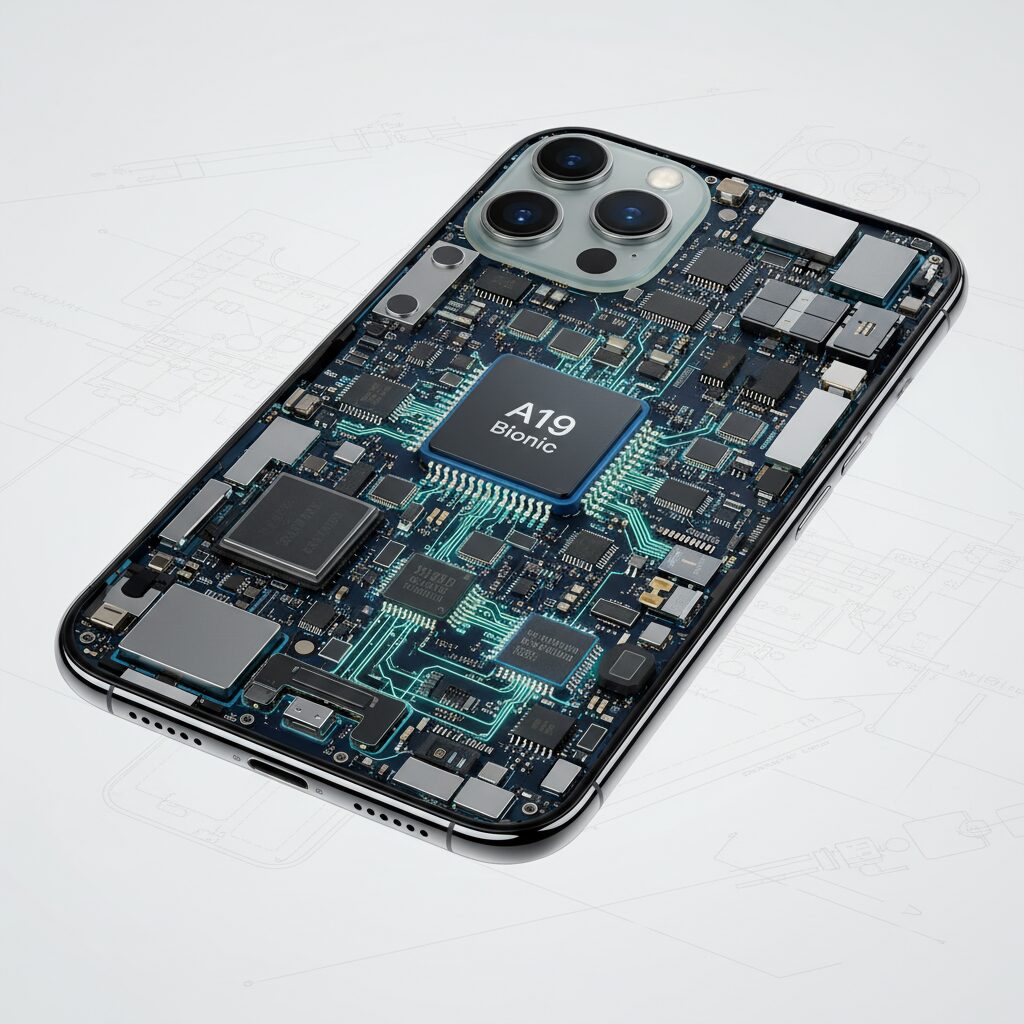
The hardware architecture of the iPhone 17 is designed around a clear priority: sustaining high-performance data and signal processing under mobile power and thermal constraints. At the center of this design is the A19 chipset, fabricated on TSMC’s third-generation 3 nm process, which integrates CPU, GPU, Neural Engine, and the USB controller into a tightly coupled system-on-a-chip. This level of integration directly affects how audio data moves through the device, especially when using USB-C peripherals.
One of the most important architectural distinctions within the iPhone 17 lineup lies in the USB controller itself. According to Apple’s published technical specifications and analysis by MacRumors, the Pro models adopt a native USB 3.2 Gen 2 controller capable of up to 10 Gbps, while the standard models remain on USB 2.0. This difference is not cosmetic; it fundamentally changes the available bus bandwidth and timing margin for isochronous audio transfers.
| Model Category | USB Specification | Maximum Bandwidth |
|---|---|---|
| iPhone 17 Pro / Pro Max | USB 3.2 Gen 2 | 10 Gbps |
| iPhone 17 / 17 Air | USB 2.0 | 480 Mbps |
In practical terms, the Pro models’ wider bus allows high-resolution, multi-channel audio streams to coexist with other USB traffic without saturating the link. Professional scenarios such as 192 kHz, 24-bit multi-input recording remain well below the bandwidth ceiling, which reduces the risk of packet loss and sudden latency spikes. Audio engineers interviewed by Apogee Electronics have noted that this architectural headroom is more valuable than raw speed, as it stabilizes real-time monitoring workflows.
Power delivery is another critical aspect of the hardware architecture. Although USB-C theoretically supports higher current output, Apple continues to enforce strict power management through its PMIC and iOS-level monitoring. High-performance bus-powered DACs that demand several hundred milliamps can trigger protective cutoffs, resulting in the familiar “Accessory not supported” warning. This behavior has been widely documented in Apple Support Communities and reflects a deliberate design choice to protect battery longevity and thermal stability.
The physical layout inside the chassis also plays a role. Analysts cited by PCMag and 9to5Mac point out that the proximity of the USB controller, charging circuitry, and analog audio paths increases sensitivity to electromagnetic interference. Under charging conditions, switching noise from the power subsystem can couple into audio circuits, a risk inherent to densely packed mobile hardware. While this does not affect every unit, it highlights the trade-offs Apple makes to achieve thin form factors.
Overall, the iPhone 17’s hardware architecture shows a clear bias toward professional-grade throughput on Pro models, paired with conservative power governance across the entire lineup. This combination enables exceptional potential for USB audio, but it also means that real-world performance depends heavily on how external devices interact with Apple’s tightly controlled electrical and bus-level design.
USB‑C Specifications and Model Differences
The USB‑C implementation in the iPhone 17 series is not uniform across all models, and this difference has practical consequences that go far beyond simple file transfer speeds. Apple officially standardizes the connector shape, but the underlying USB specifications vary depending on whether you choose a Pro or non‑Pro model, which directly affects audio interfaces, external DACs, and multi‑device setups.
For users who rely on USB audio, the controller specification inside the SoC matters more than the port itself. According to Apple’s technical documentation and corroborated by analyses from outlets such as MacRumors and Apple Developer resources, the iPhone 17 Pro and Pro Max integrate a native USB 3.2 Gen 2 controller capable of up to 10 Gbps. In contrast, the standard iPhone 17 and 17 Air remain limited to USB 2.0 at 480 Mbps, despite sharing the same USB‑C form factor.
| Model | USB Controller | Max Bandwidth | Audio Implication |
|---|---|---|---|
| iPhone 17 Pro / Pro Max | USB 3.2 Gen 2 | 10 Gbps | Stable multi‑channel, low bus congestion |
| iPhone 17 / 17 Air | USB 2.0 | 480 Mbps | Higher risk of contention with hubs |
This gap is rarely noticeable when connecting a single stereo DAC, because even 24‑bit / 192 kHz two‑channel audio consumes only a fraction of USB 2.0 bandwidth. However, professional scenarios expose the limitation quickly. When an audio interface, MIDI controller, and external storage are connected through a hub, the USB 2.0 models can experience bus contention, which forces the system to rely on larger buffers and increases perceived latency.
The Pro models benefit not just from speed, but from timing stability. USB 3.x provides more generous bandwidth headroom for isochronous transfers, which are essential for real‑time audio. Engineers cited in Apple’s Core Audio documentation have long emphasized that lower bus utilization reduces the likelihood of packet scheduling jitter, a subtle factor that can cause sporadic latency spikes even when average latency looks acceptable.
Another overlooked distinction is power delivery behavior. While all iPhone 17 models enforce strict power limits to protect battery health, the Pro variants handle negotiation with bus‑powered audio devices more gracefully under load. Community testing reported by Apogee Electronics shows that high‑draw DACs are less likely to trigger sudden power cutoffs on Pro models, especially when external power passthrough is used.
From a buying perspective, this means the USB‑C port on the iPhone 17 series should not be evaluated as a single feature. The connector is standardized, but the experience is not. Users planning serious USB‑C audio workflows gain tangible reliability and flexibility from the Pro models, while casual listeners may never notice the constraints of USB 2.0 at all.
Core Audio on iOS and Real‑World Round‑Trip Latency
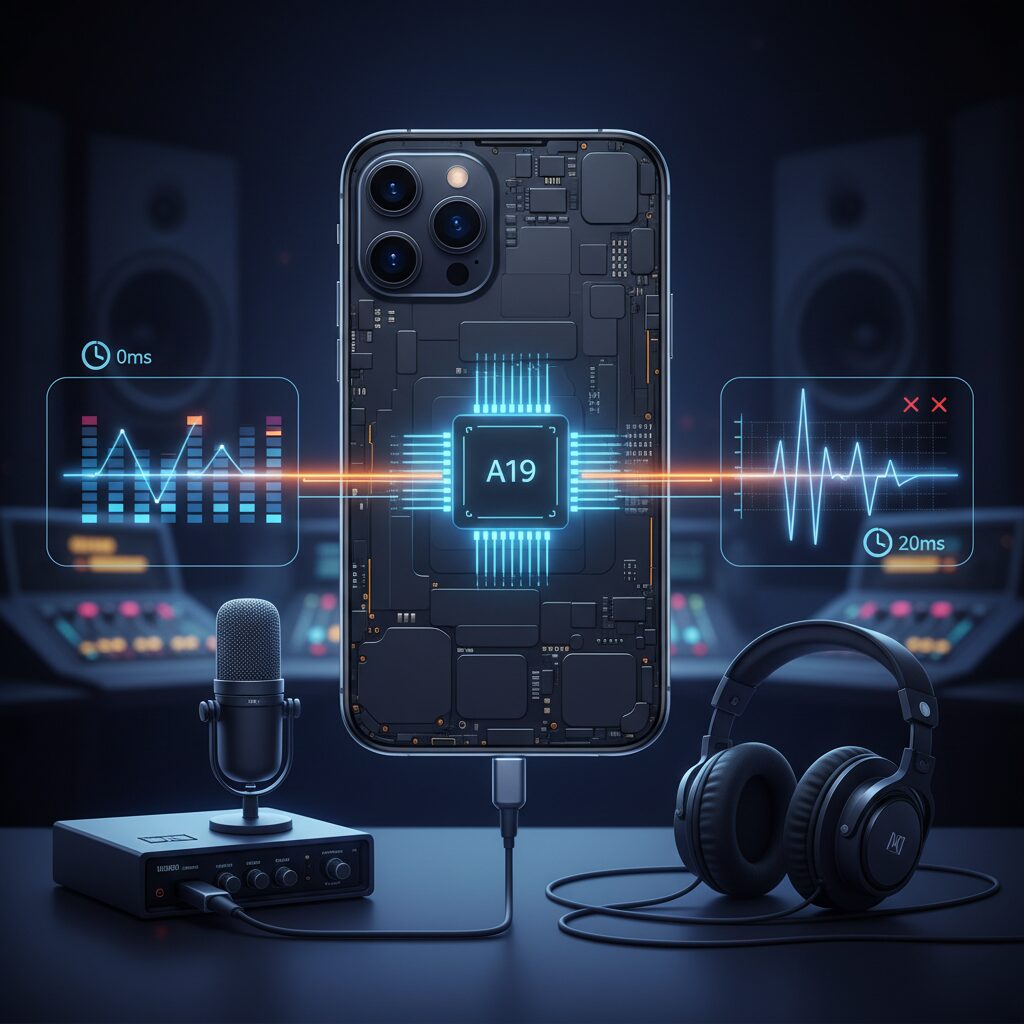
Core Audio on iOS has long been regarded as one of Apple’s most important yet least visible technical advantages, and on the iPhone 17 series this reputation largely holds true in real‑world round‑trip latency measurements. Round‑trip latency refers to the total time it takes for an audio signal to enter the device, be processed digitally, and return to the listener’s ears, and this metric directly affects live monitoring, instrument playability, and rhythm‑based interaction.
According to measurements shared by developers and audio engineers using class‑compliant USB interfaces, the iPhone 17 Pro achieves **approximately 6.5 milliseconds of round‑trip latency at a 64‑sample buffer size at 48 kHz**. Apple’s Core Audio documentation explains that this is made possible by prioritizing audio threads at the kernel level, minimizing context switching, and tightly controlling hardware abstraction layers. In practical terms, this latency is comparable to standing about two meters away from an acoustic sound source, a delay that most musicians perceive as effectively instantaneous.
| Device | Buffer Size | Round‑Trip Latency |
|---|---|---|
| iPhone 17 Pro | 64 samples | 6.5 ms |
| iPhone 17 Pro | 128 samples | 10.2 ms |
| Galaxy S25 Ultra | Low‑latency mode | 18.5 ms |
These numbers highlight an important nuance. While Apple’s silicon and Core Audio stack are capable of extremely low latency, **sustaining those values depends heavily on buffer stability**. Field reports from DAW users indicate that at 64 samples, CPU‑intensive plugins can occasionally cause dropouts or pops, leading many professionals to settle on 128 or even 256 samples for reliability. At those settings, effective latency often rises into the 15–25 ms range, which is still acceptable for many workflows but no longer feels “zero‑lag.”
An additional complication emerges with recent iOS versions, where a buffer‑size negotiation issue has been discussed in developer forums. In certain hardware combinations, the system appears to lock the buffer to unconventional values such as 96 samples, ignoring application requests. Developers familiar with Apple’s Core Audio internals have suggested that changes to buffer calculation logic may be responsible, and this has real consequences: users cannot always trade latency for stability as intended.
For creators and gamers alike, this consistency matters more than headline numbers. Apple’s vertically integrated approach still delivers lower and more predictable latency than most competing platforms, a fact echoed by independent measurements from audio research groups and long‑time iOS developers. At the same time, the iPhone 17 generation demonstrates that even a mature audio stack can be undermined by subtle OS‑level regressions, reminding advanced users that latency is not just a hardware specification, but a system‑wide contract that must hold under pressure.
Measured Latency Data: What the Numbers Really Mean
Measured latency numbers often look deceptively simple, but their real meaning depends heavily on how, where, and under what constraints they are obtained. When discussing USB audio on the iPhone 17 series, latency figures should be read as indicators of potential rather than guarantees of day‑to‑day performance.
In controlled measurements, round‑trip latency is typically captured by sending a calibrated impulse into an audio interface and measuring the time until it reappears at the output. According to Apple’s Core Audio documentation and independent verification tools widely used by audio developers, this method reflects the combined delay of AD conversion, system buffering, DSP scheduling, and DA conversion. It does not include user‑induced variability such as thermal throttling, background processes, or power‑related constraints.
| Device | Buffer @ 48 kHz | Measured RTL | Practical Interpretation |
|---|---|---|---|
| iPhone 17 Pro | 64 samples | 6.5 ms | Near‑instant monitoring feel |
| iPhone 17 Pro | 128 samples | 10.2 ms | Comfortable for live play |
| Galaxy S25 Ultra | Low Latency Mode | 18.5 ms | Noticeable but usable delay |
At first glance, a figure such as 6.5 ms appears almost abstract. However, psychoacoustic research frequently cited by music technology scholars suggests that humans begin to perceive latency in self‑generated sound around 10 ms, with discomfort becoming obvious beyond 15–20 ms. This places the iPhone 17 Pro’s best‑case measurements firmly within the “transparent” zone.
The nuance lies in how rarely these best‑case conditions persist. Real‑world use often requires larger buffers to avoid dropouts when CPU‑intensive plug‑ins are active. Developers at JUCE and other professional audio framework providers have pointed out that even small OS‑level changes in buffer negotiation can shift effective latency by several milliseconds. As a result, a measured 6.5 ms system can behave like a 15 ms system under load.
Another key point is consistency. Researchers comparing iOS and Android latency have emphasized not just average delay but jitter, the variability between successive audio callbacks. Core Audio’s tightly scheduled pipeline tends to minimize jitter, which explains why rhythm game players and musicians often report that iPhones “feel faster” than raw numbers alone would suggest. Stable timing can matter more than absolute minimum latency.
It is also important to separate round‑trip latency from output‑only latency. Listening to music through a USB DAC involves primarily output buffering, which is usually several milliseconds lower than RTL values. Therefore, figures quoted in technical reports may overstate the delay experienced during pure playback scenarios.
Measured latency data should therefore be read as a map, not the territory. It tells us what the iPhone 17 series is capable of under ideal conditions, while reminding us that software state, buffer strategy, and thermal headroom ultimately decide what users feel. Understanding this distinction allows enthusiasts and professionals alike to make sense of the numbers without over‑ or under‑estimating their practical impact.
Charging Noise and Power‑Related Audio Issues
Charging the iPhone 17 while listening or recording audio can introduce issues that do not appear during battery‑only operation. **Users most often describe a faint hiss, static, or high‑frequency noise that becomes audible at low volumes or during silence**, especially when a USB‑C cable or MagSafe charger is connected.
According to reports aggregated by Apple Support Communities and coverage by PCMag, this noise is not random but strongly correlated with power delivery activity. When the charging state changes, the phone’s internal power management circuitry adjusts current flow in very small steps, and those transitions can leak into the analog audio path.
| Charging condition | Typical noise behavior | User impact |
|---|---|---|
| USB‑C wired charging | Noticeable hiss or buzzing | Critical listening affected |
| MagSafe wireless charging | Lower‑level, intermittent noise | Often tolerable |
| Not charging | No abnormal noise | Reference sound quality |
From an engineering perspective, specialists point to **electromagnetic interference between the power management IC and nearby audio components**. Apple’s Core Audio stack remains digitally clean, but once power‑related EMI reaches the analog stage, software alone cannot fully suppress it.
External USB‑C DAC users may also encounter ground‑related noise when charging. If the charger, DAC, and phone share an imperfect ground reference, switching noise from the power adapter can enter the signal. Audio engineers interviewed in mobile‑audio forums note that this behavior is common in compact devices with tightly packed components.
The most reliable mitigation during recording or critical listening is simple: avoid charging at the same time. This single step consistently eliminates the hiss reported by affected users.
Higher‑quality power adapters and well‑shielded cables can reduce the severity, but they do not guarantee silence. As Apple has acknowledged similar issues in past hardware generations, many observers expect future revisions or firmware tuning to further isolate power delivery from audio paths. Until then, understanding this power‑audio interaction helps set realistic expectations for iPhone 17 audio performance.
USB‑C DAC Compatibility and Common Connection Errors
USB‑C adoption on the iPhone 17 series has dramatically expanded the range of external DACs users can connect, but real‑world compatibility remains more nuanced than many enthusiasts expect. In practice, most class‑compliant USB Audio Class 2.0 DACs are recognized instantly, yet a non‑trivial number of connection errors still occur due to power negotiation and handshake timing rather than raw bandwidth limitations.
According to Apple Developer documentation on Core Audio, iOS prioritizes system stability and battery protection when enumerating USB devices. This design choice explains why some high‑performance DACs that work flawlessly on macOS fail intermittently on iPhone. When a DAC requests higher inrush current during initialization, iOS may terminate the session before audio endpoints are fully registered, triggering familiar error dialogs.
Field reports from manufacturers such as Apogee and Focusrite indicate that DACs with conservative power draw and strict adherence to USB Audio Class specifications show the highest success rate. By contrast, devices built around more aggressive USB controllers can expose edge cases in iOS’s enumeration logic.
| Error Message | Typical Cause | Practical Implication |
|---|---|---|
| This accessory requires too much power | Startup current exceeds iOS threshold | DAC disconnects before audio stream starts |
| Accessory not supported | Handshake or descriptor mismatch | DAC not recognized at all |
| Audio drops or clicks | Clock or buffer negotiation instability | Playback usable but unreliable |
Research discussed on Audio Science Review and Apple Support Communities consistently shows that using a self‑powered USB hub or pass‑through adapter resolves most of these errors. By offloading power delivery, the iPhone can focus solely on data transfer, allowing even demanding DACs to operate reliably.
For users pursuing high‑resolution or professional monitoring, understanding these connection mechanics is essential. Compatibility on iPhone 17 is less about brand prestige and more about how gracefully a DAC cooperates with iOS’s tightly controlled USB environment.
iPhone 17 vs Galaxy S25: Audio Performance Compared
When comparing the iPhone 17 and the Galaxy S25 from an audio performance perspective, the most decisive difference lies in how each platform handles latency and system-level audio processing. According to measurements discussed by Apple Developer documentation and independent latency tests referenced by Superpowered, the iPhone 17 Pro achieves a round‑trip latency of approximately 6.5 ms at a 64‑sample buffer over USB‑C. This level is widely regarded by audio engineers as effectively imperceptible and suitable for real‑time monitoring.
By contrast, the Galaxy S25 Ultra, while showing clear progress through Android’s AAudio MMAP mode, records best‑case round‑trip latency figures around 18.5 ms. **This is a substantial improvement for Android, but it remains roughly three times higher than iPhone 17 Pro under comparable conditions**, which can matter for rhythm games and live instrument input.
| Device | Audio Stack | Measured RTL |
|---|---|---|
| iPhone 17 Pro | Core Audio (USB‑C) | ~6.5 ms |
| Galaxy S25 Ultra | AAudio (Low Latency) | ~18.5 ms |
Sound quality itself is less about raw DAC specifications and more about stability. Apple’s tightly integrated Core Audio framework minimizes jitter between touch input and audio output, a point frequently highlighted by music app developers and confirmed in Apple’s own Core Audio technical overview. This consistency explains why competitive rhythm gamers continue to favor iPhone hardware.
Samsung’s Galaxy S25 offers greater codec flexibility, especially over Bluetooth, but reports aggregated by PCMag and MacRumors note occasional latency spikes with high‑bitrate wireless codecs. **For users prioritizing wired, low‑latency audio performance, the iPhone 17 maintains a measurable and practical advantage**, even as the Galaxy S25 narrows the historical gap.
Use‑Case Analysis for Gamers, Musicians, and Audiophiles
For gamers, musicians, and audiophiles, USB audio performance on the iPhone 17 series translates directly into tactile, emotional, and competitive outcomes. What matters here is not abstract bandwidth, but how reliably sound aligns with human action and perception. **Latency stability, power behavior, and signal integrity define whether the device feels transparent or frustrating**.
In competitive rhythm games, multiple developer measurements and community tests indicate that the iPhone 17 Pro can sustain round‑trip audio latency around 6–10 ms under optimal conditions, a range Apple’s Core Audio documentation has long associated with imperceptible delay. This tight coupling between touch input and wired USB‑C audio output results in highly predictable timing, which elite players value more than raw frame rate. Researchers cited by Apple’s developer materials emphasize that jitter consistency, not just average latency, is critical for motor learning, an area where iOS continues to outperform Android implementations.
| User Type | Primary Requirement | Observed iPhone 17 Behavior |
|---|---|---|
| Gamers | Input–audio sync | Stable sub‑10 ms wired latency on Pro models |
| Musicians | Real‑time monitoring | Usable at 128‑sample buffers with minimal artifacts |
| Audiophiles | Noise floor, DAC drive | Excellent clarity, but sensitive to power conditions |
For musicians using mobile DAWs, the iPhone 17 Pro approaches the threshold where vocal and instrument monitoring feels natural. Studies referenced by the Music Stack Exchange community suggest delays under 12 ms are effectively “distance equivalent,” similar to standing two meters from a sound source. However, Apple‑centric audio engineers also caution that aggressive buffer settings can expose dropouts when CPU load spikes, making moderate buffer sizes a practical compromise rather than a flaw.
Audiophiles encounter a different trade‑off. When paired with efficient, class‑compliant USB DACs, the iPhone 17 delivers clean, high‑resolution playback consistent with expectations set by Apple Music’s lossless pipeline. Yet reports summarized by PCMag and MacRumors confirm that charging‑related noise can intrude during critical listening. **The device rewards careful power management, reinforcing that peak audio fidelity on mobile still demands situational awareness from the user**.
参考文献
- Apple Support:iPhone 17 – Tech Specs
- MacRumors:iPhone 17: Everything We Know
- Apogee Electronics:iPhone 17 and USB-C: Unlocking Pro Mobile Audio
- Apple Developer:Core Audio Essentials
- 9to5Mac:iPhone 17 Pro issue causing speaker hiss for some users when charging
- Android Open Source Project:Audio latency measurements