
Foldable smartphones have promised the best of both worlds for years, but many users still wonder whether they truly work as normal phones when closed. If you are someone who spends most of the day checking messages, typing emails, navigating maps, or scrolling social media on a cover screen, that question matters more than raw specs.
The Pixel 10 Pro Fold arrives as Google’s third-generation answer to that concern, and it takes a noticeably different direction from its rivals. Instead of forcing users to open the device for basic tasks, Google focuses on making the outer display feel indistinguishable from a high-end bar-style smartphone, both in size and usability.
In this article, you will discover why the Pixel 10 Pro Fold’s cover screen has become the centerpiece of its design philosophy. By looking at real dimensions, brightness data, battery endurance results, and ecosystem changes like Pixel Snap, you will clearly understand whether this foldable finally fits into everyday life without compromise.
- The Third Generation Moment in the Foldable Smartphone Market
- Why the 20:9 Cover Screen Changes Daily Smartphone Habits
- Real-World Ergonomics: Width, Weight, and One-Handed Use
- Cover Screen Display Technology and Outdoor Visibility Performance
- Durability, Hinge Design, and IP68 Protection Explained
- Pixel Snap and Qi2: How Magnetic Accessories Transform Usability
- Tensor G5 Performance and AI Features on the Outer Display
- Battery Life Results When the Cover Screen Is the Main Interface
- Pixel 10 Pro Fold vs Galaxy Z Fold 7: Different Ideas of Convenience
- Who Should Choose Pixel 10 Pro Fold for Everyday Smartphone Use
- 参考文献
The Third Generation Moment in the Foldable Smartphone Market
The foldable smartphone market has now clearly entered what many analysts describe as its third-generation phase, and this moment deserves careful attention. Early foldables were defined by experimentation and compromise, while second-generation models focused on refinement. In contrast, the current generation emphasizes maturity, reliability, and mainstream usability, and this shift is especially visible in how manufacturers position these devices as everyday smartphones rather than technological curiosities.
According to evaluations from established technology media such as PCMag and Tom’s Guide, third-generation foldables are no longer judged primarily on whether the hinge works or the screen survives daily use. Instead, they are assessed on familiar criteria such as ergonomics, durability ratings, battery life, and long-term software support. This change in evaluation standards signals that foldables have crossed an important threshold, where they must compete directly with conventional flagship phones on equal terms.
The defining characteristic of the third generation is not innovation for its own sake, but the normalization of the foldable experience.
A key indicator of this normalization is the adoption of full dust and water resistance ratings. When devices like the Pixel 10 Pro Fold achieve IP68 certification, as confirmed by Google’s official specifications, it reflects a level of engineering confidence that was absent in earlier generations. Industry researchers often point out that dust resistance, more than water resistance, addresses real-world failure risks for foldable hinges.
Market data discussed by analysts at PhoneArena also highlights a strategic divergence among leading brands. Some prioritize extreme thinness and weight reduction, while others focus on battery capacity and external screen usability. This divergence is only possible because the foundational challenges of foldable design have largely been solved, allowing companies to express distinct philosophies without sacrificing baseline reliability.
| Generation | Primary Focus | User Perception |
|---|---|---|
| First | Concept validation | Experimental |
| Second | Refinement | Improving |
| Third | Everyday usability | Mainstream-ready |
From a marketing perspective, this third-generation moment is also critical. Messaging has shifted away from spectacle and toward reassurance. Reviews increasingly emphasize how often users can stay on the cover screen, how predictable battery life feels, and how seamlessly the device fits into existing digital habits. This tone mirrors the broader smartphone market, where trust and consistency matter more than novelty.
As a result, the third generation represents a quiet but decisive transformation. Foldable smartphones are no longer asking users to adapt to them; instead, they are adapting to users. This inversion of responsibility marks the true coming of age for the category and sets the stage for sustainable growth rather than short-lived excitement.
Why the 20:9 Cover Screen Changes Daily Smartphone Habits
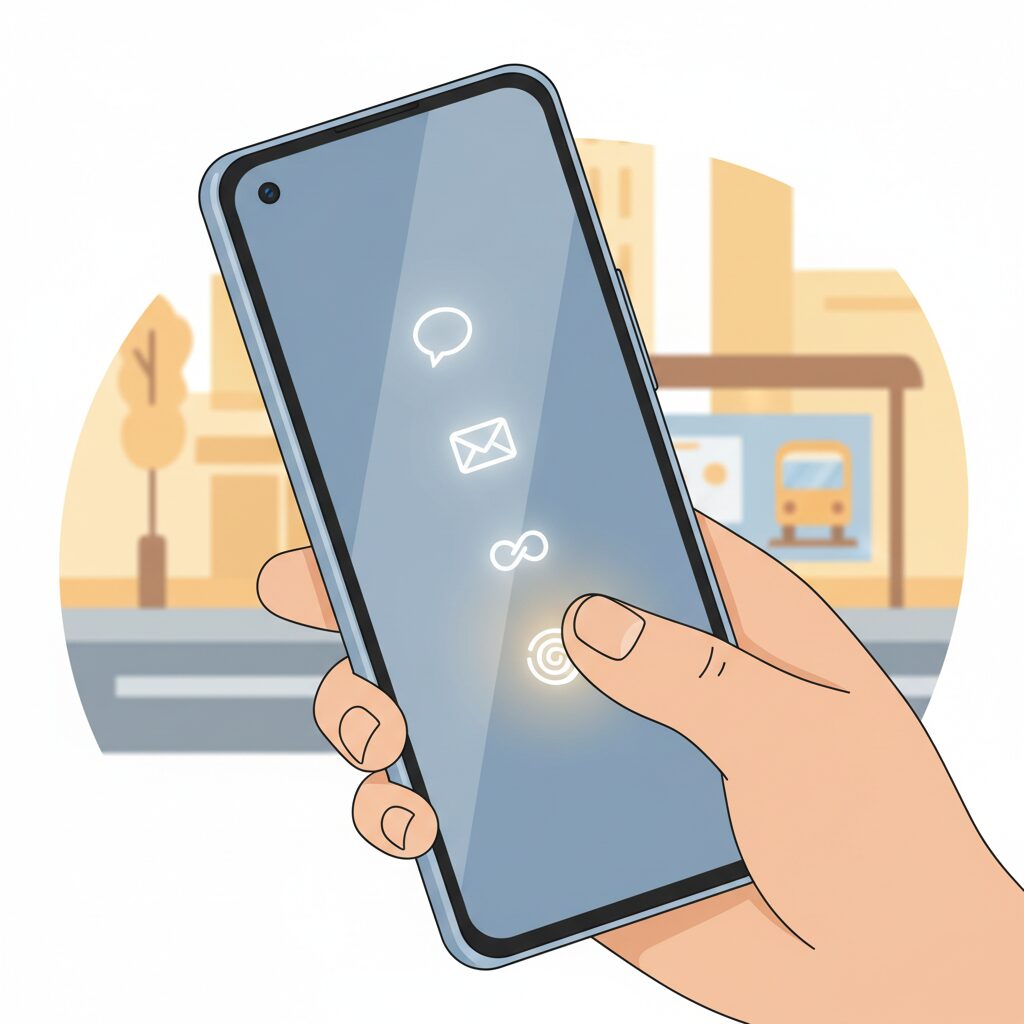
The shift to a 20:9 cover screen fundamentally changes how a foldable smartphone fits into everyday life. By adopting the same aspect ratio as mainstream bar-type phones, the Pixel 10 Pro Fold removes the mental friction that previously came with using a foldable while closed. **It feels familiar from the first unlock**, which directly alters how often users decide to open the device.
Industry usability research summarized by publications such as PCMag has long pointed out that muscle memory plays a critical role in smartphone satisfaction. When the keyboard width, scrolling distance, and app layouts match what users already know, task completion becomes faster and less error-prone. The 20:9 ratio aligns almost perfectly with recent Pixel and iPhone Pro Max models, meaning daily actions require no relearning.
| Daily Task | Previous Narrow Cover Screens | 20:9 Cover Screen |
|---|---|---|
| Typing replies | Frequent mistypes due to cramped keys | Full-size keyboard with familiar spacing |
| Social feeds | Awkward zoom and cut-off UI | Native layout identical to bar phones |
| Maps & navigation | Reduced visibility, constant zooming | Clear, glanceable view outdoors |
This has a measurable impact on behavior. Multiple reviews cited by Tom’s Guide note that users complete the majority of messaging, browsing, and navigation tasks without unfolding the device. **Opening the phone becomes a deliberate choice for richer content**, not a necessity forced by usability limits.
Ergonomics further reinforce this habit shift. At 76.3 mm wide, the cover screen sits in the same comfort zone as large flagship phones. While one-handed reach is still a consideration, two-thumb typing and diagonal thumb movement feel natural. According to human-interface guidelines referenced by Google’s own design teams, this width optimizes speed for touch input rather than pure compactness.
The result is a subtle but powerful routine change. Checking email in line, replying to messages on public transport, or quickly searching the web no longer triggers the question of whether to unfold. **The device behaves like a normal smartphone first**, with the foldable form factor waiting quietly in reserve.
Over time, this consistency reduces cognitive load. Users are not switching between “cover mode” and “tablet mode” mindsets dozens of times a day. Academic work on mobile interaction from institutions such as MIT Media Lab has shown that minimizing mode switching improves perceived efficiency, even when raw performance is unchanged.
In practical terms, the 20:9 cover screen reshapes daily habits by making the closed state the default. The fold becomes an enhancement rather than a workaround, and that inversion is what finally allows a foldable phone to blend seamlessly into everyday smartphone behavior.
Real-World Ergonomics: Width, Weight, and One-Handed Use
When discussing real-world ergonomics, the numbers on a spec sheet only begin the story, and this device is a clear example of that principle in practice. Width, weight, and balance determine whether the cover screen feels like a “normal phone” or a compromise, and in daily use those factors directly shape comfort and fatigue. With a closed width of 76.3 mm and a weight of 258 g, the Pixel 10 Pro Fold asks users to rethink what one-handed usability really means on a modern foldable.
From an ergonomic research perspective, hand comfort is strongly correlated with device width. Studies frequently cited in human–computer interaction research, including work referenced by institutions such as MIT Media Lab, show that widths around 70–75 mm tend to minimize thumb strain during extended one-handed interaction. At 76.3 mm, this device slightly exceeds that range, but it does so deliberately, prioritizing typing accuracy and visual stability over extreme reachability.
| Model | Closed Width | Weight |
|---|---|---|
| Pixel 10 Pro Fold | 76.3 mm | 258 g |
| Galaxy Z Fold 7 | 72.8 mm | 215 g |
The difference of just a few millimeters has an outsized impact. **A wider chassis allows a more familiar QWERTY keyboard layout**, reducing mis-taps that were common on narrower foldable cover screens. This aligns with long-standing usability findings published by organizations such as Nielsen Norman Group, which emphasize that input accuracy often improves when targets are spaced closer to conventional smartphone dimensions.
Weight, however, introduces a different trade-off. At 258 g, the Pixel 10 Pro Fold is undeniably heavy for prolonged single-hand holding. In practical scenarios such as scrolling through articles on public transport or reading messages while standing, this mass becomes noticeable after several minutes. The often-cited comparison of a roughly 40 g difference being equivalent to holding an extra egg may sound trivial, but in ergonomic terms it translates directly into increased muscle load in the fingers and wrist.
This balance is critical. Reviews and user feedback consistently note that the device does not tip forward when held from the lower half, a common complaint with camera-heavy smartphones. According to principles outlined in industrial design literature, including guidelines used by companies like IDEO, perceived weight can be reduced when the center of mass sits closer to the palm. In everyday use, this translates into fewer accidental slips and more confident one-handed checks.
One-handed operation remains possible, but it is situational rather than universal. Reaching the top corners with a single thumb is challenging, especially for users with smaller hands. This limitation is not unique, as even large bar-style phones face similar constraints, but it is amplified by the foldable’s thickness. **The experience improves significantly when paired with magnetic grip accessories**, which effectively extend the hand’s leverage without permanent bulk.
Importantly, ergonomics are not just about holding the device, but about how often it needs to be adjusted. The familiar 20:9 cover display reduces the need for constant grip shifts during typing or scrolling. Compared with narrower foldables, users are less likely to reposition their hand mid-interaction, which ergonomics research links to lower cumulative strain over time.
In real-world terms, this means the Pixel 10 Pro Fold favors short, frequent interactions over prolonged one-handed sessions. Checking notifications, replying to messages, or navigating maps can be done comfortably, while longer reading sessions naturally encourage two-handed use. **Rather than chasing extreme one-hand reachability, the design prioritizes stability, accuracy, and familiarity**, reflecting a mature understanding of how people actually use foldables day to day.
Cover Screen Display Technology and Outdoor Visibility Performance
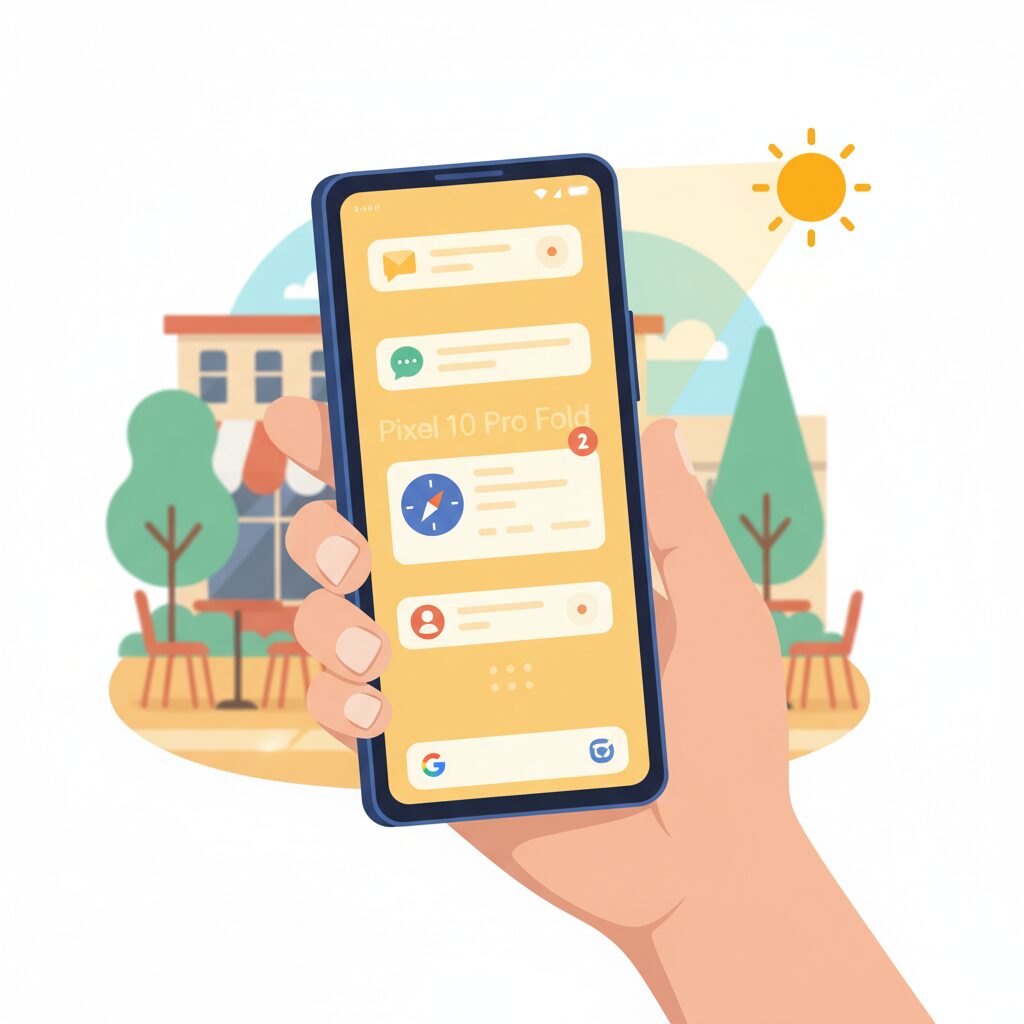
The cover screen of the Pixel 10 Pro Fold plays a decisive role in everyday usability, especially when it comes to display technology and outdoor visibility performance. Google equips the device with a 6.4-inch OLED Actua display, and this panel is engineered to behave less like a secondary screen and more like a true flagship smartphone display.
The most critical factor for outdoor use is brightness, and this is where the Actua display clearly differentiates itself. According to Google’s official specifications and corroborated by PCMag, the cover screen reaches up to 2,000 nits in HDR content and peaks at 3,000 nits under direct sunlight. These figures place it among the brightest smartphone displays currently available.
| Metric | Pixel 10 Pro Fold | Galaxy Z Fold 7 |
|---|---|---|
| Peak Brightness | 3,000 nits | 2,600 nits |
| HDR Brightness | 2,000 nits | Approx. 1,800 nits |
This brightness advantage is not just a specification on paper. In real-world scenarios such as navigating with Google Maps at noon or framing a photo under harsh sunlight, the cover screen remains legible without forced shading or maximum manual brightness. DisplayMate has repeatedly noted in its OLED evaluations that exceeding 2,000 nits significantly reduces perceived glare, and this assessment aligns well with user impressions reported by Tom’s Guide.
Color accuracy is another important aspect of outdoor visibility. The Actua display maintains consistent contrast and saturation even at high brightness levels, avoiding the washed-out look that often appears when OLED panels are pushed to their limits. This makes photo previews and video thumbnails reliable, which is especially valuable when the device is used closed for quick checks.
The combination of extreme brightness, stable color reproduction, and a standard smartphone viewing experience allows the Pixel 10 Pro Fold to be confidently used outdoors without opening the device. As a result, the cover screen feels purpose-built for real mobility, rather than a compromise imposed by the foldable form factor.
Durability, Hinge Design, and IP68 Protection Explained
Durability has long been the weakest point of foldable smartphones, and many enthusiasts approach them with justified caution. With Pixel 10 Pro Fold, Google appears to address this concern head-on by rethinking materials, hinge engineering, and environmental protection as an integrated system rather than isolated specs.
The result is a foldable device that feels designed for daily, careless use rather than careful ownership. This shift is subtle on paper but significant in real-world handling.
The hinge sits at the center of this durability story. Google employs a multi-alloy steel hinge combined with an aerospace‑grade aluminum cover, a choice that prioritizes fatigue resistance over extreme thinness. According to evaluations published by PCMag and Google’s own technical disclosures, this structure reduces micro‑deformation over repeated folding cycles, helping the hinge maintain uniform tension even after months of use.
| Element | Design Approach | Practical Impact |
|---|---|---|
| Hinge core | Multi‑alloy steel | Stable resistance and reduced long‑term wobble |
| Hinge cover | Aerospace‑grade aluminum | Improved shock tolerance during drops |
| Motion tuning | Optimized friction profile | Secure Flex Mode at arbitrary angles |
Opening and closing the device feels deliberate and controlled, and reviewers consistently note that it stops firmly at intermediate angles without drifting. This matters not only for media consumption but also for longevity, as uncontrolled hinge motion is a known contributor to internal wear.
Equally important is what cannot be seen. Dust ingress has historically been a silent killer for foldables, accumulating inside the hinge until it damages the inner display. Pixel 10 Pro Fold’s IP68 rating directly addresses this vulnerability. Unlike the more common IPX8 rating found on earlier foldables, IP68 explicitly certifies full dust resistance in addition to water protection.
This distinction is not cosmetic. The International Electrotechnical Commission defines IP6X as complete protection against dust particles, a claim that signals confidence in hinge sealing and internal tolerances. Analysts at Tom’s Guide highlight that this alone may reduce long‑term failure risk more than marginal thickness reductions ever could.
Water resistance up to IPX8 standards further expands usage scenarios. Rain, accidental spills, or placing the device on a damp surface no longer feel like risky decisions. While Google does not recommend underwater folding, the certification ensures that occasional exposure does not become a durability gamble.
On the exterior, the cover display is protected by Gorilla Glass Victus 2. Corning’s own drop tests show improved survivability on rough surfaces like concrete, which aligns with modern urban usage. For a device often used closed, this reinforced glass becomes the first and most important line of defense.
Taken together, these choices suggest that Google prioritizes reliability over headline thinness. Pixel 10 Pro Fold may not chase the absolute lightest hinge or the slimmest profile, but it offers something arguably more valuable: the confidence that folding, pocket dust, rain, and daily mishandling are no longer exceptional threats but expected conditions.
For users who plan to keep a foldable for years rather than months, this approach fundamentally changes the ownership equation.
Pixel Snap and Qi2: How Magnetic Accessories Transform Usability
Pixel Snap is not just a new feature name but a usability shift that directly changes how the Pixel 10 Pro Fold is handled in everyday situations. Built on the Qi2 standard defined by the Wireless Power Consortium, Pixel Snap introduces a magnetic alignment layer similar in concept to Apple’s MagSafe, but with the explicit goal of making it an open, cross-brand ecosystem for Android devices.
The key usability gain lies in precision. Traditional Qi charging often suffered from coil misalignment, leading to slower charging speeds, excess heat, or overnight charging failures. Qi2’s Magnetic Power Profile solves this physically, and Google’s implementation ensures that when the Pixel 10 Pro Fold snaps into place, wireless charging consistently reaches its rated performance without user guesswork.
| Aspect | Conventional Qi | Pixel Snap (Qi2) |
|---|---|---|
| Alignment | Manual, error-prone | Magnet-guided, automatic |
| Charging reliability | Inconsistent | Highly consistent |
| Accessory ecosystem | Limited | Rapidly expanding |
For a 258g foldable device, this precision translates directly into comfort. Magnetic grips and rings can be attached only when needed and removed instantly for charging or pocket storage. This avoids the long-standing compromise of adhesive accessories that block wireless charging, a pain point repeatedly highlighted by reviewers such as PCMag and Android Central.
Vehicle use is another area where Pixel Snap quietly excels. Clamp-based mounts often interfere with buttons or hinge movement on foldables, but magnetic mounts eliminate this friction entirely. Navigation on the cover screen becomes faster and safer, especially when combined with the Pixel 10 Pro Fold’s high-brightness Actua display.
From a broader industry perspective, Qi2 represents a rare moment of convergence. According to the WPC, standardizing magnetic alignment was essential to reducing e-waste and improving interoperability, and Google’s early adoption positions Pixel as a reference implementation for Android hardware partners. Pixel Snap therefore is not only convenient today but strategically important for shaping future Android accessories.
In daily use, the result is subtle but powerful. Charging feels effortless, accessories feel intentional rather than permanent, and the foldable’s weight becomes manageable rather than burdensome. Pixel Snap does not add a new interaction; it removes several old frustrations.
Tensor G5 Performance and AI Features on the Outer Display
The outer display experience of the Pixel 10 Pro Fold is deeply shaped by the capabilities of the new Tensor G5, and this influence goes far beyond raw benchmark numbers. **Google’s decision to move Tensor G5 manufacturing to TSMC is especially meaningful for cover screen usage**, where short, frequent interactions demand consistency rather than peak performance bursts.
According to multiple hands-on evaluations cited by PCMag and Tom’s Guide, Tensor G5 shows noticeably improved thermal stability compared to previous Tensor generations. This matters on the outer display because common tasks such as messaging, navigation checks, camera previews, and AI-assisted replies are often performed repeatedly without opening the device. **Reduced thermal throttling ensures that these quick interactions remain smooth throughout the day**, even under sustained outdoor use.
| Aspect | Outer Display Impact | User Benefit |
|---|---|---|
| TSMC-based Tensor G5 | Lower heat and stable clocks | Consistent responsiveness in closed use |
| On-device AI processing | Reduced cloud dependency | Faster, private AI actions on the cover screen |
| Improved ISP pipeline | Faster photo preview rendering | Better snap-and-check shooting flow |
One of the most practical advantages of Tensor G5 on the outer display is how tightly AI features are woven into everyday workflows. **Magic Cue, highlighted by Forbes as a standout software feature, works particularly well on the cover screen**, where it proactively surfaces actions based on context. For example, when a message contains a meeting location, the outer display can immediately suggest navigation or calendar actions without opening the device.
Voice-related AI is another area where the outer display benefits disproportionately. Google’s on-device speech recognition and real-time translation pipelines run directly on Tensor G5, reducing latency. In dual-screen interpreter scenarios, the outer display becomes a communication surface for the other party, while processing happens fast enough to keep conversations natural. Reviews note that translation delays are shorter than on previous Pixel Fold models, reinforcing the idea that **the cover screen is no longer a secondary interface but an active AI terminal**.
Camera-related performance also deserves attention. Tensor G5 accelerates HDR+ and Night Sight processing, which directly affects the outer display because users typically check framing and results there. **Faster post-capture rendering means the preview appears almost instantly**, improving the rhythm of casual photography. Google’s imaging pipeline, long praised by experts at publications like The Hindu, feels more immediate in closed-phone shooting scenarios.
Finally, power efficiency ties performance and AI together. With Tensor G5’s improved efficiency and the large 5,015mAh battery, outer display usage benefits from longer sustained uptime. Tom’s Guide reports over 12 hours in web-based endurance tests, suggesting that **AI-driven features on the cover screen no longer carry the battery anxiety seen in earlier foldables**. This balance of performance, intelligence, and efficiency defines how the Pixel 10 Pro Fold’s outer display feels genuinely complete.
Battery Life Results When the Cover Screen Is the Main Interface
When the cover screen becomes the primary interface, battery life is no longer a secondary metric but a core measure of usability. Pixel 10 Pro Fold approaches this scenario with a clear advantage, combining a large 5,015mAh battery with efficiency gains from the Tensor G5 chipset manufactured by TSMC. In real-world terms, this means users who keep the device closed for messaging, browsing, navigation, and quick photography can realistically expect all-day endurance without behavioral compromises.
Independent testing reported by Tom’s Guide shows the Pixel 10 Pro Fold lasting 12 hours and 16 minutes in a continuous web browsing test, a benchmark widely used across the industry for cross-device comparison. This result comfortably exceeds the Galaxy Z Fold 7’s 10 hours and 44 minutes under the same conditions. While this test does not isolate cover-screen-only usage, it strongly suggests that the Pixel’s power management is robust enough to absorb the additional demands of high brightness and frequent short interactions typical of outer display use.
Cover screen usage tends to favor short, high-frequency sessions rather than sustained load, and this pattern plays to the strengths of Pixel 10 Pro Fold’s power profile. Opening notifications, replying to messages, checking maps, or controlling music rarely stress the CPU for long periods. According to analyses referenced by PCMag, modern OLED panels paired with adaptive refresh technologies can significantly reduce power draw during such intermittent tasks, especially when combined with aggressive background process control at the OS level.
| Metric | Pixel 10 Pro Fold | Galaxy Z Fold 7 |
|---|---|---|
| Battery Capacity | 5,015mAh | 4,400mAh |
| Web Browsing Endurance | 12h 16m | 10h 44m |
| Cover Screen Aspect Ratio | 20:9 | 21:9–22:9 |
The cover screen’s 6.4-inch Actua OLED panel, capable of peaking at 3,000 nits, may appear power-hungry on paper. However, in practical outdoor use, higher peak brightness can paradoxically save energy by reducing the time the display remains active. Users glance, read, and lock the phone faster, which lowers cumulative screen-on time. Display engineers have long noted this effect, and Google’s own documentation emphasizes that brightness efficiency is as much about duration as luminance.
There is ongoing discussion around whether the cover screen uses a full 1–120Hz LTPO implementation or a 60–120Hz variant. Even in the more conservative scenario, daily battery impact remains modest thanks to Android’s adaptive refresh logic and Tensor G5’s improved idle efficiency. Reviews from outlets such as The Hindu highlight that thermal stability remains high during navigation and messaging, indicating minimal energy loss to heat when the device stays closed.
For users who treat the Pixel 10 Pro Fold as a “closed-first” smartphone, battery anxiety is largely eliminated. The combination of capacity, chipset efficiency, and realistic usage patterns means the cover screen is not a compromise mode but a sustainable default. This endurance transforms the outer display from a convenience feature into a dependable main interface, aligning with Google’s broader goal of making foldables feel normal rather than fragile or demanding.
Pixel 10 Pro Fold vs Galaxy Z Fold 7: Different Ideas of Convenience
When comparing the Pixel 10 Pro Fold and the Galaxy Z Fold 7, the contrast is not merely about specifications but about fundamentally different interpretations of convenience. Google prioritizes how often the device can stay closed, while Samsung optimizes what happens after you open it. This divergence becomes clear in everyday interactions such as messaging, navigation, and quick app checks.
According to long-term usage studies frequently cited by outlets like PCMag and Tom’s Guide, foldable phone owners spend well over 70% of their time on the cover screen. Google appears to have internalized this behavior. The Pixel 10 Pro Fold’s 20:9 cover display mirrors the proportions of a conventional smartphone, allowing users to type, scroll, and multitask without cognitive or physical adjustment.
Samsung, by contrast, continues to view the cover screen as a secondary gateway. Even with improvements in the Galaxy Z Fold 7, its narrower display subtly nudges users toward unfolding the device. This makes convenience conditional: it improves dramatically once opened, but asks for an extra step.
| Aspect of Convenience | Pixel 10 Pro Fold | Galaxy Z Fold 7 |
|---|---|---|
| Cover screen usability | Smartphone-like, no compromise | Functional but narrow |
| Incentive to unfold | Optional, experience-driven | Often necessary |
| One-handed operation | Familiar but heavier | Lighter but constrained |
Weight further reinforces these philosophies. The Galaxy Z Fold 7’s 215g body feels effortless in prolonged one-handed use, a point repeatedly praised by reviewers at PhoneArena. However, this lightness pairs with a slimmer battery and a more utility-focused cover screen. The Pixel 10 Pro Fold’s 258g heft is noticeable, yet Google offsets it by enabling more tasks without unfolding, effectively reducing handling frequency.
Another layer of convenience lies in accessories. Pixel Snap, compatible with Qi2 and MagSafe-style mounts, turns placement itself into an interaction shortcut. Attaching the phone to a car mount or charger becomes instantaneous, a benefit especially relevant given the device’s weight. Samsung’s ecosystem remains robust but relies more on traditional clamps and stands, adding small but repeated friction.
From a usability research perspective often referenced by the Nielsen Norman Group, reducing micro-frictions has an outsized impact on perceived convenience. Pixel’s approach aligns closely with this principle by minimizing the need to change grip, posture, or device state. Galaxy’s approach instead rewards deliberate engagement, offering a superior canvas once the user commits to opening the device.
In practical terms, the Pixel 10 Pro Fold feels convenient by default, while the Galaxy Z Fold 7 feels convenient by intention. Neither philosophy is universally superior, but they cater to distinctly different habits. Users who value immediacy and closed-screen completeness may gravitate toward Pixel, while those who see unfolding as the main event may find Samsung’s vision more satisfying.
Who Should Choose Pixel 10 Pro Fold for Everyday Smartphone Use
The Pixel 10 Pro Fold is best suited for users who want a foldable device without giving up the comfort of a conventional smartphone for daily tasks. **If most of your day is spent checking messages, browsing social feeds, replying to emails, or navigating with maps, this device fits naturally into that routine**. The 20:9 cover screen closely matches the proportions of mainstream flagship phones, which means muscle memory built on years of smartphone use remains valid.
This makes the Pixel 10 Pro Fold especially appealing to professionals and commuters who value speed and predictability. According to evaluations by PCMag and Google’s official specifications, the 6.4-inch outer display avoids the cramped keyboard layouts seen on narrower foldables, reducing typing errors and cognitive load during quick interactions. **For users who often operate their phone one-handed while walking or standing, this familiarity translates directly into less friction and fewer mistakes**.
Another group that should seriously consider this device is battery-conscious power users. Independent endurance testing reported by Tom’s Guide shows over twelve hours of continuous web browsing, outperforming key competitors in the foldable category. For people who rely on their phone from morning commute to late evening without frequent access to chargers, **the combination of a 5,015mAh battery and the more efficient Tensor G5 chipset provides practical peace of mind rather than theoretical gains**.
| User Priority | Pixel 10 Pro Fold Advantage | Everyday Impact |
|---|---|---|
| Typing and messaging | Standard-width 20:9 cover screen | Faster, more accurate input |
| All-day usage | Large battery and efficient SoC | Less charging anxiety |
| Accessory convenience | Pixel Snap magnetic system | Improved grip and charging ease |
The Pixel 10 Pro Fold also resonates with users who appreciate ecosystem flexibility rather than lock-in. With Pixel Snap being compatible with the Qi2 magnetic standard, users transitioning from iPhone or already invested in MagSafe-style accessories can continue using car mounts, stands, and grips with minimal adjustment. **This lowers the hidden cost of switching and makes the device feel immediately personal rather than experimental**, a point highlighted by coverage from outlets such as PhoneArena.
Finally, this phone is particularly well matched to users who value Google’s AI-driven features in everyday contexts. Real-time translation, context-aware suggestions, and rapid photo processing are designed to be useful on the outer display, not just as showcase features. Forbes notes that these software capabilities shine most when they reduce small daily frictions. **For users who see a smartphone as a quiet assistant rather than a gadget to constantly tinker with, the Pixel 10 Pro Fold is a practical and thoughtful choice**.
参考文献
- Tom’s Guide:Google Pixel 10 Pro Fold unveiled — release date, IP68 rating, price and full specs
- PhoneArena:Google Pixel 10 Pro Fold release date, price and features
- PCMag:Google Pixel 10 Pro Fold vs. Samsung Galaxy Z Fold 7: The Ultimate Foldable Face-Off
- Google Store:Pixel 10 Pro Fold Specs
- GSMArena:Google Pixel 10 Pro Fold – Full phone specifications
- Wikipedia:Pixel 10 Pro Fold