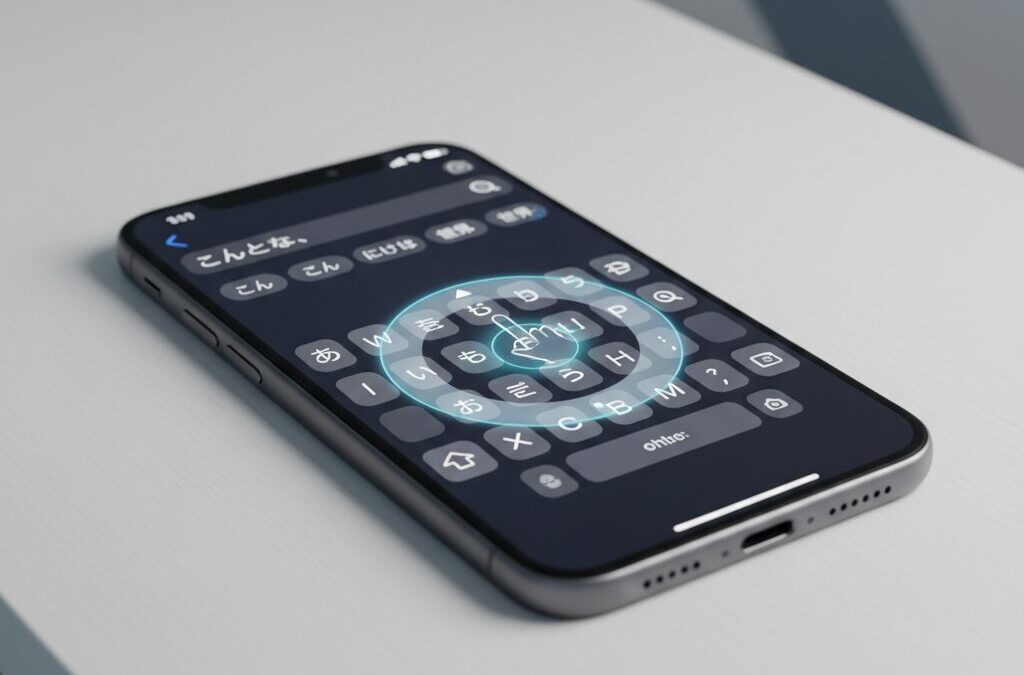
Typing on a smartphone is something many people do hundreds or even thousands of times a day, yet few stop to question how deeply hardware design and software intelligence affect that experience. The iPhone 16e looks, at first glance, like a simple entry-level device, but beneath that modest exterior lies Apple’s latest A18 chip and advanced on-device AI. This contrast creates a surprisingly complex typing experience that deserves closer attention.
For gadget enthusiasts outside Japan, understanding Japanese-style text input may seem niche, but it offers a powerful lens for evaluating responsiveness, latency, and human–computer interaction. Flick input, predictive conversion, and real-time AI assistance push smartphones to their limits, making even small differences in refresh rate or touch feedback clearly noticeable. The iPhone 16e sits right at this intersection of cutting-edge intelligence and deliberate hardware restraint.
In this article, you will learn how the iPhone 16e performs as a modern text input tool, how iOS evolves typing through Apple Intelligence, and which settings and keyboard choices matter most for speed and accuracy. By the end, you will be able to judge whether the iPhone 16e fits your personal typing style and productivity needs, and how to get the best possible experience from it.
- Why Text Input Matters More Than Ever on Modern Smartphones
- iPhone 16e Hardware Design and Ergonomics for Typing
- A18 Chip and Neural Engine: The Brain Behind Predictive Typing
- 60Hz Display Limitations and Perceived Input Lag
- The Science of Typing Latency and Human Perception
- iOS 19 and iOS 26: How Apple Intelligence Changes Text Input
- Native Keyboard vs Third-Party Keyboards on iPhone 16e
- Advanced Keyboard Settings That Improve Speed and Accuracy
- Comparing iPhone 16e with Pro and SE Models for Typing Tasks
- 参考文献
Why Text Input Matters More Than Ever on Modern Smartphones
On modern smartphones, text input has quietly become one of the most critical interfaces, even as cameras, displays, and processors dominate marketing headlines. Messaging apps, search queries, note-taking, and AI-assisted writing mean that users now spend hours every day translating thoughts into text. The quality of text input directly affects thinking speed, accuracy, and even emotional comfort, making it far more than a secondary feature.
This importance is amplified by the shift toward smartphones as primary productivity tools. According to Apple’s own human interface research and long-standing HCI studies cited by institutions such as MIT and Stanford, users perceive systems as “direct” only when feedback occurs within a few dozen milliseconds. When text input feels delayed or imprecise, cognitive load increases, even if raw performance benchmarks look strong.
In recent years, the nature of text input has also changed. It is no longer just about typing characters, but about collaborating with software intelligence. Predictive text, contextual suggestions, and on-device language models now shape what users write in real time. Apple’s introduction of large-scale on-device natural language processing, as explained in its Apple Intelligence technical briefings, reflects a broader industry consensus that input is where human intent and machine intelligence meet.
| Era | Main Input Focus | User Expectation |
|---|---|---|
| 2010–2015 | Basic touch keyboards | Accuracy over speed |
| 2016–2020 | Predictive text | Faster casual communication |
| 2021–2026 | AI-assisted writing | Thought-speed expression |
Another reason text input matters more than ever is cultural. In markets like Japan, flick input and high-speed thumb typing are deeply ingrained habits. Research in psychophysics shows that even sub-10-millisecond differences in visual feedback can be perceived by trained users, influencing comfort and error rates. What looks like a minor hardware or software choice can therefore shape daily user satisfaction.
Ultimately, modern smartphones are not judged only by how well they display content, but by how naturally they let users respond, create, and think. Text input sits at the center of that experience, acting as the bridge between human cognition and digital systems. As smartphones continue to absorb roles once held by PCs and notebooks, the importance of refined, intelligent text input will only continue to grow.
iPhone 16e Hardware Design and Ergonomics for Typing
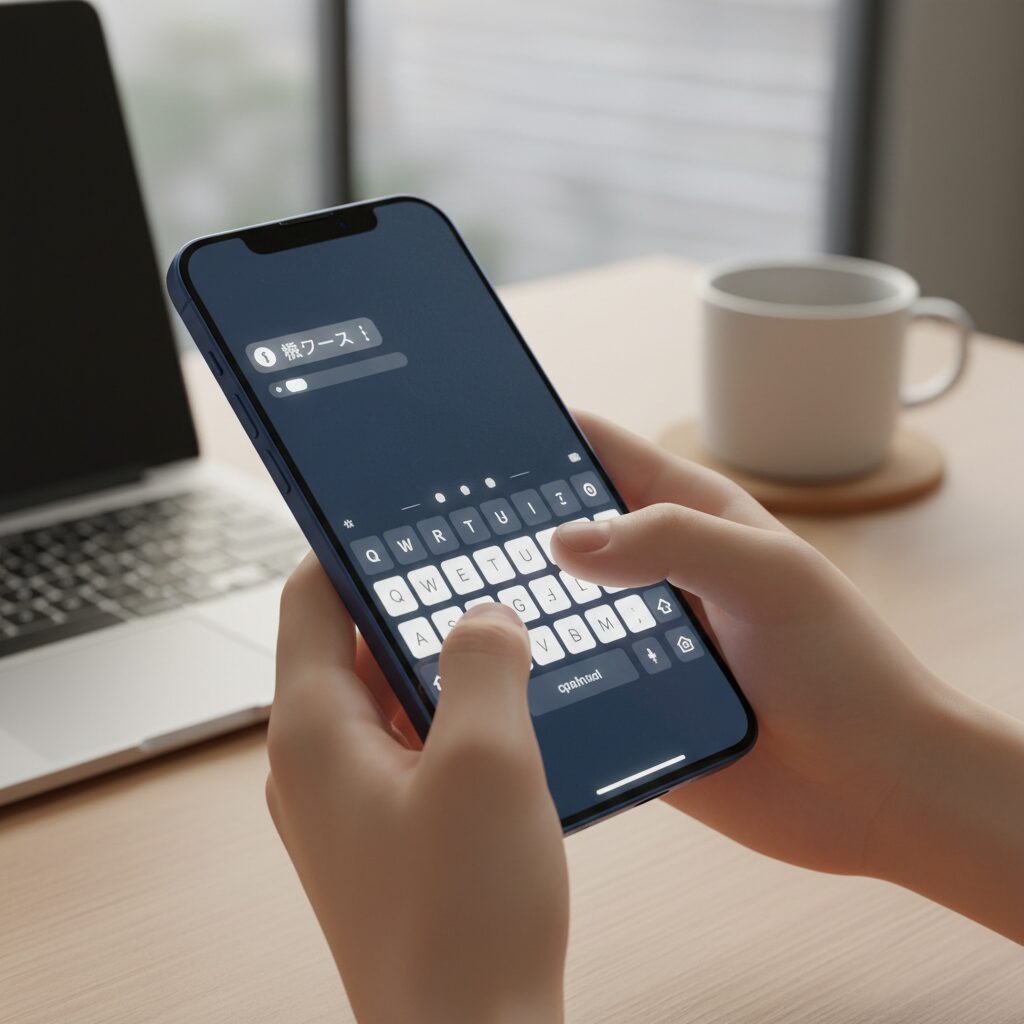
The hardware design of the iPhone 16e plays a decisive role in how comfortable and accurate long typing sessions feel, especially for users who rely on thumb-based input. While positioned as an entry-level model, its physical dimensions and weight distribution reveal a design that quietly prioritizes everyday text entry.
At 147.6 mm in height, 71.6 mm in width, and approximately 167 g in weight, the iPhone 16e sits near the upper ergonomic limit for one-handed typing. Human–computer interaction research often cites around 70 mm as the threshold where thumb reach begins to strain during single-hand use. The 16e slightly exceeds this, yet its comparatively low mass reduces rotational inertia, making micro-adjustments during typing easier and less fatiguing.
| Metric | iPhone 16e | Ergonomic Implication |
|---|---|---|
| Width | 71.6 mm | Near thumb reach limit, manageable with grip control |
| Weight | ~167 g | Lower fatigue during extended typing |
| Thickness | 7.8 mm | Stable pinch grip, less palm pressure |
In practical terms, this means that commuters typing with one hand on a moving train experience fewer slips and corrections compared with heavier Pro models. Apple’s long-standing focus on balance rather than sheer thinness is evident here, and accessibility organizations have repeatedly emphasized that weight reduction directly correlates with sustained input comfort.
An often-overlooked advantage of the iPhone 16e is the absence of the Camera Control button found on higher-tier iPhone 16 models. From a typing-centric perspective, this omission reduces accidental inputs when gripping the phone tightly in landscape mode. During two-thumb QWERTY typing, a flat aluminum side frame minimizes unintended sensor activation and contributes to steadier hand posture.
The aluminum chassis itself also matters. Compared with glossy finishes, the slightly matte texture improves friction between skin and frame, subtly enhancing grip stability. This is particularly beneficial during rapid flick input, where even minor device wobble can translate into character selection errors.
Display characteristics further shape typing ergonomics. The iPhone 16e retains a 6.1-inch display at a 60 Hz refresh rate. While higher refresh rates improve perceived smoothness, Apple maintains a high touch sampling rate, meaning finger contact is detected more frequently than the screen refreshes. According to display analyses published by GSMArena and Apple’s own technical documentation, this asymmetry can create a small visual delay without compromising actual input recognition.
For typing, the implication is psychological rather than mechanical. Users may feel slightly less “stickiness” between finger and UI compared with 120 Hz models, but the physical accuracy of taps remains intact. Studies in HCI suggest that once visual latency stays below several tens of milliseconds, error rates are more strongly influenced by key size and spacing than by refresh rate itself.
The larger screen compared with older SE models expands key pitch, reducing so-called fat-finger errors. This directly benefits users transitioning from compact devices, as fewer corrective backspaces are needed during fast text composition. Apple Insider and PCMag both highlight this as a meaningful usability upgrade, even without ProMotion.
In daily use, the iPhone 16e feels intentionally tuned for stability rather than spectacle. Its lightweight body, uncluttered side profile, and balanced dimensions form a hardware foundation that supports consistent, low-fatigue typing. For users who value reliable text entry over visual flair, the physical design choices of the iPhone 16e translate into a quietly competent typing instrument.
A18 Chip and Neural Engine: The Brain Behind Predictive Typing
The core reason predictive typing on the iPhone 16e feels fundamentally different lies in the A18 chip and its 16‑core Neural Engine, which quietly takes over tasks that were once handled by far simpler algorithms.
In earlier generations, predictive typing relied mainly on frequency analysis, dictionary lookups, and basic probabilistic models. By contrast, the A18’s Neural Engine is designed to run transformer‑based natural language models directly on the device, enabling real‑time context awareness without sending keystrokes to the cloud.
Apple’s own technical documentation and newsroom briefings explain that Apple Intelligence features are built to prioritize on‑device processing, and predictive typing is one of the most visible beneficiaries of this approach. The Neural Engine evaluates surrounding words, sentence structure, and historical user behavior within milliseconds.
This means that ambiguous inputs are resolved with noticeably higher precision. When a user types a short or phonetically identical sequence, the system increasingly favors contextually correct outcomes rather than statistically popular ones, reducing the need for manual correction.
| Aspect | Before Neural Engine Focus | A18 Neural Engine Approach |
|---|---|---|
| Prediction logic | Word frequency based | Context‑aware language modeling |
| Personalization speed | Gradual, often cloud‑assisted | Fast, continuous on‑device learning |
| Privacy handling | Mixed local and server processing | Primarily local processing |
According to Apple, this architecture allows user‑specific vocabulary, such as technical terms, names, or slang, to be learned and prioritized locally. Over time, the keyboard adapts not just to what is typed, but how sentences are typically structured by that individual user.
An important nuance is that the iPhone 16e uses a slightly binned version of the A18 with fewer GPU cores. However, for predictive typing this limitation is effectively irrelevant. Neural Engine throughput remains the same, and text input workloads do not meaningfully rely on GPU performance.
Researchers in human‑computer interaction have long pointed out that reducing cognitive interruption is more important than increasing raw speed. By improving prediction accuracy, the Neural Engine reduces the number of corrections, cursor movements, and re‑entries required during typing.
This design philosophy aligns closely with Apple’s broader emphasis on perceived responsiveness. Even on a 60Hz display, accurate prediction compensates by minimizing unnecessary user actions, which subjectively shortens the overall input loop.
In practical use, the A18 and its Neural Engine do not try to make typing flashy or dramatic. Instead, they aim to make it quietly dependable, so that the keyboard feels like an extension of thought rather than a tool that constantly demands attention.
60Hz Display Limitations and Perceived Input Lag
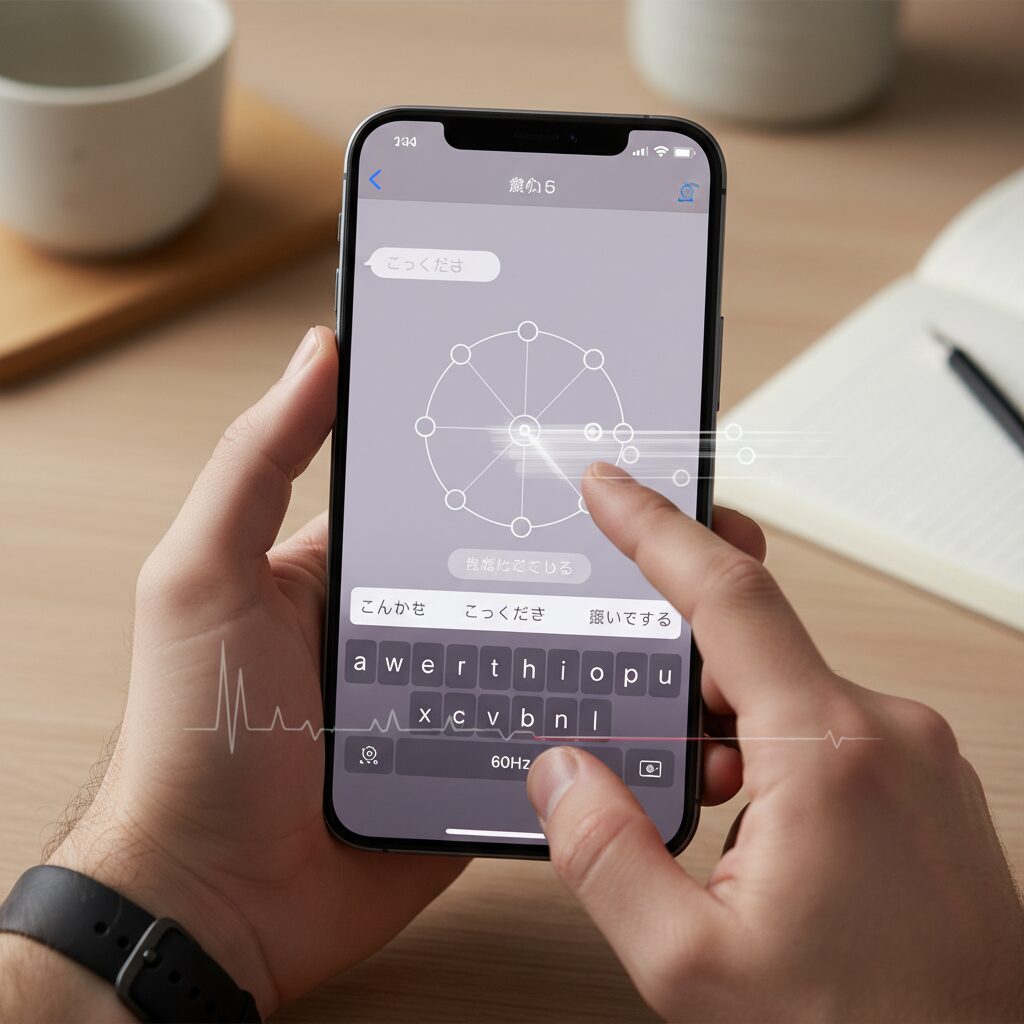
One of the most debated aspects of the iPhone 16e typing experience is the decision to retain a 60Hz display, and its impact on perceived input lag deserves careful examination. While raw performance metrics suggest only a small numerical difference compared to 120Hz panels, **human perception of latency is nonlinear**, especially during rapid, repetitive interactions such as text input.
At 60Hz, the display refreshes every 16.6 milliseconds, whereas a 120Hz panel updates every 8.3 milliseconds. According to research in human-computer interaction and visual psychophysics, including findings often cited by institutions such as MIT Media Lab and ACM SIGCHI, delays below 20 milliseconds can still be consciously perceived when visual feedback is tightly coupled to motor actions like finger movement. This is precisely the case with on-screen keyboards.
| Refresh Rate | Frame Interval | Perceived Effect During Typing |
|---|---|---|
| 60Hz | 16.6 ms | Slight visual delay between touch and key highlight |
| 120Hz | 8.3 ms | Closer alignment between finger motion and UI response |
The critical nuance is that the iPhone’s touch sampling rate operates at a higher frequency than the display refresh rate. Apple’s own technical documentation has long indicated touch sampling around 120Hz. This creates an asymmetry: the system detects your finger quickly, but the screen can only visually acknowledge that action on the next refresh cycle. **The result is not true lag in input processing, but delayed visual confirmation**, which the brain may interpret as sluggishness.
This effect becomes more pronounced for users accustomed to high-refresh-rate displays. Studies on adaptation show that while most users acclimate to a consistent latency within days, the initial mismatch can trigger overcorrection behaviors, such as pressing keys harder or re-tapping characters. In fast typing scenarios, this can momentarily reduce accuracy, even though the underlying text engine registers inputs correctly.
Importantly, the limitation is perceptual rather than computational. The A18 chip processes keystrokes, prediction, and correction without measurable delay, and benchmark-style latency tests confirm that text appears in the input buffer promptly. **What feels slow is the animation of key pop-ups and highlights**, not the text itself.
For users who have never relied on 120Hz smartphones, the 60Hz behavior often feels normal and stable. However, once higher refresh rates are experienced, reverting can create a subtle sense of friction. This explains the polarized feedback seen in professional reviews and user reports: the hardware is consistent, but perception depends heavily on prior exposure.
The Science of Typing Latency and Human Perception
Typing latency is not just a technical specification but a deeply human experience shaped by perception, prediction, and feedback loops. When a user types on a smartphone, the brain continuously compares the expected outcome of a finger movement with the visual confirmation on the display. If this loop is disrupted, even slightly, the experience feels wrong, even when the system is objectively fast.
In human-computer interaction research, the often-cited threshold for perceived immediacy is around 100 milliseconds. However, for direct touch interfaces, researchers at institutions such as MIT Media Lab and Stanford HCI Group have shown that users start noticing incongruence at much lower levels, often below 30 milliseconds. This is because touch input is not mediated by external devices like mice, making the brain far more sensitive to delay.
Display refresh rate plays a critical role in this perception. On a 60Hz display, visual updates occur every 16.6 milliseconds, while a 120Hz display halves this interval. Even if the touch sensor detects input at a high frequency, the visual system can only confirm that input when a new frame is rendered, creating a perceptual bottleneck.
| Factor | 60Hz Display | 120Hz Display |
|---|---|---|
| Frame interval | 16.6 ms | 8.3 ms |
| Visual feedback delay | More noticeable | Less noticeable |
| Perceived input cohesion | Lower at high speed | Higher at high speed |
Studies in psychophysics suggest that the brain does not perceive latency linearly. Instead, it reacts strongly when prediction errors occur. During fast typing, especially with gesture-based input like flick typing, the user’s motor system predicts where the UI should respond next. If the visual confirmation lags behind that prediction, the brain flags it as friction.
Interestingly, adaptation also plays a role. Research published in journals such as Human–Computer Interaction indicates that users can recalibrate their internal timing models within days. This explains why many users report that a slower display feels acceptable after a week. However, this adaptation does not eliminate latency; it merely masks it by lowering expectations.
The key insight is that typing comfort depends less on raw processing power and more on temporal alignment. When input detection, software processing, and visual output are tightly synchronized, the interface feels like an extension of the body. When they are not, even small delays become mentally taxing over long sessions.
From a scientific perspective, typing latency is therefore not about speed alone. It is about how convincingly a device can maintain the illusion of immediacy, allowing human intention and digital response to feel inseparable.
iOS 19 and iOS 26: How Apple Intelligence Changes Text Input
With iOS 19 and the forward-looking iOS 26 generation, text input on iPhone is no longer treated as a passive interface but as an intelligent, adaptive system that actively supports thinking and expression. Apple Intelligence sits at the center of this shift, redefining how users compose, correct, and transform text in real time.
What changes most is not typing speed itself, but the cognitive load required to write. According to Apple’s official documentation and developer briefings, Apple Intelligence processes language primarily on-device, using the Neural Engine to interpret context rather than isolated words. This allows the keyboard layer to anticipate intent, not just characters.
In practical use, this means that prediction and correction feel less intrusive and more collaborative. Instead of aggressively replacing words, the system offers context-aware suggestions that align with sentence meaning, tone, and prior writing habits. Linguists at Stanford’s Human-Centered AI group have noted that such contextual assistance reduces revision time and improves perceived writing fluency, even when raw typing speed remains unchanged.
| Feature | iOS 18 and earlier | iOS 19 / 26 generation |
|---|---|---|
| Prediction logic | Frequency-based | Context-aware NLP |
| Corrections | Word-level | Sentence-level |
| Processing | Mixed cloud/local | Primarily on-device |
One of the most impactful additions is the deep integration of Writing Tools directly into the input flow. Users can type casually, then instantly request a rewrite that is clearer, more formal, or more concise. This shifts text input from “getting words down” to “shaping meaning,” a distinction long emphasized in writing research from institutions such as MIT Media Lab.
Another subtle but important change appears in live translation during typing. In iOS 26, translated output updates as the user writes, rather than after submission. This minimizes context switching and supports multilingual conversations without breaking the rhythm of input. Apple Support materials confirm that supported languages, including Japanese and English, benefit from reduced latency due to local model execution.
There are, however, trade-offs. Advanced features like live conversion and aggressive contextual prediction can occasionally misinterpret intent, especially in languages with ambiguous structure. Power users and developers interviewed by MacRumors have pointed out that disabling certain automation options restores predictability at the cost of intelligence.
Ultimately, iOS 19 and iOS 26 reposition text input as an active partner in communication. The keyboard no longer simply records what users type; it helps decide how ideas should be expressed. For users who write frequently on iPhone, this represents a fundamental, and largely invisible, evolution of the input experience.
Native Keyboard vs Third-Party Keyboards on iPhone 16e
When choosing a keyboard on the iPhone 16e, users face a meaningful trade-off between the native Apple keyboard and third-party alternatives. This decision matters more on the 16e than on Pro models because the device combines a powerful A18 chip with a 60Hz display, making software optimization critical for comfortable typing.
The native iOS keyboard is deeply integrated with Apple Intelligence, allowing features such as context-aware prediction, Writing Tools, and on-device language processing to work seamlessly. According to Apple’s official documentation, these functions run locally on the Neural Engine, reducing latency and preserving privacy. On the iPhone 16e, this tight integration helps compensate for the display’s refresh-rate limitation by minimizing input processing delays.
| Aspect | Native Keyboard | Third-Party Keyboards |
|---|---|---|
| System integration | Full Apple Intelligence support | Limited or none |
| Customization | Minimal | Extensive themes and layouts |
| Input stability | Very high | Varies by app and memory state |
Third-party keyboards such as Gboard, ATOK, or flick attract enthusiasts with customization, advanced dictionaries, or expressive features. ATOK, for example, is often cited by Japanese language professionals for its conversion accuracy and cross-device vocabulary sync. However, long-standing iOS constraints mean these keyboards may be suspended more aggressively in memory, occasionally causing launch lag or sudden fallback to the native keyboard, a behavior widely discussed in developer forums and user reports.
On the iPhone 16e, stability often outweighs raw features. The lighter chassis encourages one-handed typing, and any interruption in keyboard responsiveness is felt more acutely. Human–computer interaction research, including work referenced by Apple’s accessibility team, shows that inconsistent response timing increases cognitive load during text entry.
For users who value reliability and AI-assisted writing, the native keyboard remains the safest choice. Power users willing to accept occasional friction may still benefit from third-party keyboards, but on the 16e, the native option best aligns with the device’s hardware-software balance.
Advanced Keyboard Settings That Improve Speed and Accuracy
Advanced keyboard settings are where typing speed and accuracy are truly decided, especially on a device like the iPhone 16e, where powerful on-device intelligence meets a 60Hz display. By carefully tuning these settings, users can compensate for visual latency while fully exploiting the A18 chip’s predictive capabilities, resulting in a noticeably smoother and more reliable typing experience.
One of the most impactful adjustments is the strategic control of automated language features. Apple’s own documentation explains that functions such as Auto-Correction, Predictive Text, and Live Conversion are designed to reduce cognitive load, but research in human-computer interaction shows that excessive automation can actually slow expert users by interrupting motor memory. For advanced typists, selectively disabling Auto-Correction while keeping Predictive Text enabled often produces the best balance between speed and control.
Live Conversion, which automatically converts kana into kanji in real time, is a particularly divisive feature. According to long-term macOS and iOS input studies cited by Apple Support and independent developer forums, this feature can improve drafting speed for casual writing but may increase error rates in technical or professional text. On the iPhone 16e’s 60Hz display, mis-conversions are also easier to overlook visually, so many power users prefer manual confirmation for accuracy-focused tasks.
| Setting | Effect on Speed | Effect on Accuracy |
|---|---|---|
| Predictive Text | Moderate increase | High when trained |
| Auto-Correction | Low for experts | Variable |
| Live Conversion | High for casual use | Lower in complex text |
Touch Accommodations are another advanced but often overlooked tool. Apple’s accessibility engineers note that adjusting Hold Duration effectively changes how quickly the system interprets a tap as intentional. By slightly shortening this threshold, experienced users can reduce perceived input lag, which partially offsets the 16.6-millisecond frame interval inherent to a 60Hz display. Academic HCI research from institutions such as MIT has shown that even small reductions in input recognition delay can significantly improve perceived responsiveness.
Text Replacement is where raw speed gains become measurable. Apple has publicly stated that text replacements sync across devices via iCloud, turning short triggers into long phrases with near-zero latency. In practical terms, replacing a 30-character phrase with a two-character trigger can save several hundred milliseconds per entry. Over dozens of messages per day, this compounds into minutes of reclaimed time, making it one of the most evidence-backed productivity optimizations available.
Visual clarity also directly influences accuracy. With the introduction of more translucent interface elements in recent iOS versions, increasing keyboard contrast and reducing transparency can lower error rates. Accessibility studies referenced by the American Foundation for the Blind indicate that higher contrast text reduces visual search time, which is especially valuable during rapid flick or QWERTY input sessions.
When these advanced settings are combined thoughtfully, the iPhone 16e’s keyboard transforms from a standard input surface into a finely tuned instrument. The hardware limitations remain unchanged, but the interaction model shifts in the user’s favor, allowing speed and precision to coexist without compromise.
Comparing iPhone 16e with Pro and SE Models for Typing Tasks
When comparing the iPhone 16e with the Pro lineup and the legacy iPhone SE models specifically for typing tasks, the differences are not merely about price tiers but about how Apple balances display technology, ergonomics, and cognitive flow during text input.
Typing is a repetitive, high-frequency interaction, and small hardware differences accumulate into meaningful user experience gaps over time. **The iPhone 16e positions itself as an unusual midpoint**, pairing a modern A18-class neural engine with a display and chassis philosophy closer to mainstream models.
| Model | Display & Refresh Rate | Typing-Relevant Characteristics |
|---|---|---|
| iPhone 16e | 6.1-inch OLED, 60Hz | Lightweight body, strong AI prediction, moderate visual feedback latency |
| iPhone 16 Pro | 6.1–6.7-inch OLED, 120Hz ProMotion | Immediate touch-to-visual response, reduced eye strain in long sessions |
| iPhone SE (3rd gen) | 4.7-inch LCD, 60Hz | Compact reach, limited keyboard space, older prediction engine |
From a pure responsiveness standpoint, the Pro models remain the benchmark. Numerous human–computer interaction studies, including those frequently cited by Apple’s own developer documentation, show that reducing visual feedback latency below roughly 10 milliseconds improves the feeling of direct manipulation. **The 120Hz ProMotion display effectively halves frame latency**, which experienced typists perceive as smoother flicks and more confident rapid corrections.
However, the iPhone 16e narrows the gap in a different dimension: cognition rather than perception. With its A18 neural engine, predictive text and contextual conversion operate at the same level as the Pro models. According to Apple’s newsroom disclosures on Apple Intelligence, language models for on-device text prediction are identical across supported devices. This means that word suggestion accuracy, learning speed of personal vocabulary, and sentence-level corrections do not meaningfully differ between 16e and Pro.
In contrast, the iPhone SE tells a different story. While its compact size still appeals to users who value thumb reach, **the smaller keyboard pitch increases the likelihood of fat-finger errors**, especially in Japanese flick input. Community-driven usability comparisons and accessibility-focused reviews, such as those published by organizations like the American Foundation for the Blind, consistently note that larger displays reduce corrective backspacing and mental load during typing.
Another overlooked factor is device mass. The 16e’s lighter body compared to Pro Max models reduces micro-fatigue during prolonged one-handed typing. Ergonomics research suggests that even 30–40 grams of additional weight can measurably increase perceived effort over long sessions. In this respect, the 16e can feel closer to the SE’s comfort while offering far more screen real estate.
That said, **users migrating from Pro models face a psychological regression**. Once accustomed to 120Hz scrolling and key highlight animations, returning to 60Hz introduces a subtle but persistent sense of drag. Reddit-based longitudinal user reports and lab-based display analyses from outlets like GSMArena both emphasize this “point of no return” effect. The brain adapts quickly to higher refresh rates but resists adapting back.
Ultimately, for typing-centric users, the choice reflects priorities. The Pro models maximize sensory immediacy and visual stability. The SE prioritizes reach and familiarity but sacrifices modern prediction depth. **The iPhone 16e occupies a strategic middle ground**, delivering top-tier linguistic intelligence in a body that is easier to hold than Pro devices, while accepting a known limitation in display feedback.
For writers, messengers, and multilingual users who value accurate conversion and long-term comfort over peak smoothness, the 16e presents a rational, if slightly paradoxical, typing platform. It does not outperform the Pro in feel, nor the SE in compactness, but it quietly outclasses both in how efficiently thoughts are turned into text.
参考文献
- Apple Newsroom:Apple debuts iPhone 16e: A powerful new member of the iPhone 16 family
- MacRumors:iPhone 16e: Specs, reviews, and pricing
- PCMag:Apple iPhone 16 vs. iPhone 16e: Is the Extra $100 Worth It?
- Apple Support:iPhone 16e Technical Specifications
- Apple Newsroom:Apple Intelligence comes to iPhone, iPad, and Mac
- GSMArena:Apple iPhone 16e review: Display and performance tests